



It’s Thursday afternoon, and you have a follow-up call with a family who visited three Sundays ago. You remember the kids and a possible job change, but you might be mixing them up with another family from last week. A handwritten note from a colleague says “call re: small group.” You’re about 80% sure what this conversation is about, but the family on the other end deserves better than 80%.
Notes in Subsplash is built for that moment. You can now add notes to any Workflow card or People Profile, right where your team already works.
Find the full story wherever & whenever you need it
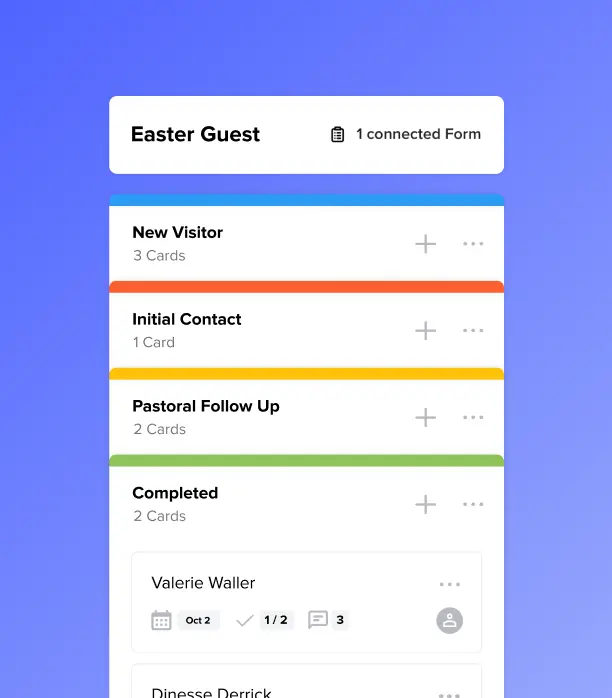
Open a card in your visitor follow-up workflow, and the history is waiting. Tuesday’s note might say the family just moved, the kids are 4 and 7, and they’re looking for a weeknight small group. Nobody had to dig through email or text a colleague to find out.
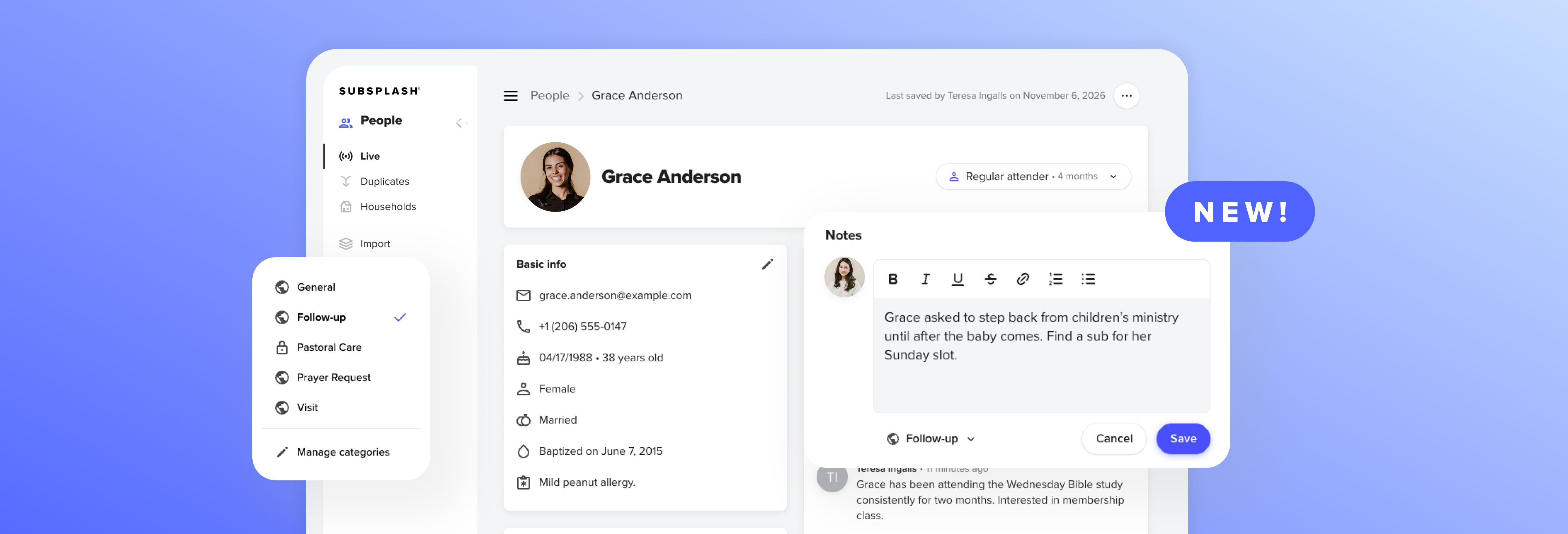
Notes you add to a card also show up on that person’s People Profile, so everyone who works with them sees the same context. Notes support rich text, so you can format a list or highlight what matters most. Every note carries a timestamp and the writer’s name, which means you always know who to ask if you need more detail.
Keep sensitive conversations with the right people
Some notes need to stay private. Limit sensitive note categories to certain people, like your pastoral team, benevolence committee, or counseling ministry. A hard conversation after a service or a family’s private prayer request can sit alongside your other follow-up notes without being visible to every volunteer.
Hand off a relationship without losing it
Staff members move on, and volunteers rotate. When they do, the notes stay on the card and profile instead of living in someone’s memory, personal phone, or a deleted inbox. The next person picks up where the last one left off.
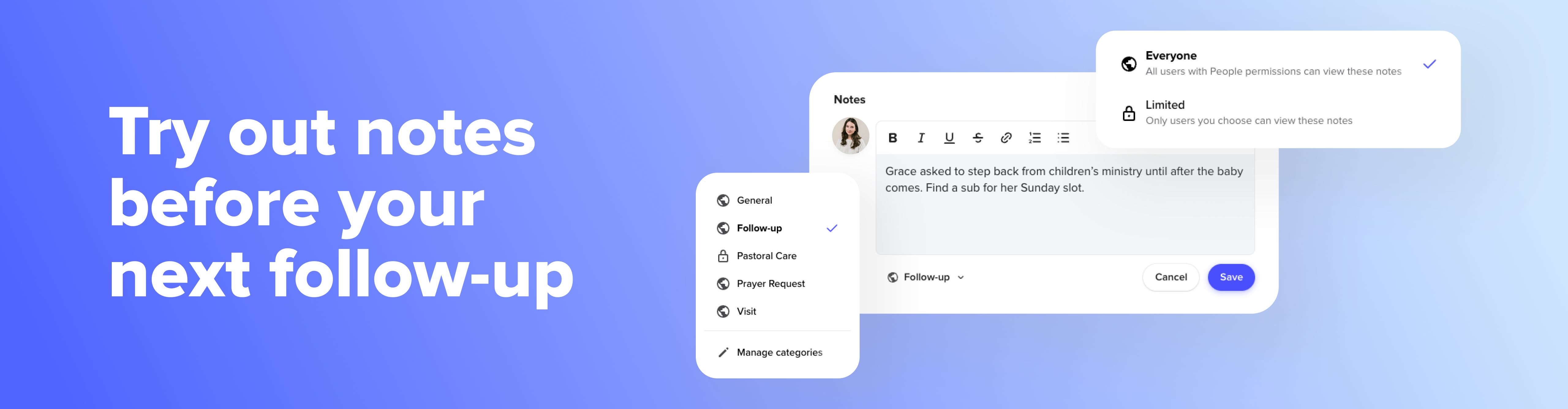
Try out Notes before your next follow-up
Notes is live now on Workflow Cards, People Profiles, and a new Notes page under People for all Subsplash One clients. Open any Workflow card or People Profile and start typing. There’s nothing to set up.
Check out our support article to see how note categories work and how administrators choose who can see them. The next time that family is on your calendar, the details will already be waiting on their card.
Not using Subsplash One yet? Walk through the platform with a self-guided tour, or[.blog-contact-cta] schedule a demo with our team today![.blog-contact-cta]