

.webp)





Your staff didn’t sign up to be data managers
Imagine a restful Sunday afternoon where nobody’s actually getting any rest. Your connections director is transferring connect card names into a spreadsheet. Your children’s ministry coordinator is texting a volunteer about a background check that’s three weeks overdue. Your associate pastor has a prayer request on a notepad that somehow didn’t make it to the prayer team.
Nobody planned for ministry to feel like this. According to Lifeway Research, burnout contributes to more than 1 in 5 pastoral departures each year—a pattern that administrative overload only accelerates. As churches have grown their digital presence (online giving, app check-ins, digital forms, event registrations), the tech workload has expanded faster than the systems designed to manage it. The result for many church staff isn’t more connection. It’s more administrative weight.
Workflows by Subsplash is a repeatable, visual system for church workflow management that replaces scattered spreadsheets. It lives right inside the tools your team already uses—no new logins, no new vendors, no new learning curve. And if you’re already a Subsplash One client, it’s included in your plan at no additional cost.
How Subsplash Workflows handles church workflow management
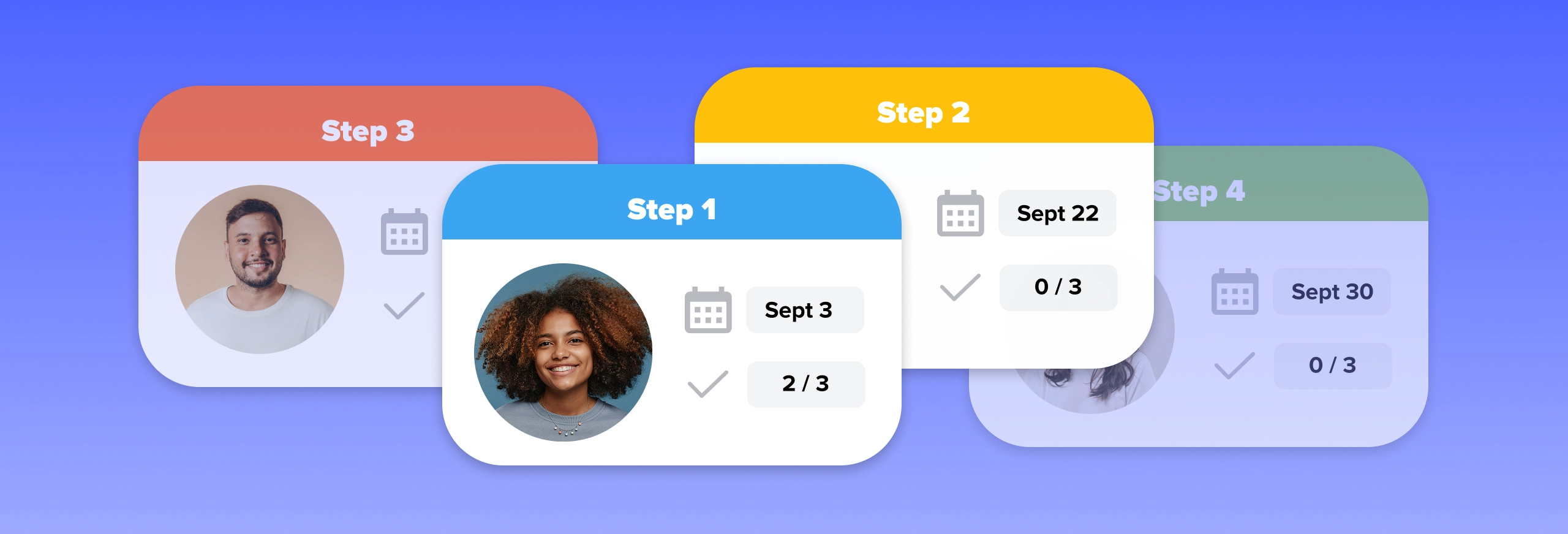
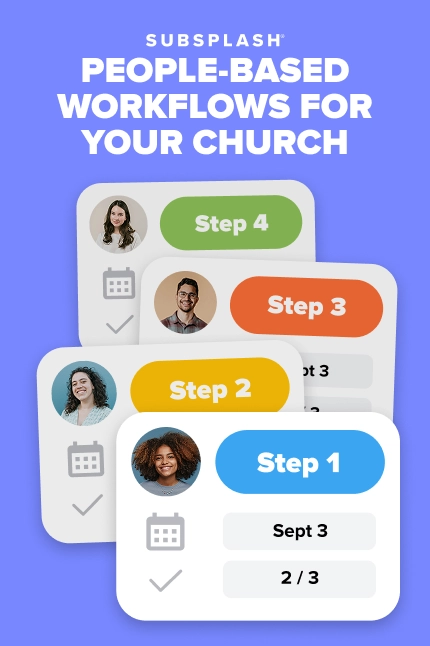
Before walking through the four most valuable workflows for any church, it helps to understand what you’re actually building. Subsplash Workflows uses a Kanban board, a visual board where each column represents a stage in a process (called a Step), and each person moving through that process lives on a Card. You drag cards from column to column as people progress. You won’t find pivot tables or color-coded rows here—just a clear, real-time picture of where everyone is.
Subsplash is the only church platform with a true drag-and-drop board view built specifically for ministry teams—no third-party project management tools required.
Each Card connects directly to the person’s Subsplash engagement profile in Subsplash Church Management Software, so staff can email, call, or review interaction history without leaving the board. Cards also hold internal task checklists, due dates, default assignees, and descriptions, giving every staff member everything they need to take the next right step with that person.
Two automation features do the heavy lifting. Form Automations connect any Subsplash Form directly to a workflow: when someone submits a form, a card is automatically created and that person becomes the Key Person on the card. Email Automations (new as of June 2026) let you configure any specific Step to fire off a personalized email to the Key Person the moment their card lands in that column.
No manual sends. No missed touchpoints.
The 4 best people-focused church workflows to build first
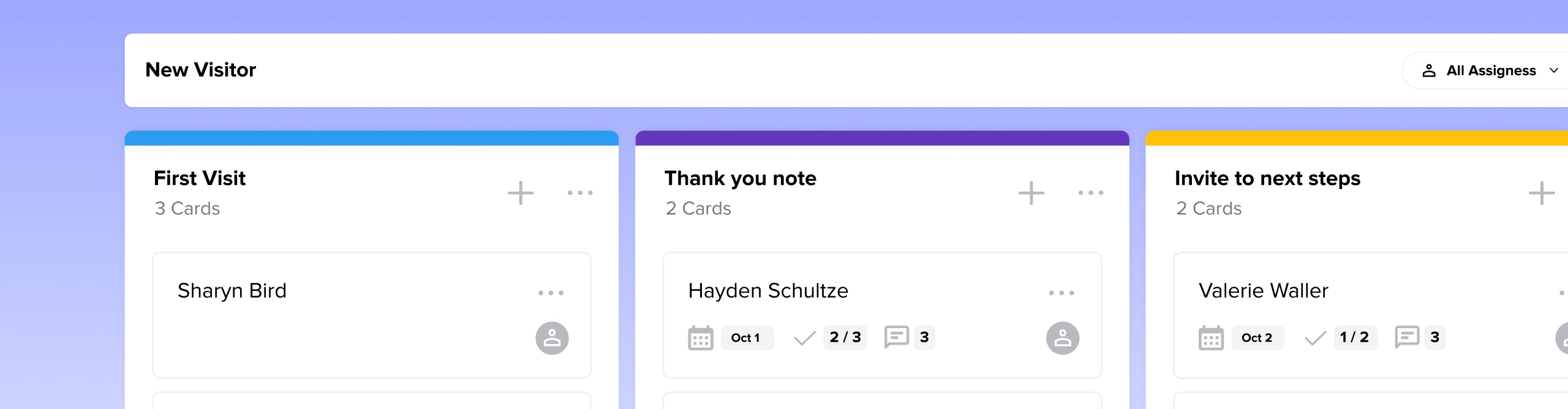
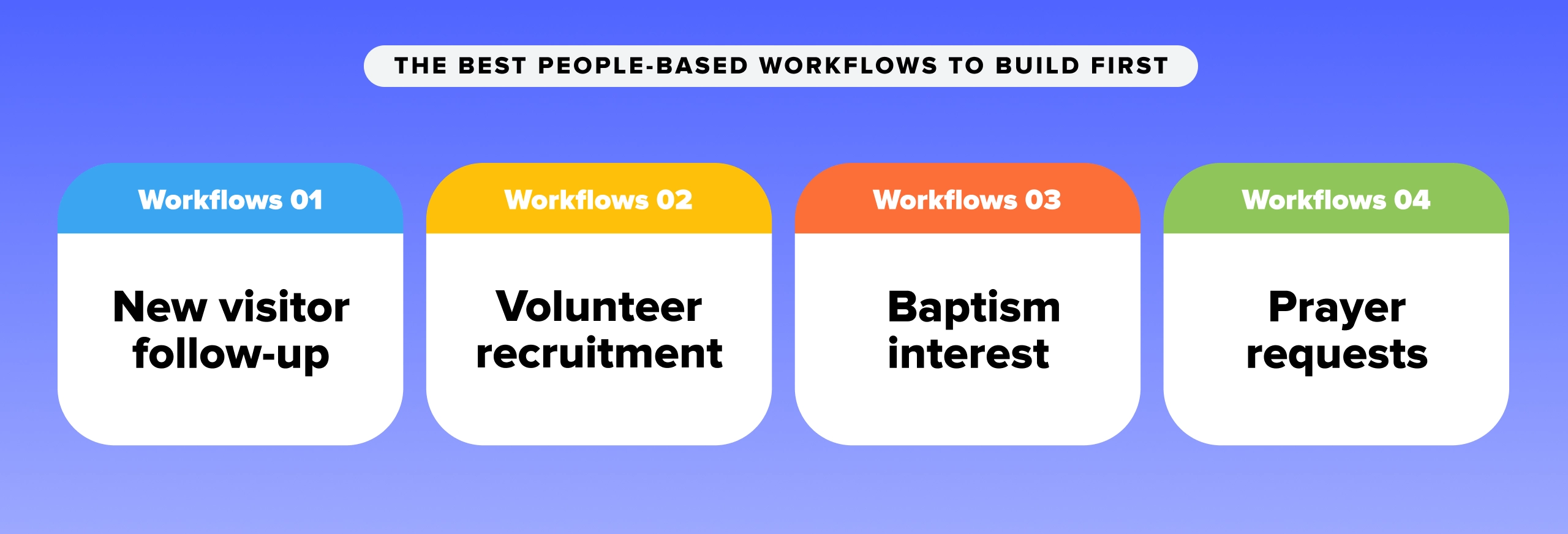
1. New visitor follow-up: End the Monday scramble for good
For most churches, the 48 hours after a first-time guest submits a connect card are stressful. When connection card details go into a spreadsheet, follow-through depends entirely on whether someone remembers to check it. That’s a system built on memory, and memory fails at the worst moments.
A Workflows-based guest follow-up pipeline catches every new visitor automatically and routes them through a consistent hospitality experience, without anyone having to hunt for a form submission.
Suggested steps & tasks:
Step 1: Connect card submitted (Form Automation trigger)
- Task: Review form notes for any specific prayer requests or connection interests
Step 2: Initial outreach (Email Automation trigger)
- Send email message to welcome them to your church
- Task: Call the visitor to introduce the church and invite questions
Step 3: Coffee or connection scheduled
- Task: Send calendar invite
- Task: Prepare info packet with ministry overview and next steps
Step 4: Plugged in
- Task: Introduce visitor to relevant Group Leader or serve team coordinator
- Task: Close card and note outcome in card description
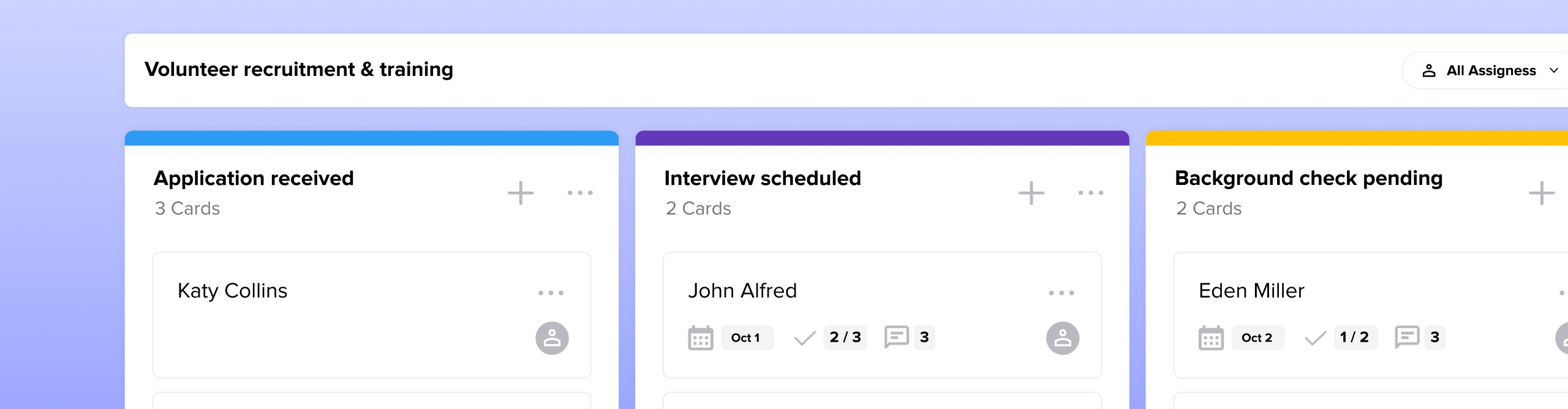
2. Volunteer recruitment & training: Never miss a background check again
Volunteer onboarding is one of the highest-risk, most inconsistently managed processes in any church. When it lives in email threads and shared docs, steps get skipped. The most commonly skipped step also happens to be the most consequential—the background check.
A Workflows-based recruitment pipeline standardizes the process across every ministry department. Every applicant moves through the same steps in the same order, and nothing advances until each task is complete.
Suggested steps & tasks:
Step 1: Application received (Form Automation trigger)
- Task: Route card to the appropriate ministry lead based on area of interest
Step 2: Interview scheduled
- Task: Call applicant to schedule a 15-minute conversation
- Task: Conduct interview and update the card description with interview details
Step 3: Background check pending (Email Automation trigger)
- Task: Send email with background check link
- Task: Confirm completion before advancing card
Step 4: Training & orientation (Email Automation triggers)
- Task: Send training videos and written materials
- Task: Invite applicant to their first shadowing Sunday
Step 5: Active volunteer
- Task: Add to Sunday roster and introduce to team lead

3. Baptism interest: From decision to celebration without dropping the ball
Baptism is one of the most significant moments in a person’s faith journey and one of the easiest to mishandle logistically. When someone expresses interest, they’re in a moment of spiritual momentum. How the church responds in the next few days either deepens that momentum or quietly stalls it.
A baptism workflow translates that moment of decision into a clear discipleship path. The administrative details (scheduling, communication, prep) take care of themselves so your pastoral staff can focus on the person.
Suggested steps & tasks:
Step 1: Baptism interest form submitted (Form Automation trigger)
- Task: Assign card to default pastoral staff member for review
Step 2: Pastoral meeting
- Task: Meet with the individual to discuss their testimony and the meaning of baptism
Step 3: Class & scheduling
- Automated email fires with class dates when card enters this step
- Task: Confirm baptism service date and add to church calendar
Step 4: Baptism day prep
- Task: Order baptism t-shirt in correct size
- Task: Record or schedule video testimony
Step 5: Post-baptism care
- Task: Send baptism certificate and digital photo link
- Task: Connect individual with a small group or discipleship pathway

4. Prayer requests: The workflow that protects your most sensitive ministry
Prayer requests are uniquely fragile. They arrive in vulnerable moments, they often carry sensitive personal details, and they can get lost faster than almost any other category of church communication. A notepad on a desk isn’t a system. It’s a single point of potential failure.
A prayer request workflow gives your care team a trackable pipeline that ensures every request reaches the right people and receives long-term follow-up (rather than a single prayer and a forgotten note.)
Suggested steps & tasks:
Step 1: Request intake (Form Automation trigger)
- Task: Review request for sensitivity level and pastoral escalation needs
Step 2: Assigned to prayer team
- Task: Add to weekly staff prayer agenda
- Task: Notify assigned team member with card details
Step 3: Mid-week intercession
- Task: Prayer team prays over the request during scheduled time
Step 4: One-week pastoral follow-up
- Task: Call or email the individual to check in on their situation
- Task: Check off the final task and move the card to the completed column
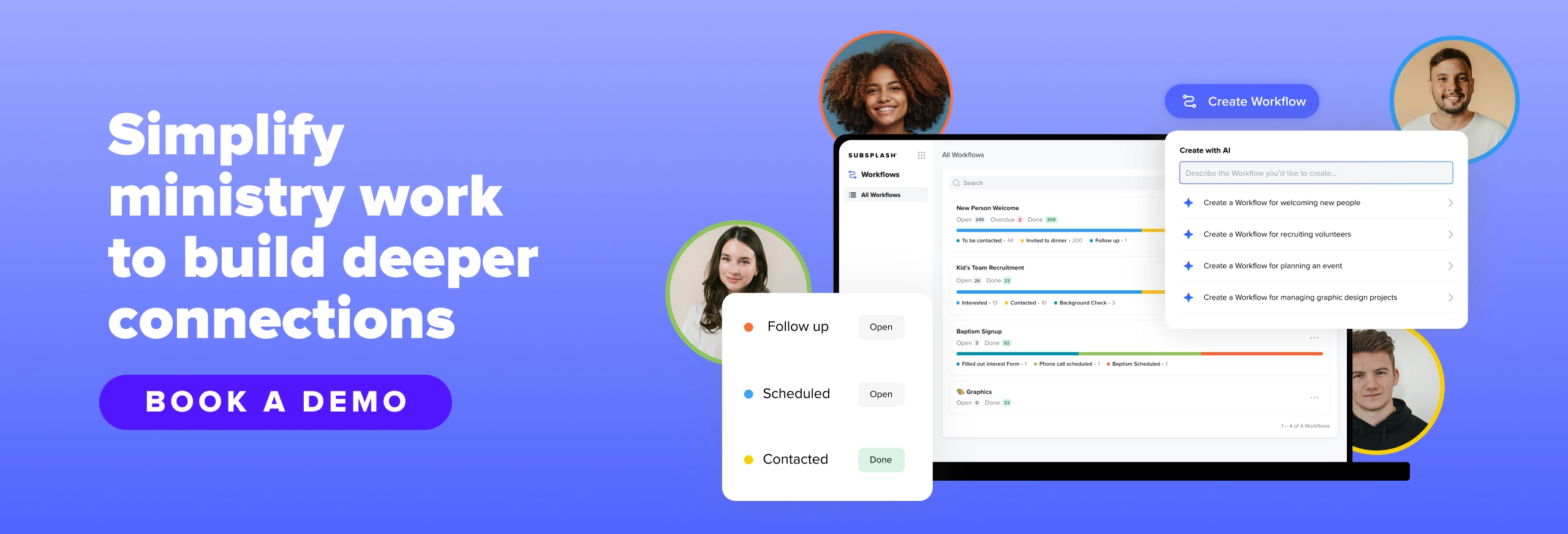
You can build all of these workflows in under 5 minutes
Every workflow above can be up and running before your next staff meeting. Subsplash Workflows includes pre-built templates that cover common church processes, so you don’t have to design a board from scratch. If your process is more specific, the built-in AI Workflow Generator lets you describe what you need in plain language and generates the board for you.
For existing Subsplash One clients, Workflows is already included in your plan at no additional charge—no new vendor to onboard, no separate login to manage. It lives inside the same Dashboard your team already uses for giving, groups, media, and messaging.
The best church workflow for your team isn’t the most sophisticated one on paper. It’s the one your staff will actually use, week after week, without falling back on the spreadsheet.
Ready to build your first automated workflow? Explore the Subsplash Workflows guide and get your team set up today.
Not using Subsplash One yet?[.blog-contact-cta] Schedule a free demo with our team[.blog-contact-cta] to see what your church is missing.
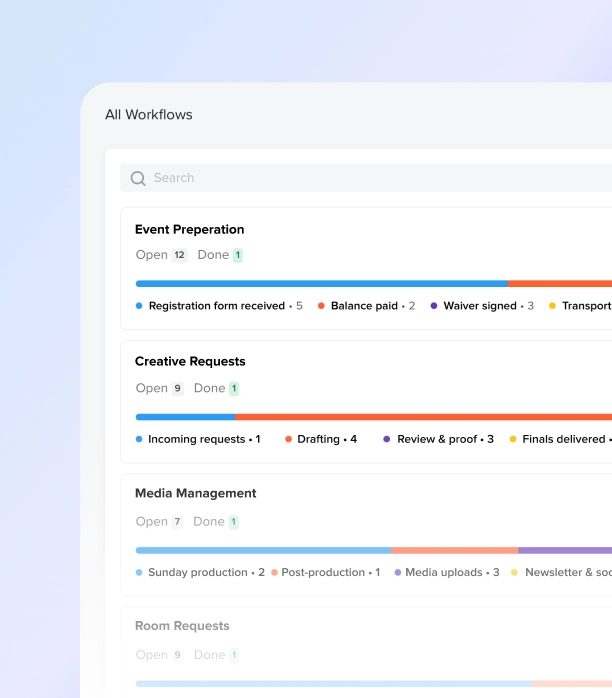


%20features%20for%20a%20thriving%20church.webp)