.webp)






Every week, your ministry runs processes that depend entirely on someone remembering to do something.
The first-time visitor who filled out a connection card—someone has to notice it, create a task, and assign it before any follow-up happens. The volunteer who applied last month—their onboarding only moves forward if a staff member manually picks it up. The event prep checklist—it exists somewhere, in someone’s inbox or a shared spreadsheet, and getting it done requires constant manual nudging.
When everything runs on manual input, things fall through the cracks. That’s why we built Workflows, a work management tool designed specifically for church teams, so nobody gets lost and no processes go unfinished.
Today, Subsplash Workflows is officially available to all Subsplash One clients. No additional cost, just a powerful, integrated new tool!
And now with our new email automations, everyone will receive the right communications at the right time—without any heavy lifting from your staff.

One dashboard for every ministry process
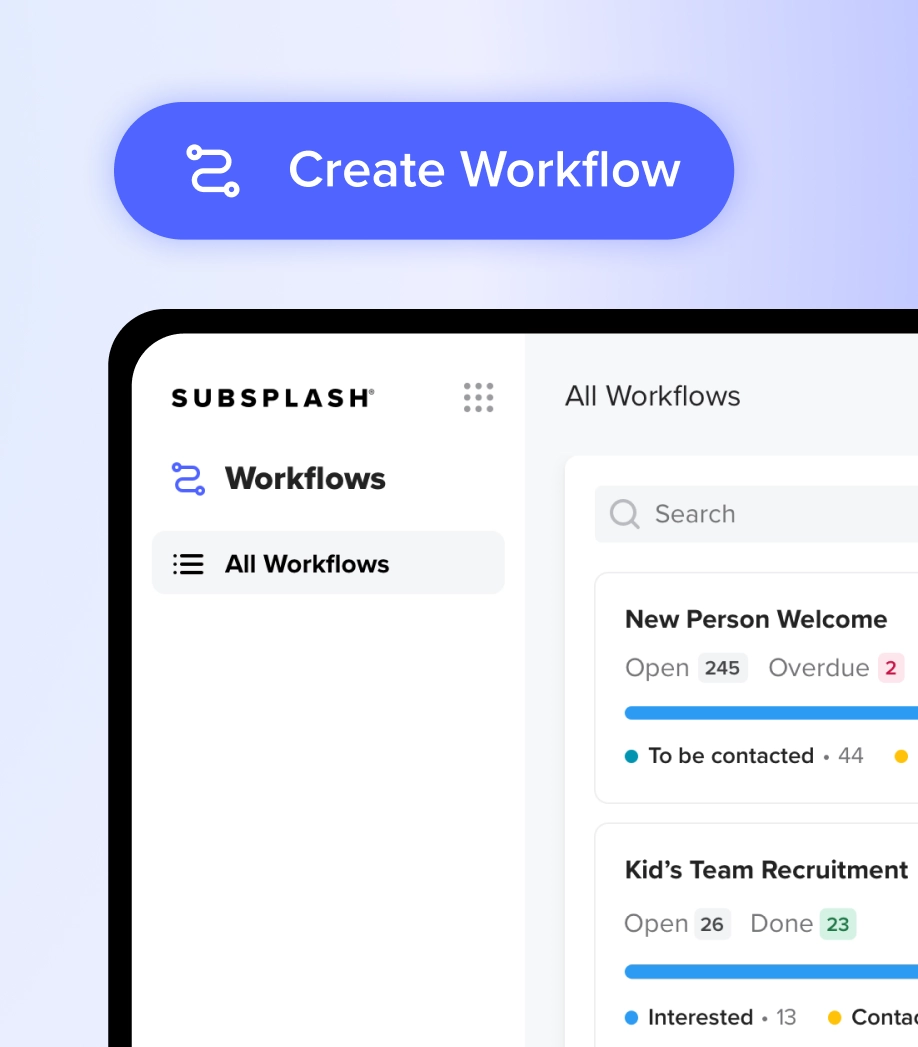
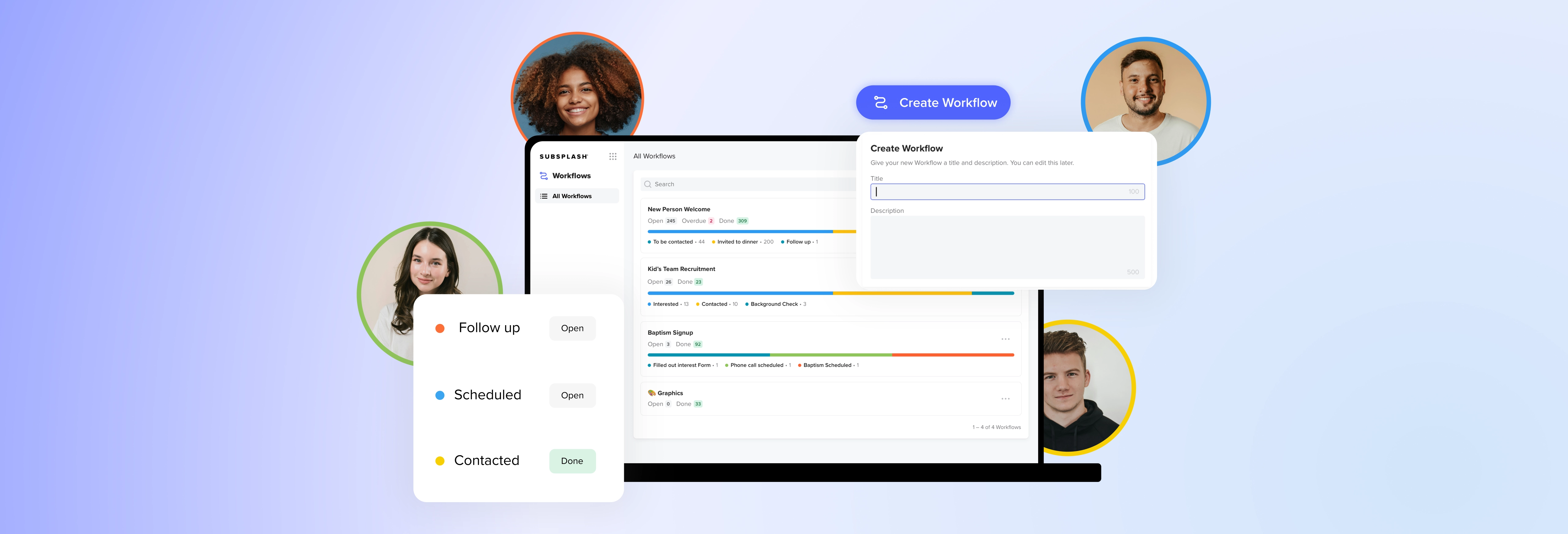
Workflows is an easy-to-use work management tool built into the Subsplash Platform. It gives your team one place to create, organize, and track every recurring process your church runs.
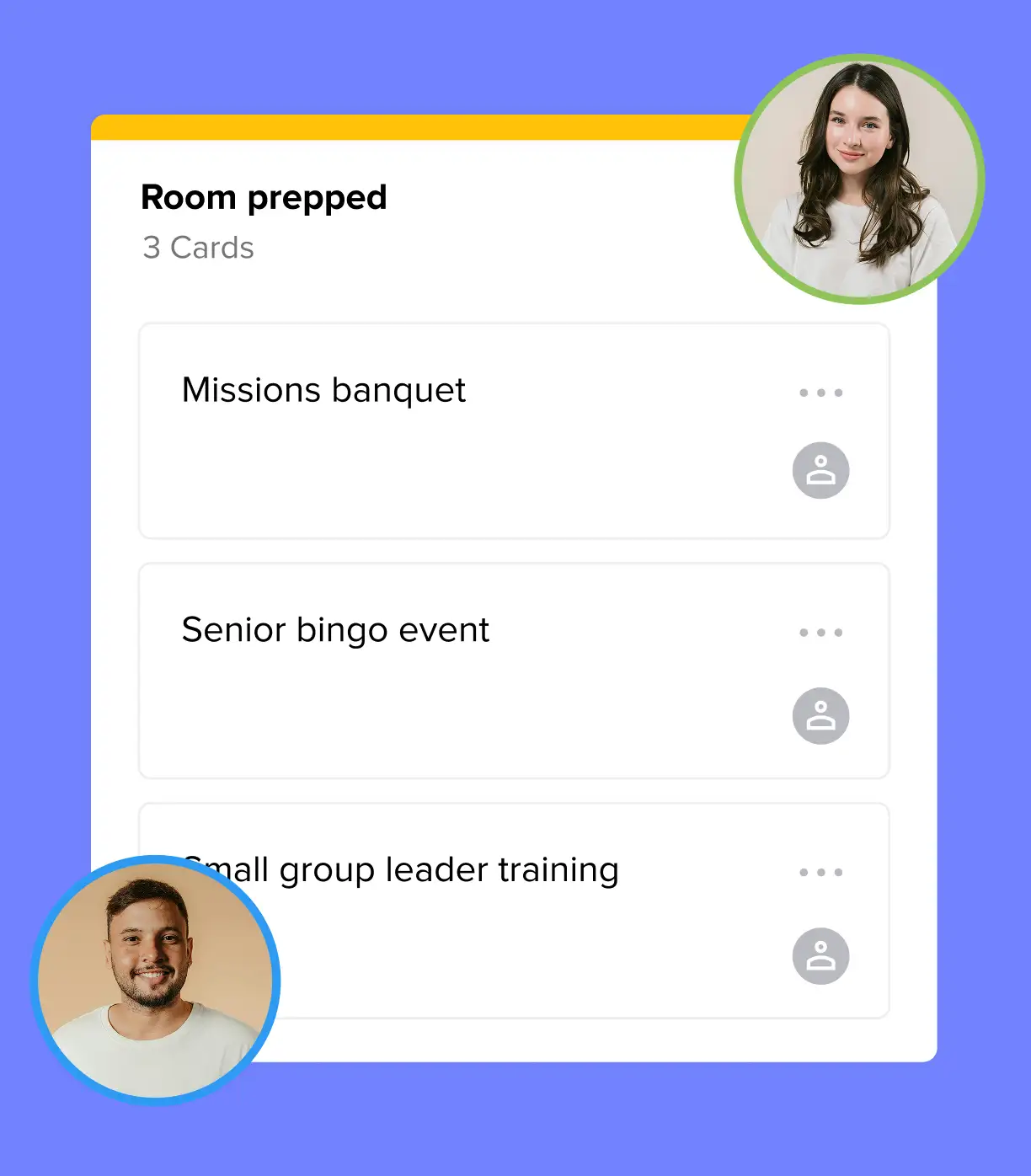
Churches love to use Workflows in two primary ways: people workflows, which track an individual through a process like visitor follow-up or volunteer training, and project workflows, which track work that isn’t tied to a specific person, like room requests, event prep, or your weekly media flow.
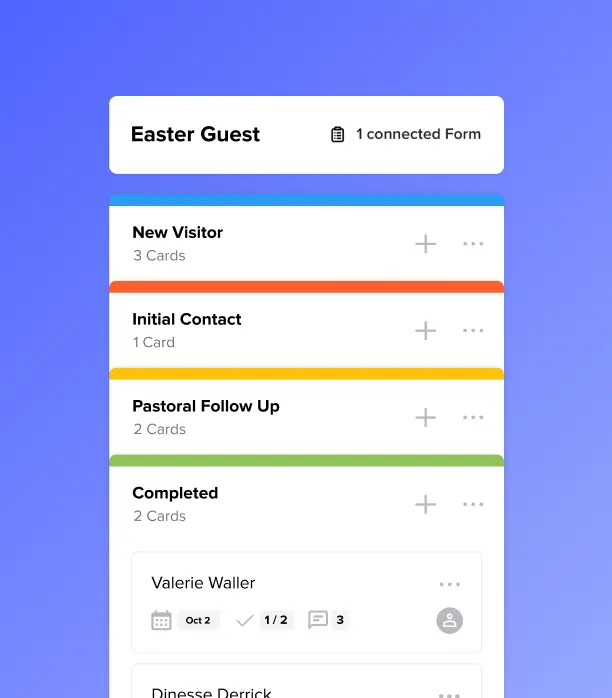
The interface uses a colorful board-and-card layout—columns represent stages in a process, and cards represent individual items moving through it. The structure will feel familiar to anyone who has used visual project management tools before.
What makes Workflows different is that it doesn’t exist in a silo. It's connected with automated Subsplash Forms and Emails that your team works with every day. No extra passwords, logging in, or building on another platform.

Build any process in minutes
Most church teams don’t have time to learn new software. Workflows only take minutes to set up and learn. Start from scratch, pick a pre-built template, or describe what you need and let AI generate a starting point. Whether you’re setting up a structured volunteer pipeline or a flexible event prep board, you can have something ready before your next staff meeting.
Columns can represent anything: stages of a process, team departments, days of the week. Cards move left to right as steps are completed. You can color-code stages for quick visual scanning, and the structure is flexible enough to handle both simple and complex processes without overcomplicating either.
How Subsplash Workflows connects to real people
For people workflows, every card in Workflows links directly to a specific person in your Subsplash People database—the first-time visitor, the generous donor, or the new volunteer. That connection pulls in their profile, so whoever picks up the card knows exactly who they’re serving without a separate search.
For project workflows, cards represent the work itself—a room reservation, a Sunday service moving through your media flow, a budget request—and can still include a key person as a point of contact when needed.
Better yet, Workflows kicks off processes and email communications that happen automatically. Someone submits a visitor card or a volunteer application, and a new workflow card is created with them already attached. Pre-built emails can be sent out automatically, and your team gets an organized, prioritized queue with the context they need built in.
Assign work, set due dates & build real accountability
Every task needs a clear owner. Workflows steps can include a detailed checklist, a due date, and an assignee—so the right person knows exactly what they’re responsible for and when it needs to be done.
Volunteers work through their training steps directly inside Workflows. Each step is in front of them, checkable as they go, and visible to the staff member overseeing their progress. No assumptions. No follow-up texts asking if something got done.
Automate the start of any process
Manual intake is one of the biggest friction points in church operations. Someone submits a form, and then someone else has to notice it, create a task, assign it, and get it to the right person. That handoff is where things get dropped.
Form automations in Workflows close that gap. When someone submits a connected form like a room request, a prayer interest card, a first-time visitor form, a new workflow card is created automatically and routed to the right queue. Your team doesn’t have to watch for submissions or manually start the process. The first step is handled so your people can focus on the next one.
Send the right email automatically, every time
Even the most organized church team has a backlog of follow-up emails waiting to be written. Those emails lose their effectiveness when they’re delayed or forgotten.
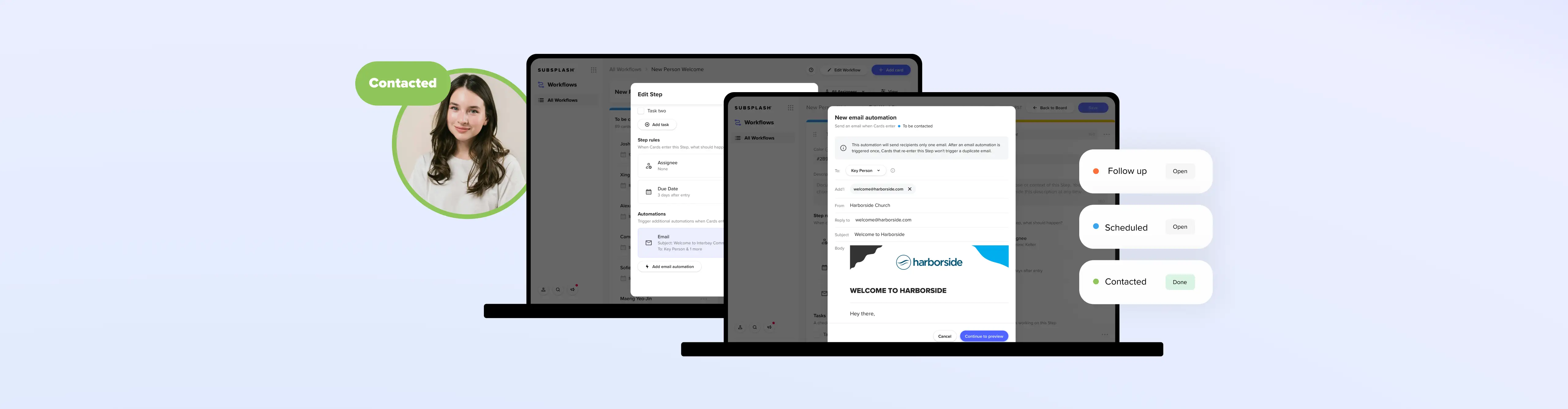
Workflows now includes email automation, letting you customize a beautiful and personalized email to send automatically the moment a card enters a designated step. When that step is reached—whether a staff member moves the card manually or a form submission creates it automatically—the email goes out instantly, and a record of it appears on the card’s timeline so your team always knows what was sent and when.
The practical impact is significant. A first-time visitor can receive a personal welcome email seconds after submitting their connect form. A volunteer applicant gets an immediate confirmation that their interest was received. A baptism inquiry triggers a warm, informative response before a staff member has even seen the card. Your team doesn’t have to be the bottleneck between someone’s first step toward your church and feeling genuinely welcomed by it.
You configure everything inside the step settings with the new Blocks Editor:
- Who the email goes to
- Who it’s from
- The reply-to address
- Subject line
- Body copy.
Set it up once, and every person who moves through that step gets the same well-timed, on-brand message, regardless of how busy the week gets.
See where everything stands at a glance
Workflows gives your leaders instant insight into every active process. Card assignees make it easy to filter by individual workload, or find cards that still need to be assigned. Because everything lives in one dashboard, you can quickly tell whether your process is running smoothly or whether cards are stacking up.
That visibility helps you lead, not just manage. When every process is visible, it’s easier to spot where someone needs support, where a step is consistently getting stuck, and where your systems are actually working.

Everything your team needs, already in one place
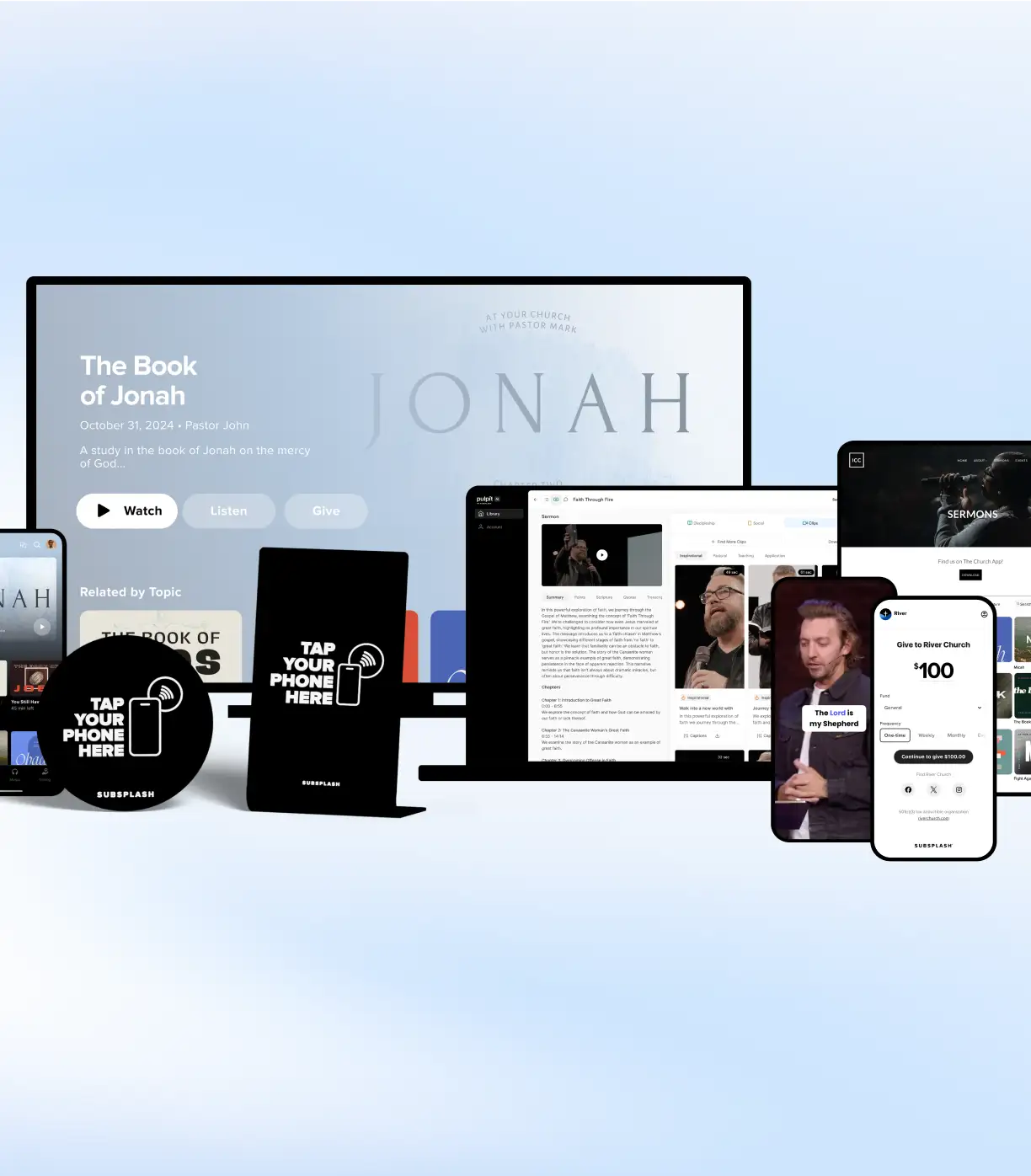
Workflows lives inside the same Subsplash Dashboard where you manage giving records, people profiles, groups, and events.
It’s included for free for every church with Subsplash One. There’s no new login, no integration to maintain, and no duplicate data entry. When you open a workflow card connected to a profile, you can see their household and group membership. When you’re following up with a visitor, their connection card response is right there.
“Our mission is to equip every church with leading technology,” said Tim Turner, Founder & CEO of Subsplash. “Workflows addresses pain points every church feels every week—the weight of managing people and processes across disconnected systems. Now they have one place to build, assign, and track every process, so they can focus on ministry instead of administration.”
If your team is ready to stop chasing tasks and start finishing them, Workflows is ready for you.
[.blog-contact-cta]Schedule a free demo today [.blog-contact-cta] and see Workflows in action!