

.webp)





The process gap every church admin is talking about
It’s Wednesday afternoon, and three staff members are managing the same upcoming event from three different spreadsheets. One with event registration info, another with creative assets requests, and still another with room reservation requests—none of which match. Sound familiar?
Every church office runs two kinds of processes. The first kind is people-centered: following up with a first-time guest, tracking a membership application, or managing a pastoral care referral. Some church management platforms handle this reasonably well. Fortunately, Subsplash Workflows automates your forms and email communication, ensuring none of your people get left out or fall through the cracks.
The second kind is project-centered: managing a special service, processing creative requests, coordinating facility requests, or getting a sermon uploaded, edited, and distributed across every platform your church uses.
That second category is where things fall apart. Nearly every major church management suite ties workflow tracking to an individual’s profile page. That works fine when the “project” is a person. It falls completely flat when the project is a fundraising gala, a building renovation, or a six-week sermon series rollout. The result is the same for most church offices: a patchwork of spreadsheets, sticky notes, group texts, and email threads that nobody fully owns.
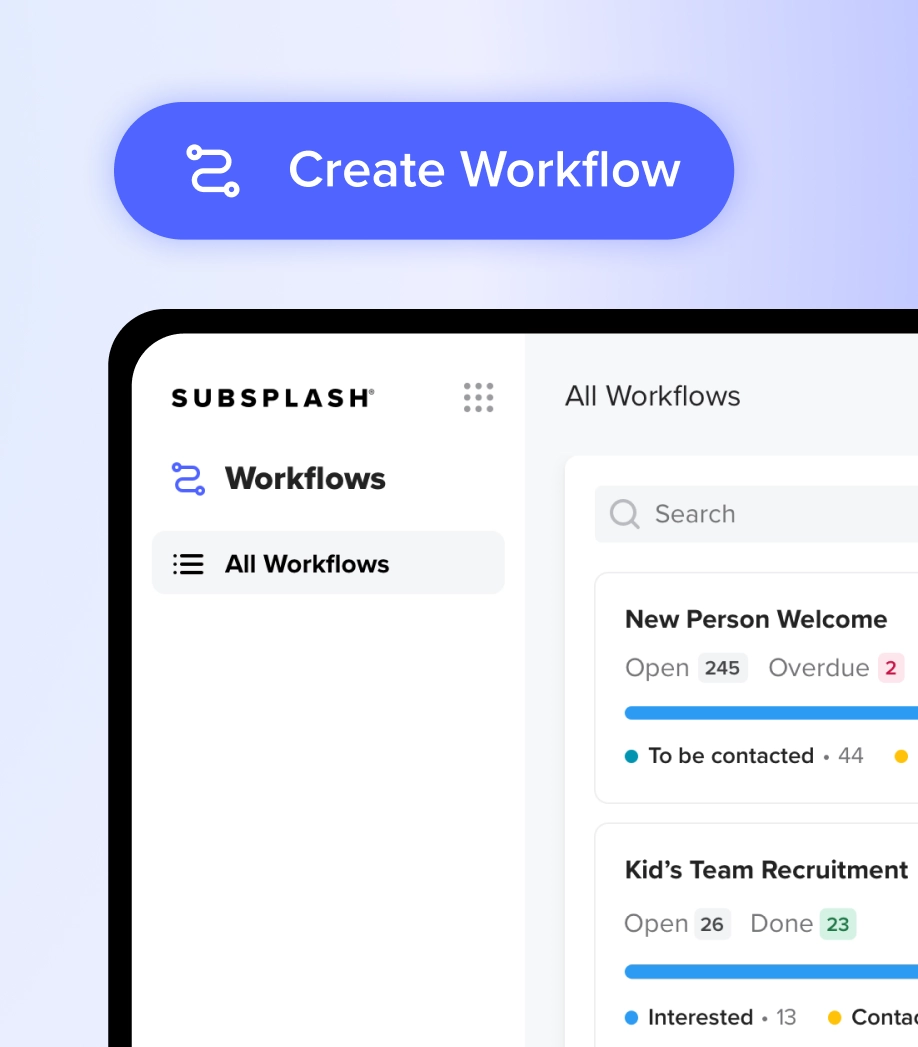
Subsplash Workflows handles both people-based ministry processes and internal project logistics inside the same dashboard—no extra tools, no rebuilding your system from scratch every season.

How Workflows actually operates
Before we get into the five most popular church project management workflows, it helps to understand the mechanics. With Subsplash Workflows, here’s what you’re working with:
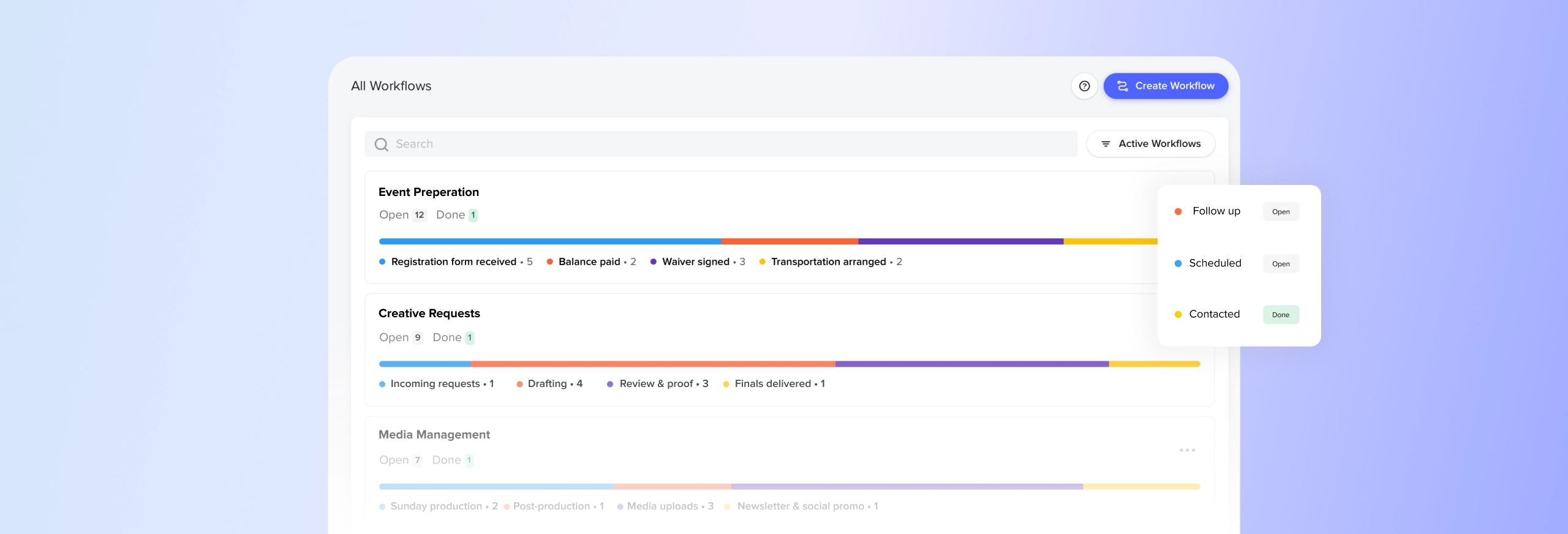
Kanban board view—Your workspace is a visual board where columns represent the stages of a project. Cards move horizontally across those columns as work progresses. You can see at a glance exactly where every project stands.
Steps—The color-coded columns on your board. Each step marks a distinct stage of work: Submitted, In Review, Approved, Complete. You name them to match how your team actually operates.
Cards—The individual project or request traveling through your steps. Unlike a row in a spreadsheet, a card carries full context with it: a project description, a due date, an activity timeline, and a default assignee for each step so responsibility is never ambiguous.
Tasks—Granular checklists inside individual cards. Before a card can move to the next step, every task in the current step needs to get done. The small details stay visible and accounted for.
Form automations—Connect an intake form (a facilities request form, a creative brief, a volunteer sign-up) directly to a workflow. Every submission instantly generates a new project card. No manual data entry. No lost requests.
Email automations—Trigger a customized email the moment a card moves into a specific step. Each step on your board can have its own email automation, configured directly in the step settings by any admin or workflow manager. You choose the recipient—either the person who submitted the request or the default assignee who owns that stage of work. The right person gets notified at the right moment, automatically, without anyone having to remember to send it.
Each one of these five workflows is built on those same building blocks.

5 most popular & useful church process workflows
1. Event planning & management
Church events are complex. A single weekend conference involves venue setup, vendor coordination, volunteer assignments, promotional design, registration management, and post-event follow-up—often spread across four or five different people with no shared system keeping them aligned.
An event planning workflow breaks a repeatable event cycle into defined stages that your team moves through together. When the same structure applies to every event, nothing gets invented from scratch, and nothing gets forgotten.
Step-by-step blueprint:
Step 1: Event ideation & approval
- Define event scope and target audience
- Get budget sign-off from the executive pastor
Step 2: Logistics & vendor prep
- Confirm catering or hospitality needs
- Order event supplies and materials
Step 3: Promotion & registrations
- Publish event to the Subsplash app
- Open digital registration forms
Step 4: Final week run-through
- Print volunteer rosters
- Set up and test all tech and A/V equipment
Step 5: Post-event wrap-up
- Send thank-you notes to volunteers
- Reconcile the final event budget
2. Creative & announcement requests
Every communications director knows the feeling: a staff member needs a graphic by Sunday, sends a message on Thursday, and somehow it becomes an emergency by Friday afternoon. Multiply that by every ministry team in your building and you have a pipeline problem.
A creative request workflow replaces the informal ask with a structured intake process. Staff submit a brief through a form, the form automation creates a card, and your creative team works the card through every stage without anyone having to chase anyone down.
Step-by-step blueprint:
Step 1: Incoming requests (triggered by form automation)
- Review the creative brief for asset specs and deadlines
Step 2: Content creation & drafting
- Draft the announcement script or copy
- Create initial graphic designs
Step 3: Review & proofing
- Send the draft to the ministry lead for feedback
- Apply revisions
Step 4: Delivery & scheduling
- Upload final graphics to Subsplash Media
- Schedule social media posts
Step 5: Completed
- Archive project files
3. Facilities & room requests
Scheduling conflicts are one of the most preventable sources of friction in a church office. Two ministries booking the same room, a setup crew arriving to find a room still in disarray from the night before, a speaker system left unconnected until 10 minutes before a meeting—it’s fixable with the right system.
A facilities workflow coordinates space utilization, verifies calendar availability, and gives custodial and technical staff a clear checklist before and after every event.
Step-by-step blueprint:
Step 1: Facility request (form automation trigger)
- Verify room availability against the master calendar
Step 2: Space approved & assigned
- Email the owner that the room request has been approved (email automation)
- Schedule the room in the calendar
- Assign the custodial staff lead
Step 3: Setup & tech layout
- Arrange chairs and tables per the request
- Test room A/V and lighting
Step 4: Event active
- Confirm doors are unlocked and HVAC is set to the right temperature
Step 5: Cleanup & reset
- Remove trash and reset the room
- Return room to the standard Sunday layout
4. Content & media management
The sermon doesn’t end when the service does. Uploading the recording, editing clips, writing social captions, updating the podcast feed, pulling a quote for the newsletter—that’s a full production pipeline that happens every single week. Without a defined process, it’s easy for pieces to get dropped or delayed.
A content and media workflow gives your production team a repeatable system that keeps Sunday’s message moving across every platform your congregation uses throughout the week.
Step-by-step blueprint:
Step 1: Sunday production
- Record live sermon audio and video
- Capture stage photography for the week
Step 2: Post-production
- Edit the sermon into individual media clips
- Add intro and outro graphics
Step 3: Digital distribution
- Select the sermon video in the Subsplash dashboard
- Publish to your church app, website, YouTube, and Facebook
Step 4: Newsletter & social promotion
- Embed the sermon media link into the weekly newsletter
- Create newsletter recap, small group guide, devotionals with Pulpit AI
- Draft and schedule promotional social captions
5. General task management
Not every need of your church office fits neatly into a project category. Staff have recurring responsibilities, one-off assignments, and tasks that come in faster than anyone can track them. Without a shared system, those items pile up in inboxes and disappear into the noise.
A general task board gives your team a simple, transparent view of who is working on what. Think of it as your office’s operating rhythm: tasks flow in, get assigned, get done.
Step-by-step blueprint:
Step 1: Backlog / To-do
- Capture all incoming, unassigned office tasks
Step 2: In progress / Doing
- Assign the task card to a specific staff member
- Set a firm due date
Step 3: Blocked / Awaiting feedbackD
- Move cards here when waiting on an external vendor or pastoral approval
Step 4: Completed / Done
- Close the card and celebrate your team’s follow-through
You don’t need a project manager to run like one
Church administration at its best is invisible. When your systems work, ministry leaders spend their time with people—not chasing down spreadsheet updates or re-explaining a request that got lost in someone’s inbox.
Churches using Subsplash Workflows to build repeatable project workflows report reclaiming hours each week that used to disappear into follow-up emails and status checks. At even a conservative $20–$25 per hour of staff time, that margin adds up fast—and the more important return is leaders who have the margin to actually lead.
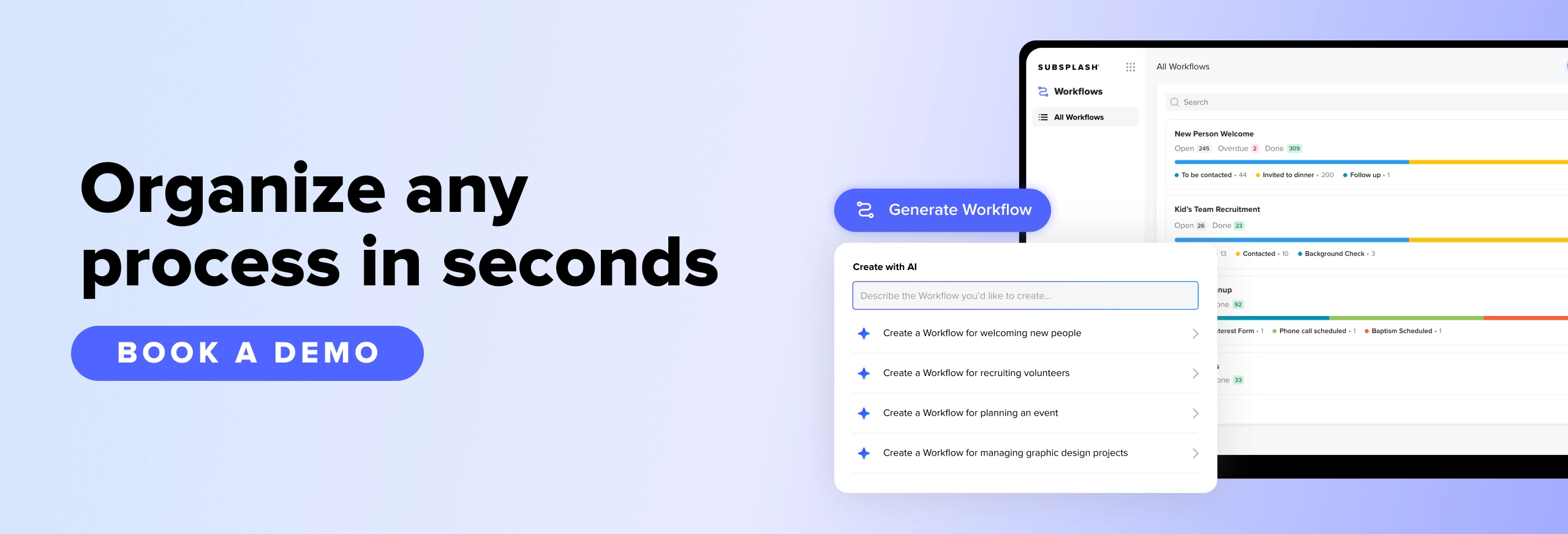
Getting started takes less than five minutes. Subsplash Workflows includes pre-built templates for common church processes, and the built-in AI Workflow Generator lets you describe your process in plain language and generate a customized board from it.
If your church is already on Subsplash One, Workflows is active in your dashboard right now at no extra cost. Activate your first workflow board today and get started with Subsplash Workflows.
Not using Subsplash yet?[.blog-contact-cta] Schedule a free demo with our team[.blog-contact-cta] and see how Workflows fits into your church’s existing operations.


%20features%20for%20a%20thriving%20church.webp)