


Fill out the form below to schedule a demo or call our sales team at
469-564-3922

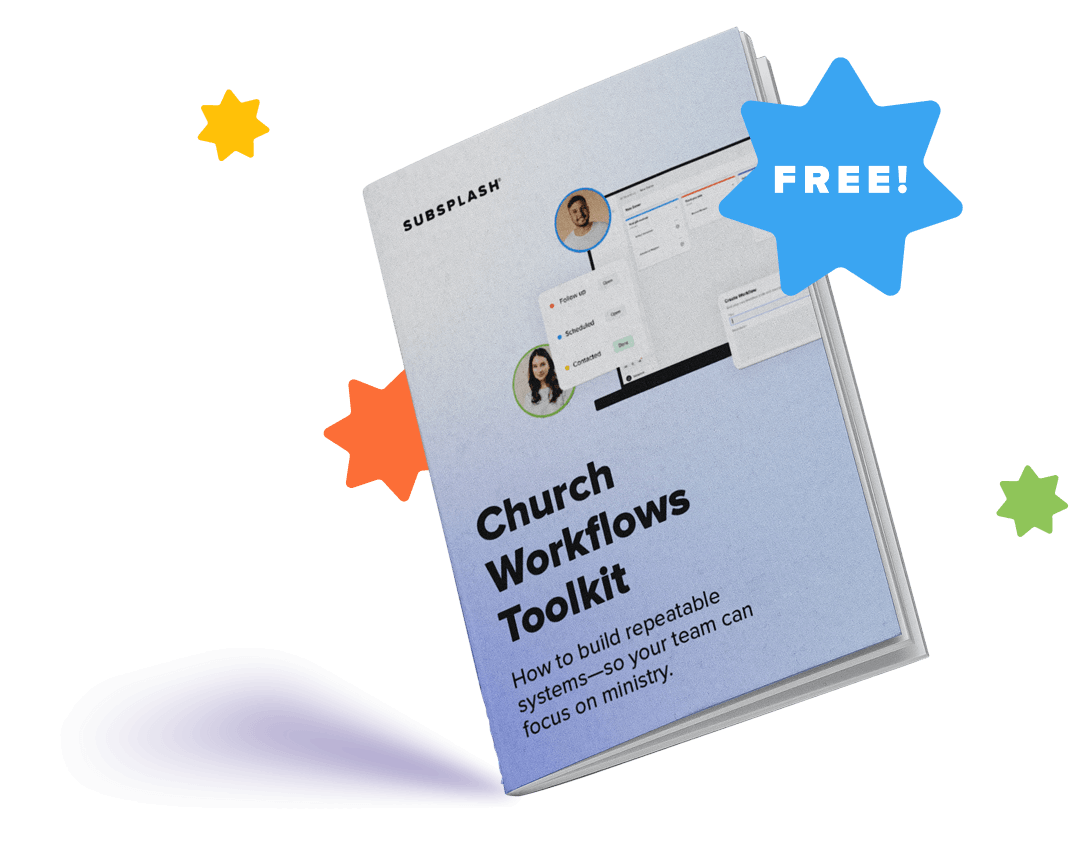
Fill out the form below to access the Church Workflows Toolkit and discover practical ways to create repeatable systems, reduce admin, and improve team coordination.
Simplify ministry work to build deeper connections
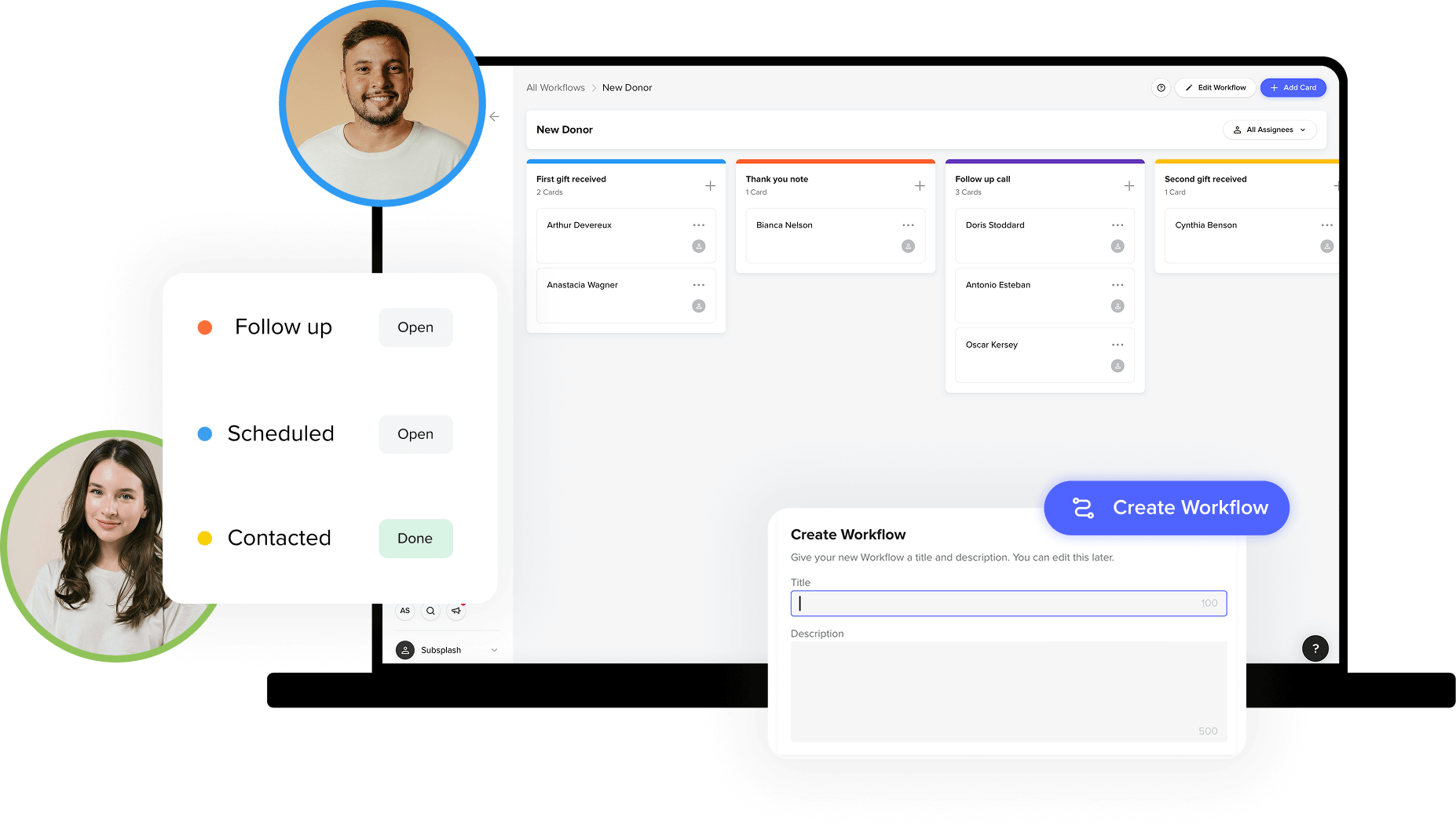
Easy visibility for all your processes
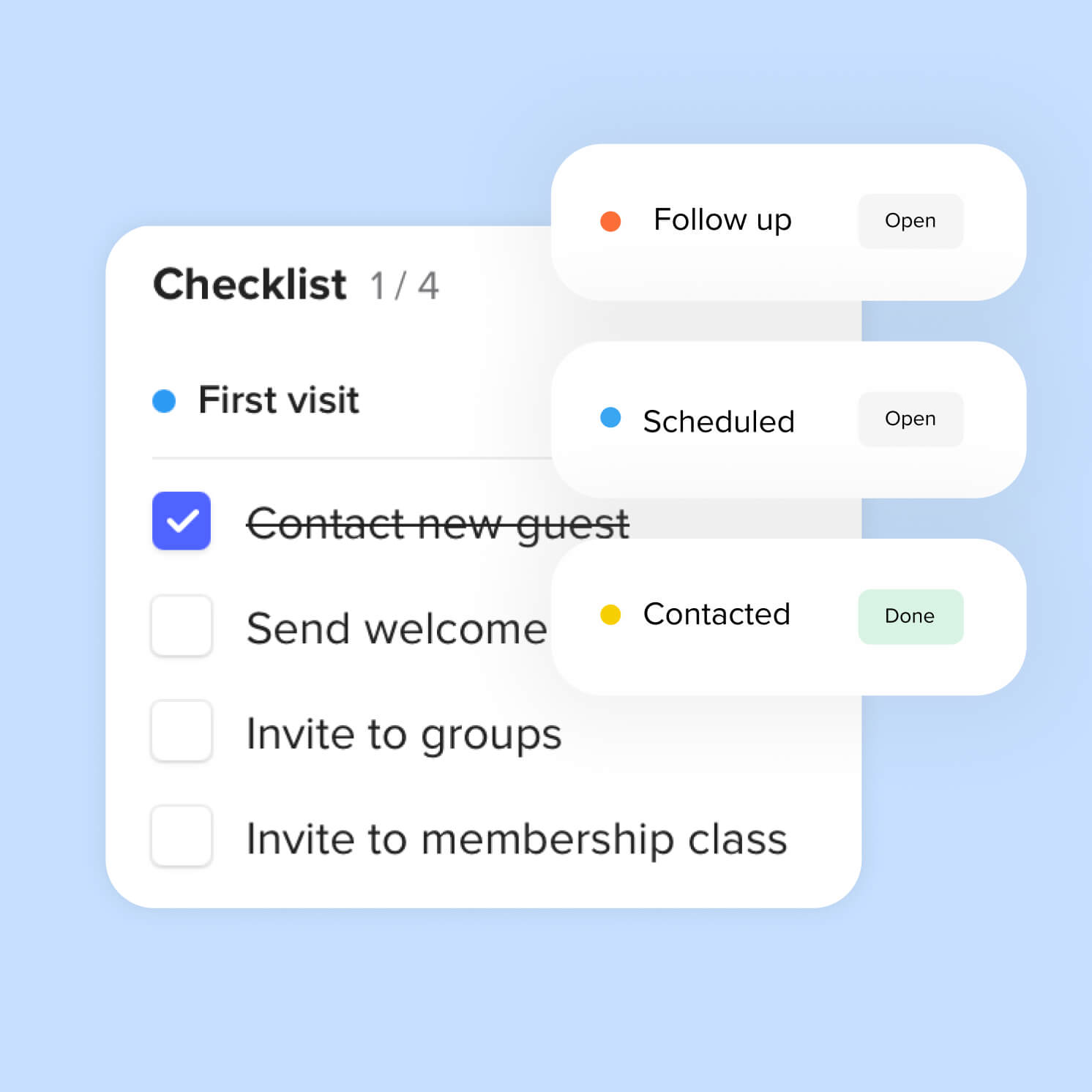
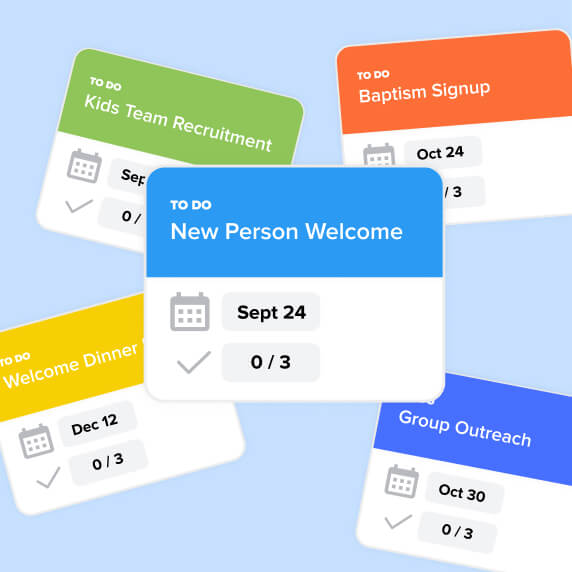
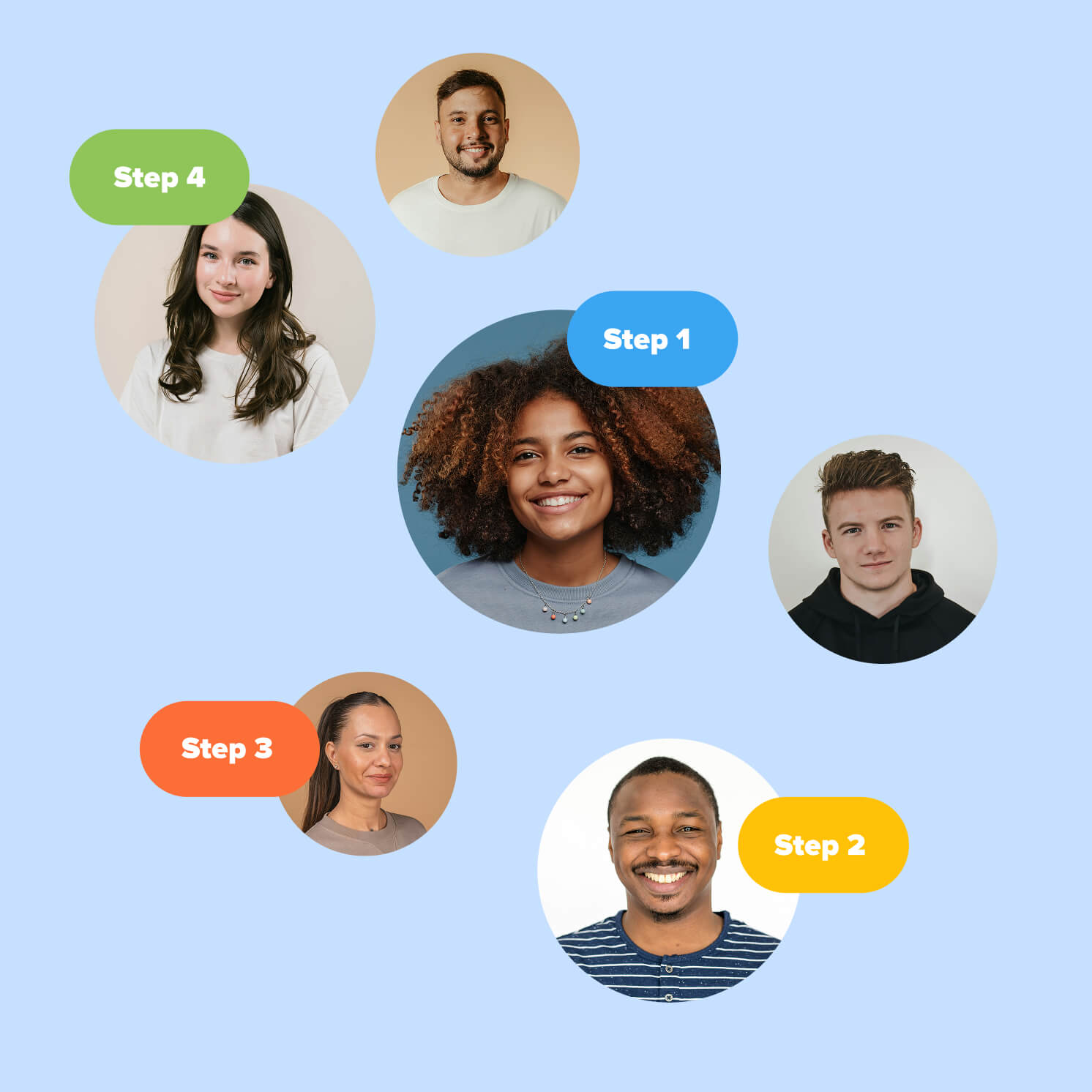
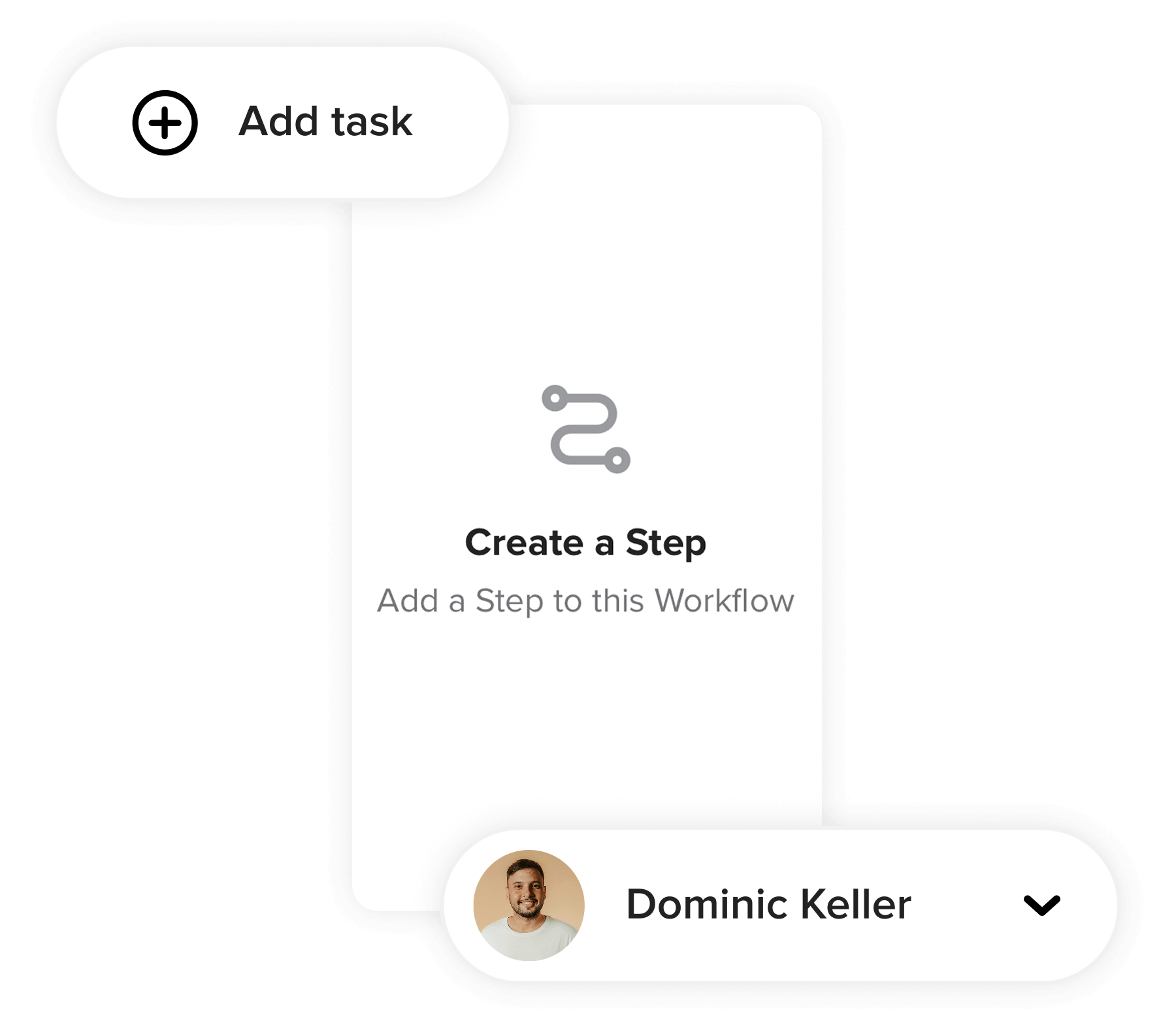
Organize any process in seconds
Whether you start from scratch, choose a template, or describe your process to the AI and let it generate a draft, Workflows is designed to get up and running in no time. Anyone can build, adjust, and maintain their teams’ processes with confidence.
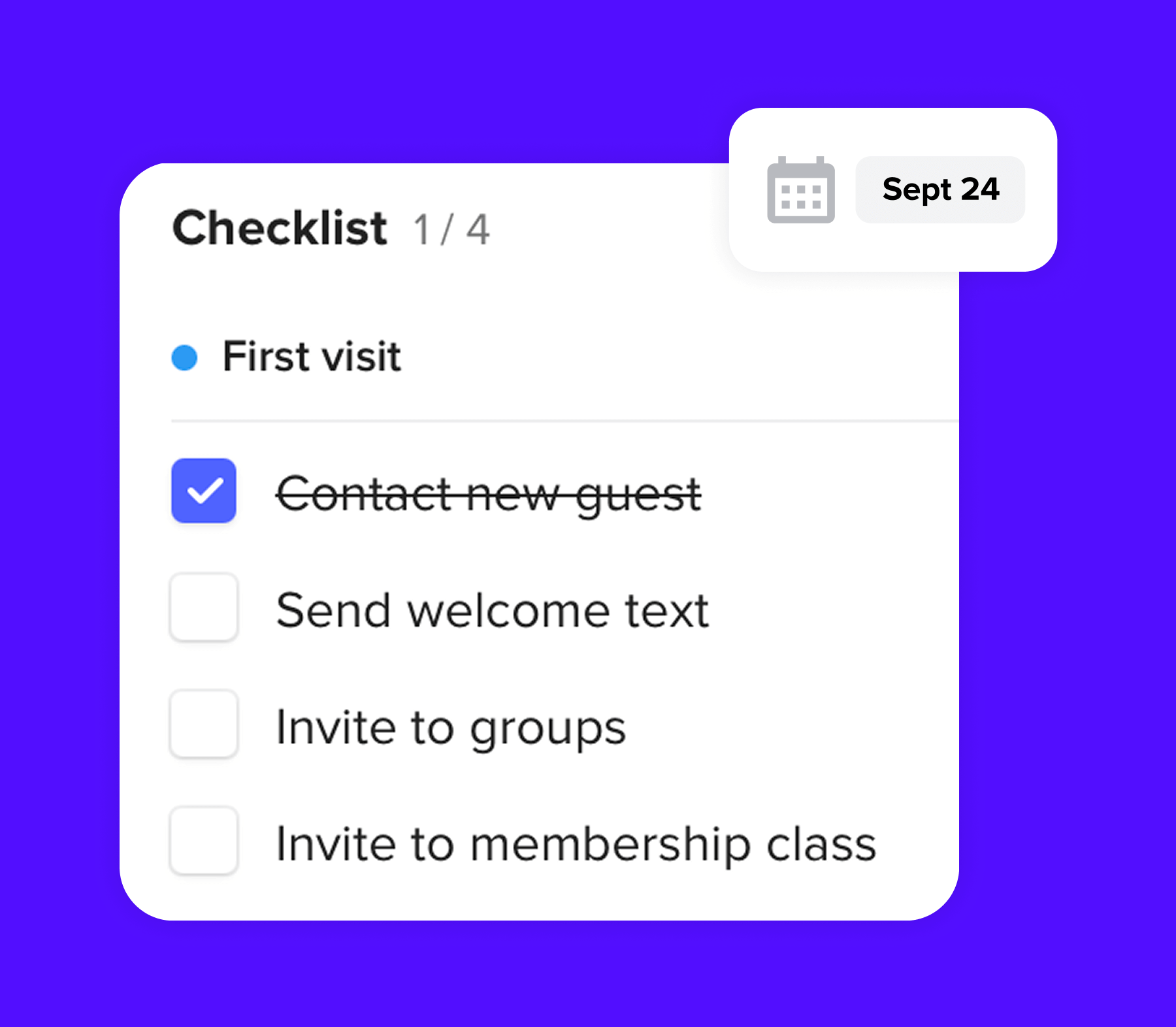
Ensure no person or process falls through the cracks
Every card in a workflow can have its own owner, due date, and checklist—so nobody wonders what's next or who's responsible for moving it forward. High-level progress views give pastors and staff a real-time picture of where every process stands, all from a single screen.
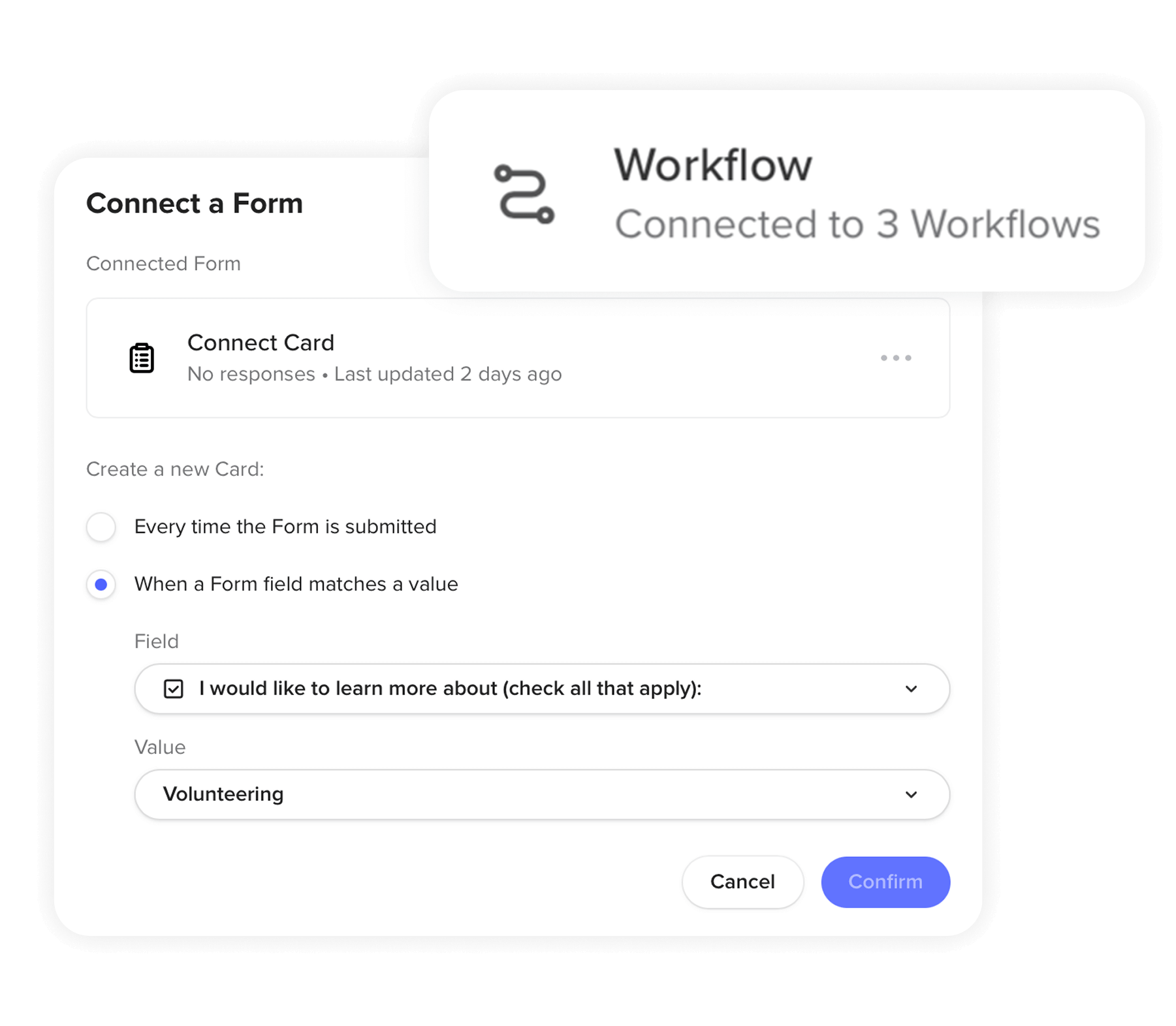
Built for your people and processes
Workflows connects directly to your church's people data, so tasks, emails, and cards can trigger automatically based on your processes. Kick off a workflow with form submissions, or configure a step to send a personalized email in certain steps—without anyone having to remember to do it manually.
See Subsplash Workflows in action

Unlimited custom workflows that work for you
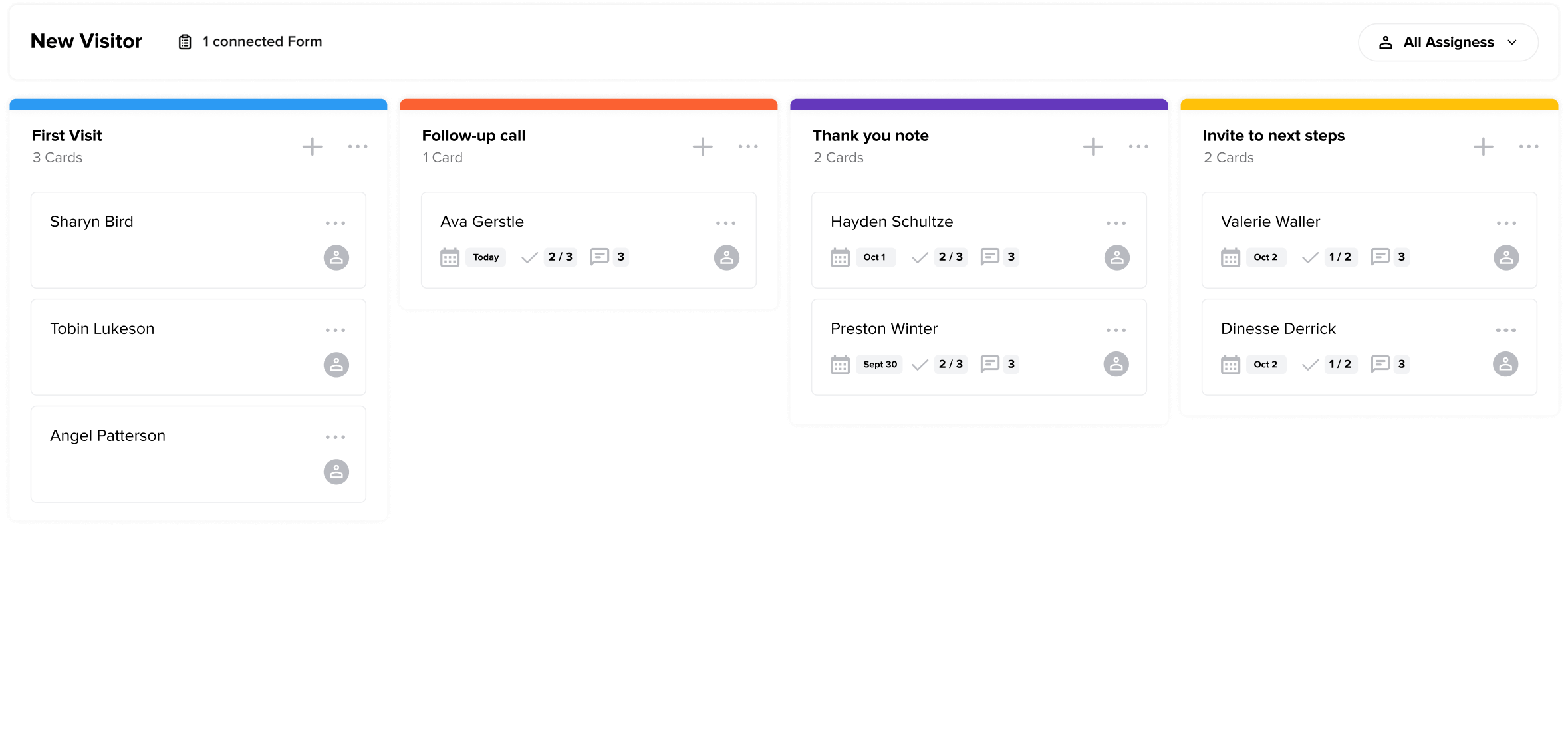
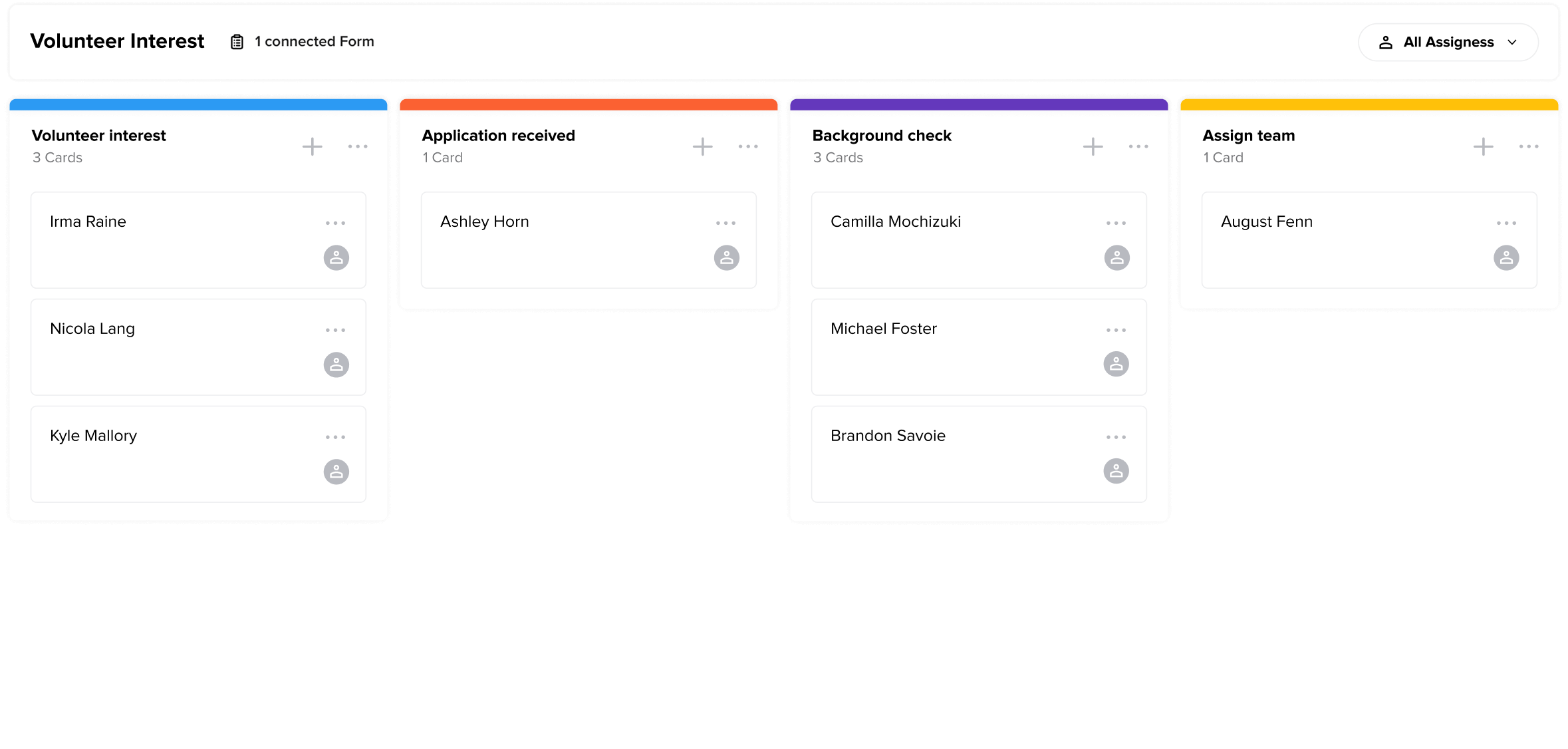
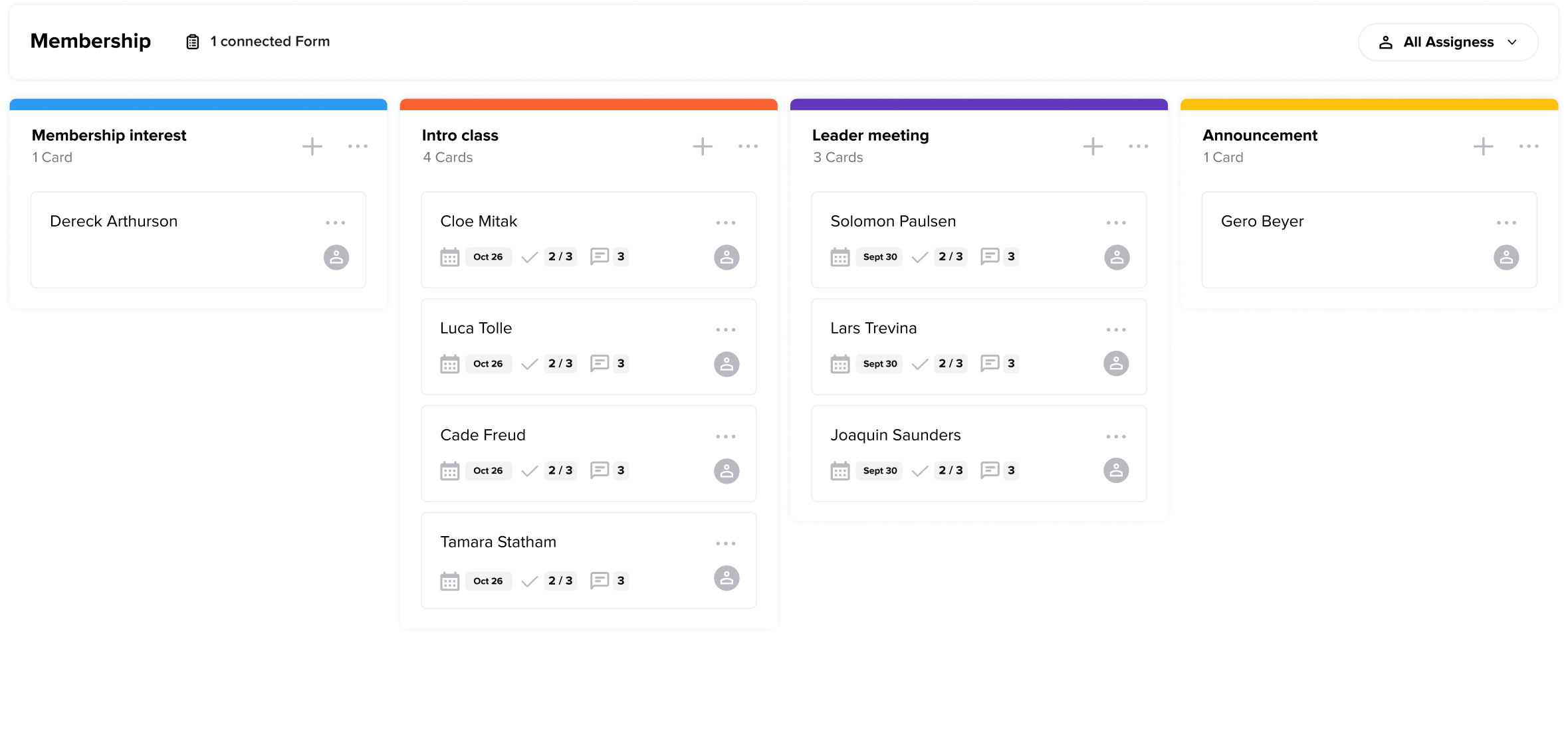
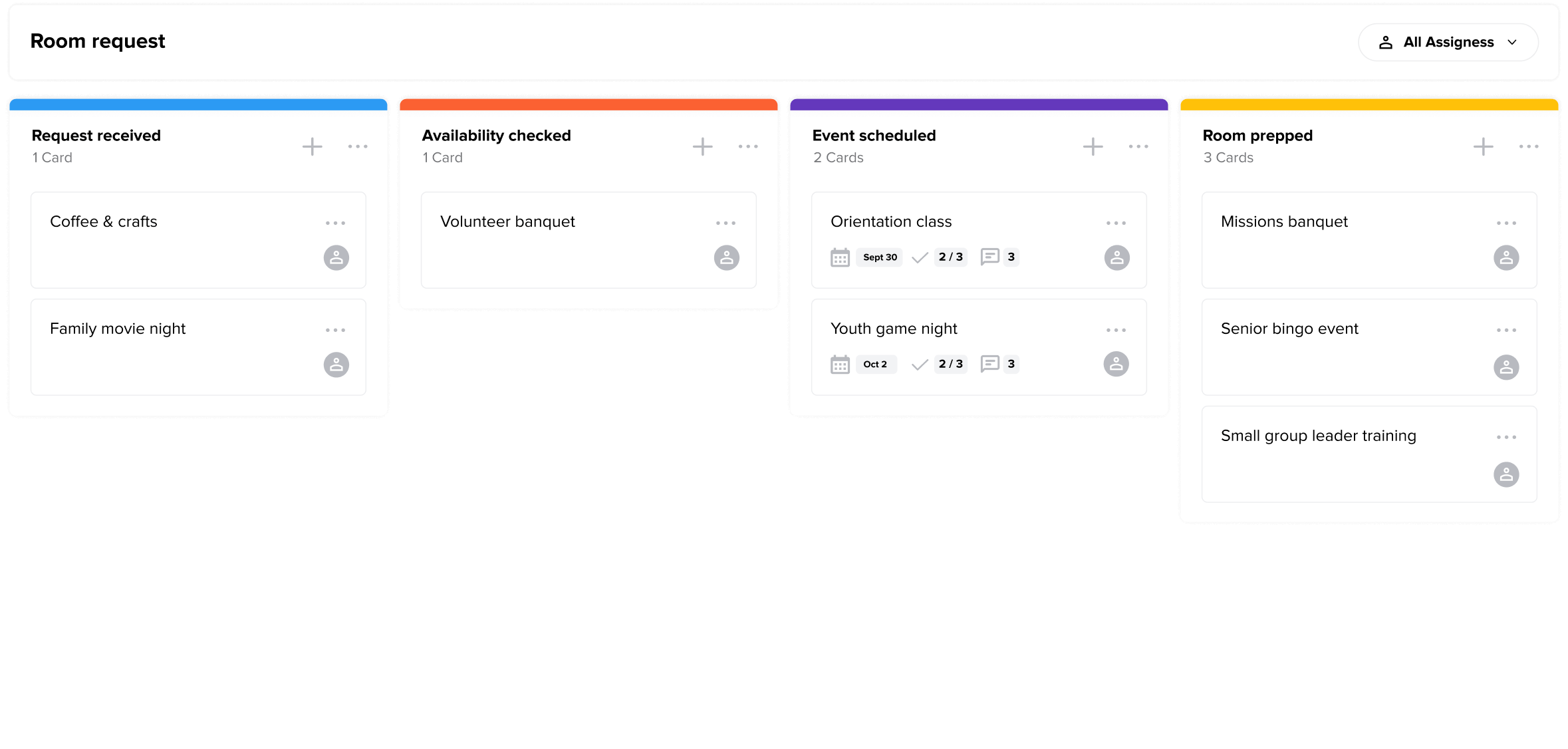
Top workflows features
Your people & projects, all in one place


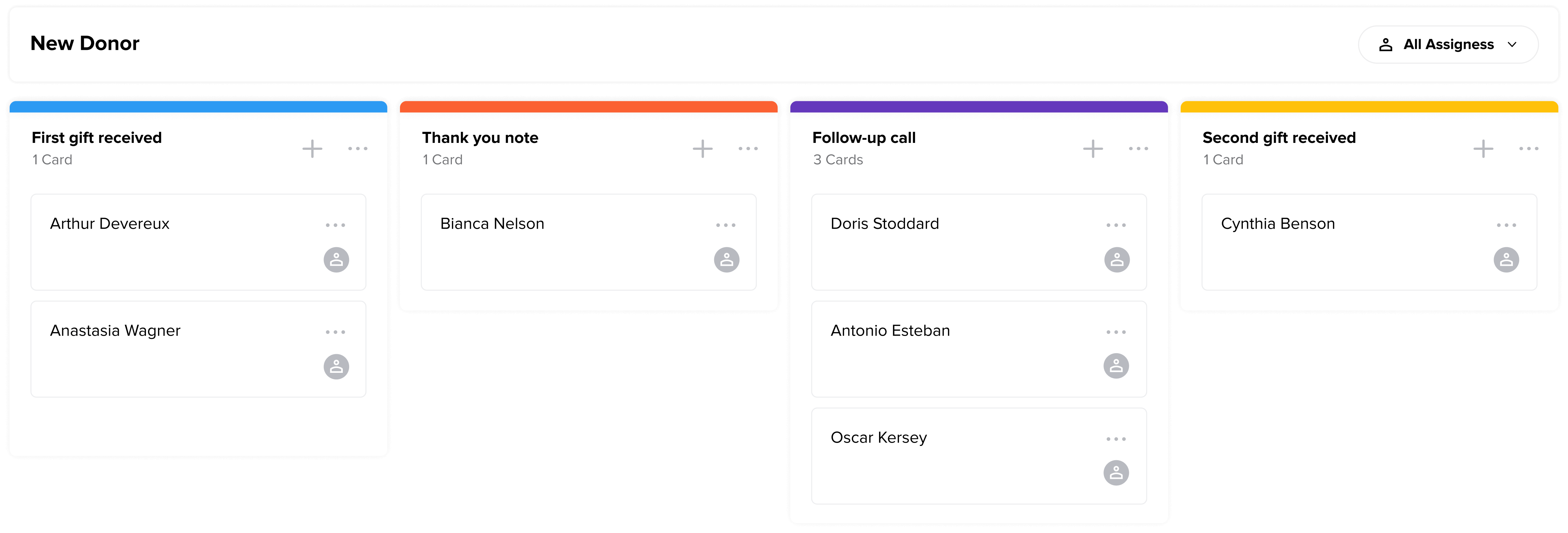
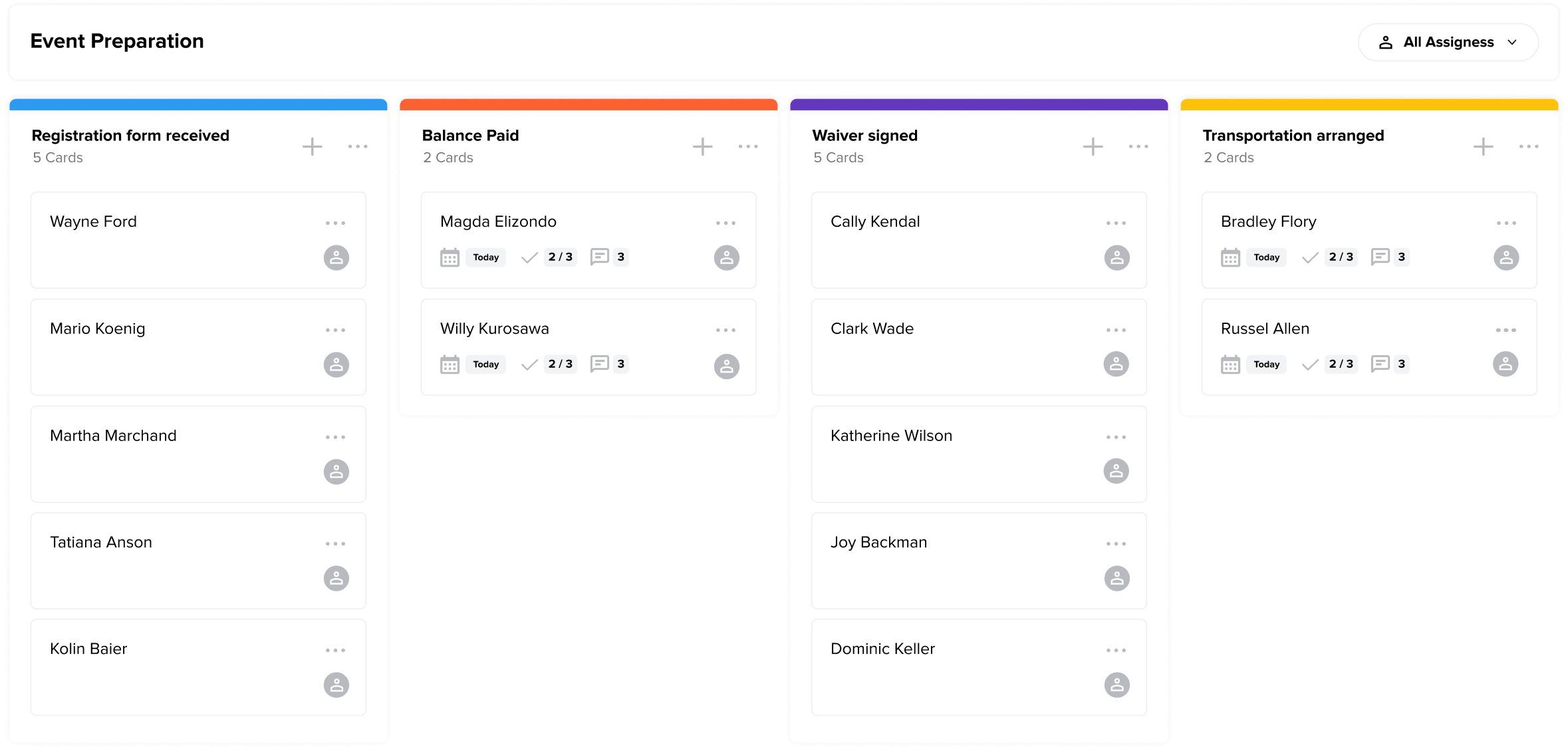
Drag & drop kanban-style organization with color-coded steps makes it simple to build, manage, and visualize complex processes.

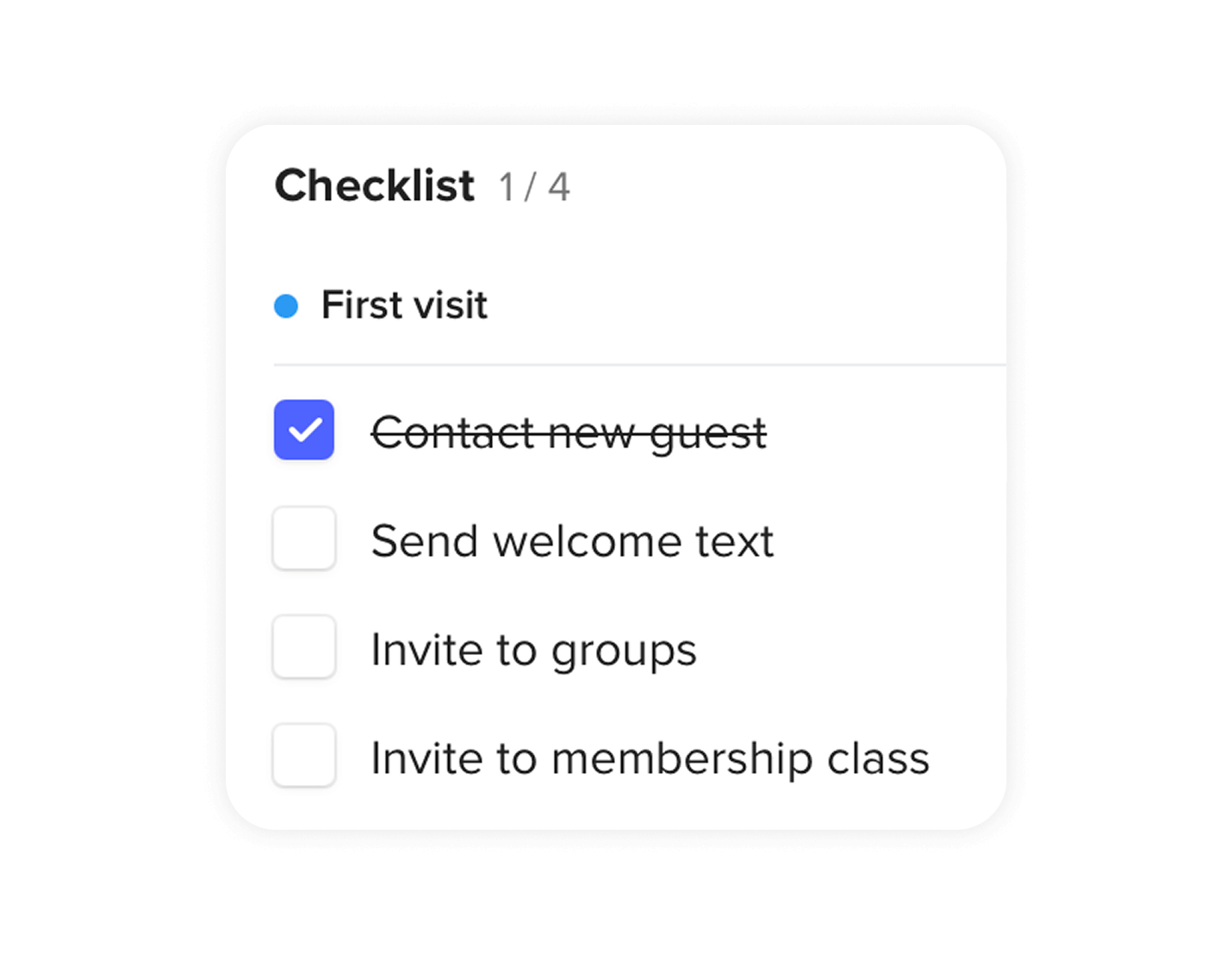
Add detailed instructions to each step with descriptions and checklists

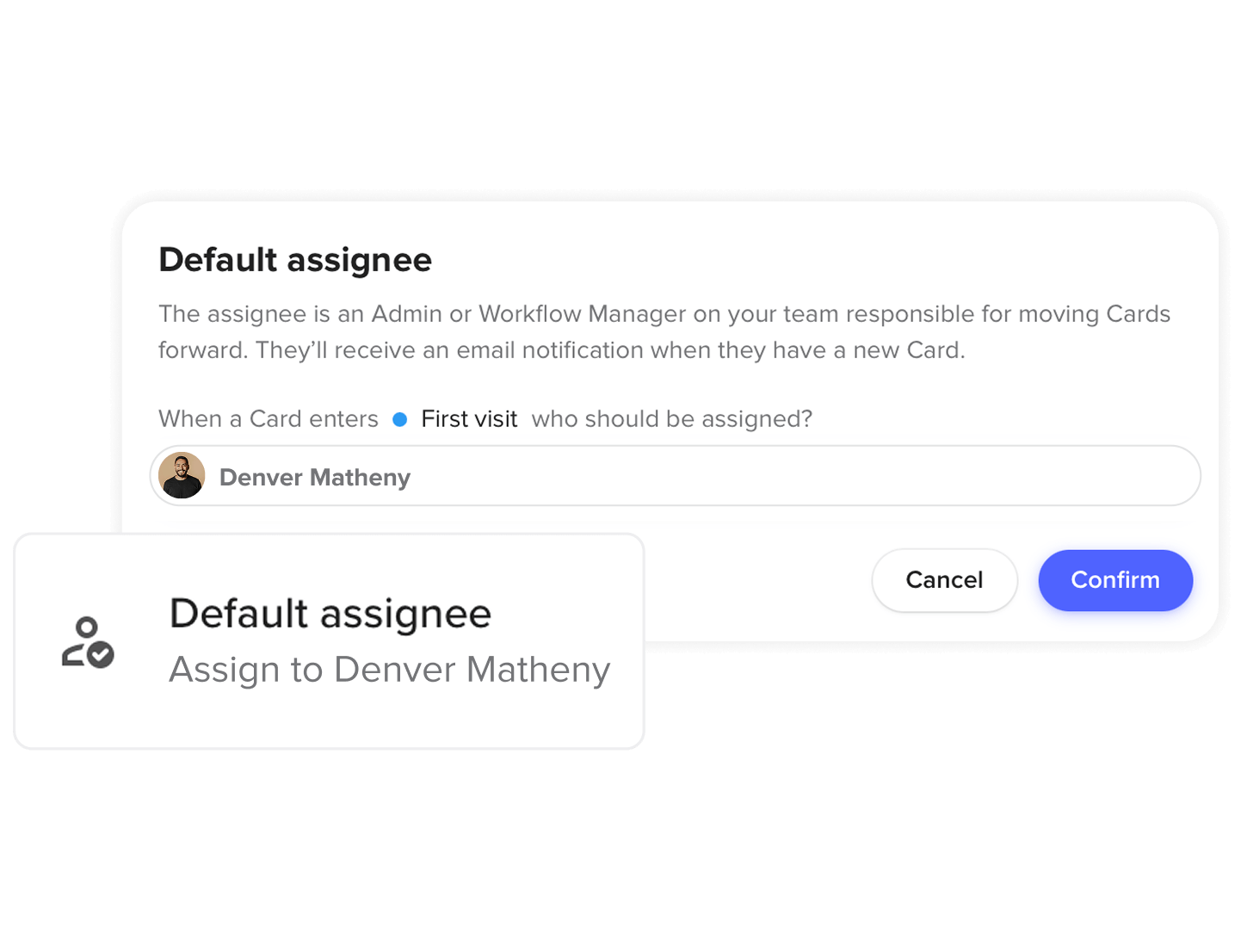
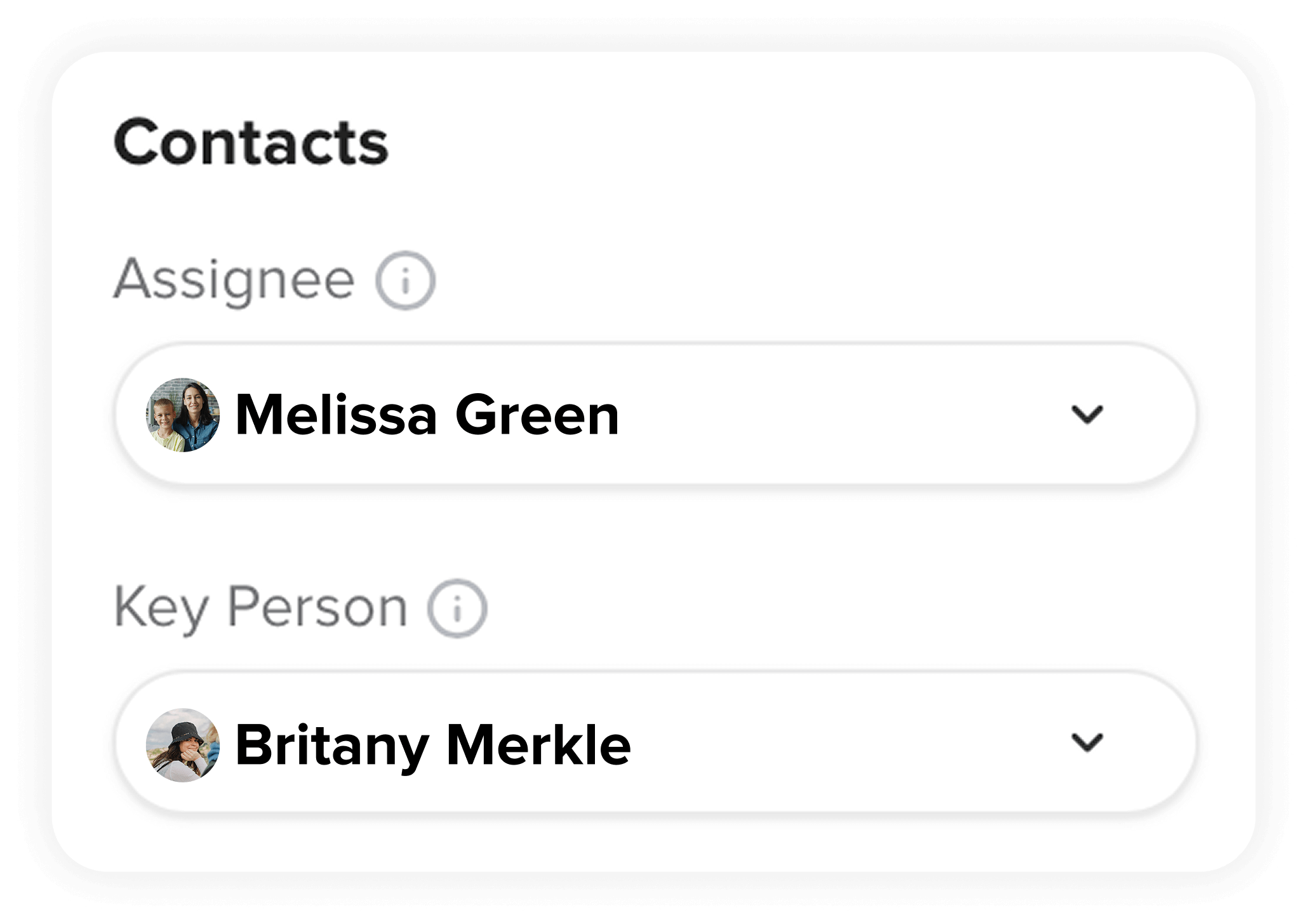
Assign a pastor, staff member, or volunteer to each step to ensure it’s completed.

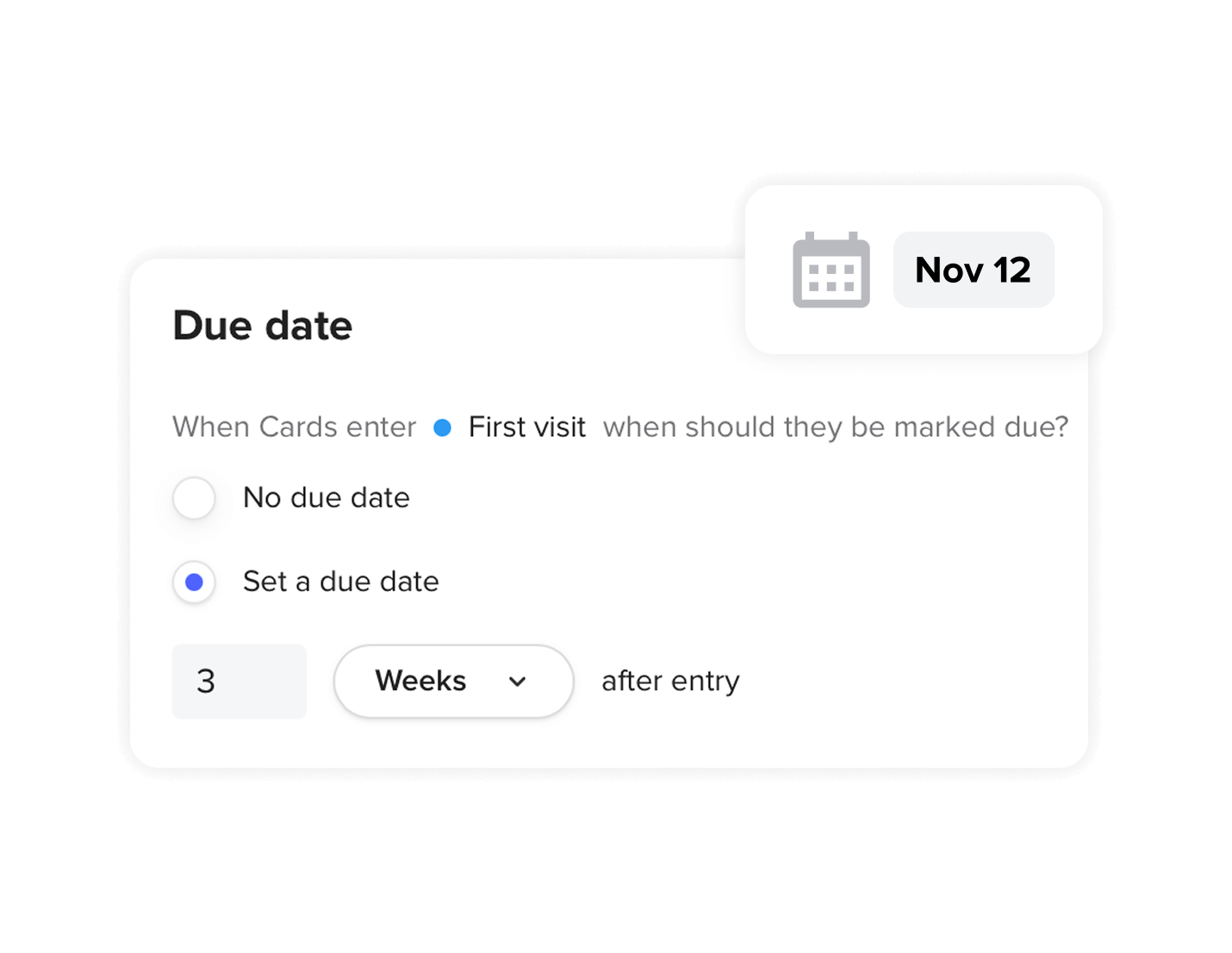
Make sure processes keep flowing to the next step with due dates and email notifications.

Connect a card to a key person, whether it’s the person who filled out a connection card or form, or the person to keep updated on progress.

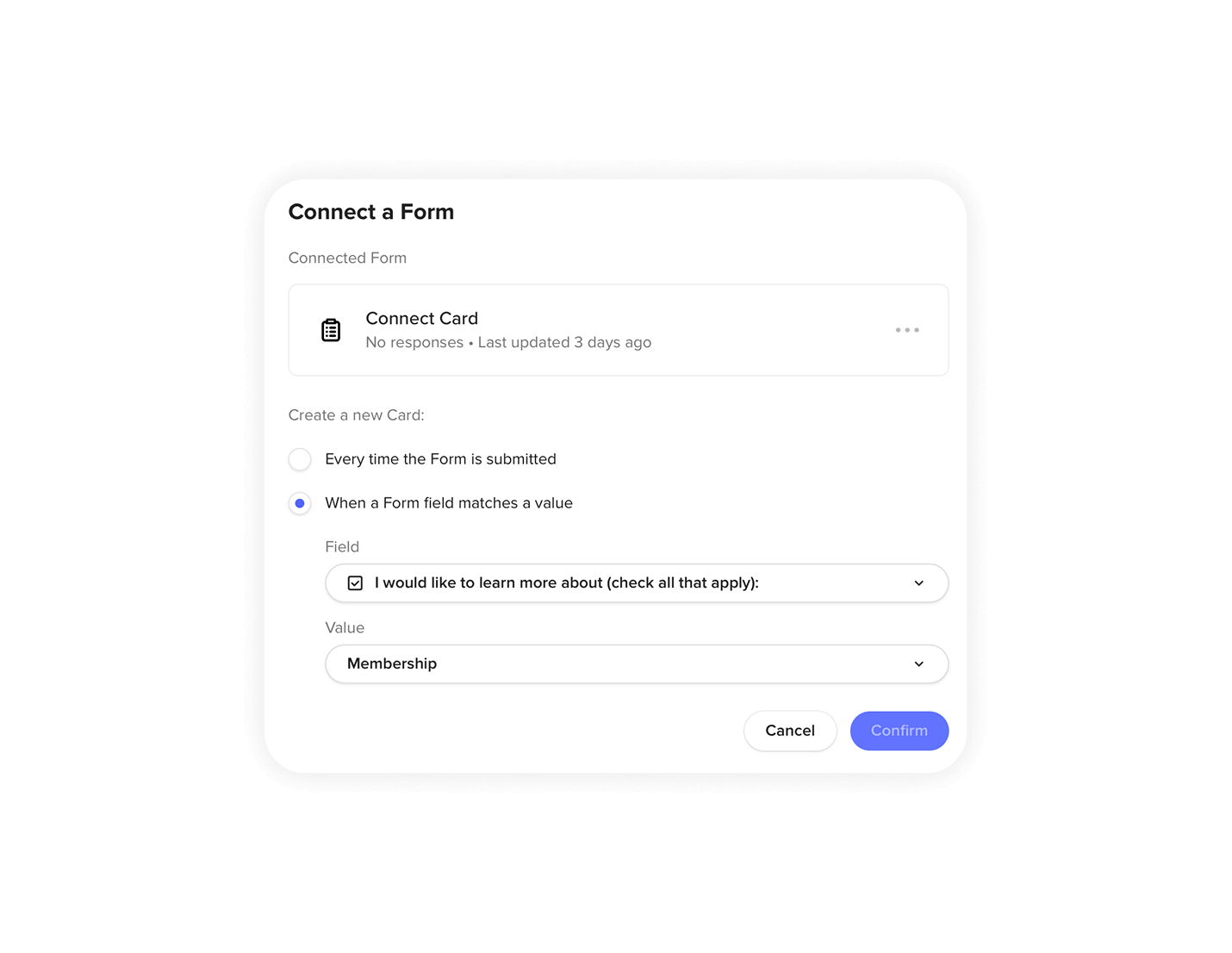
Kick off workflows based on form responses automatically, even using one form to create cards in multiple workflows based on how questions are answered.

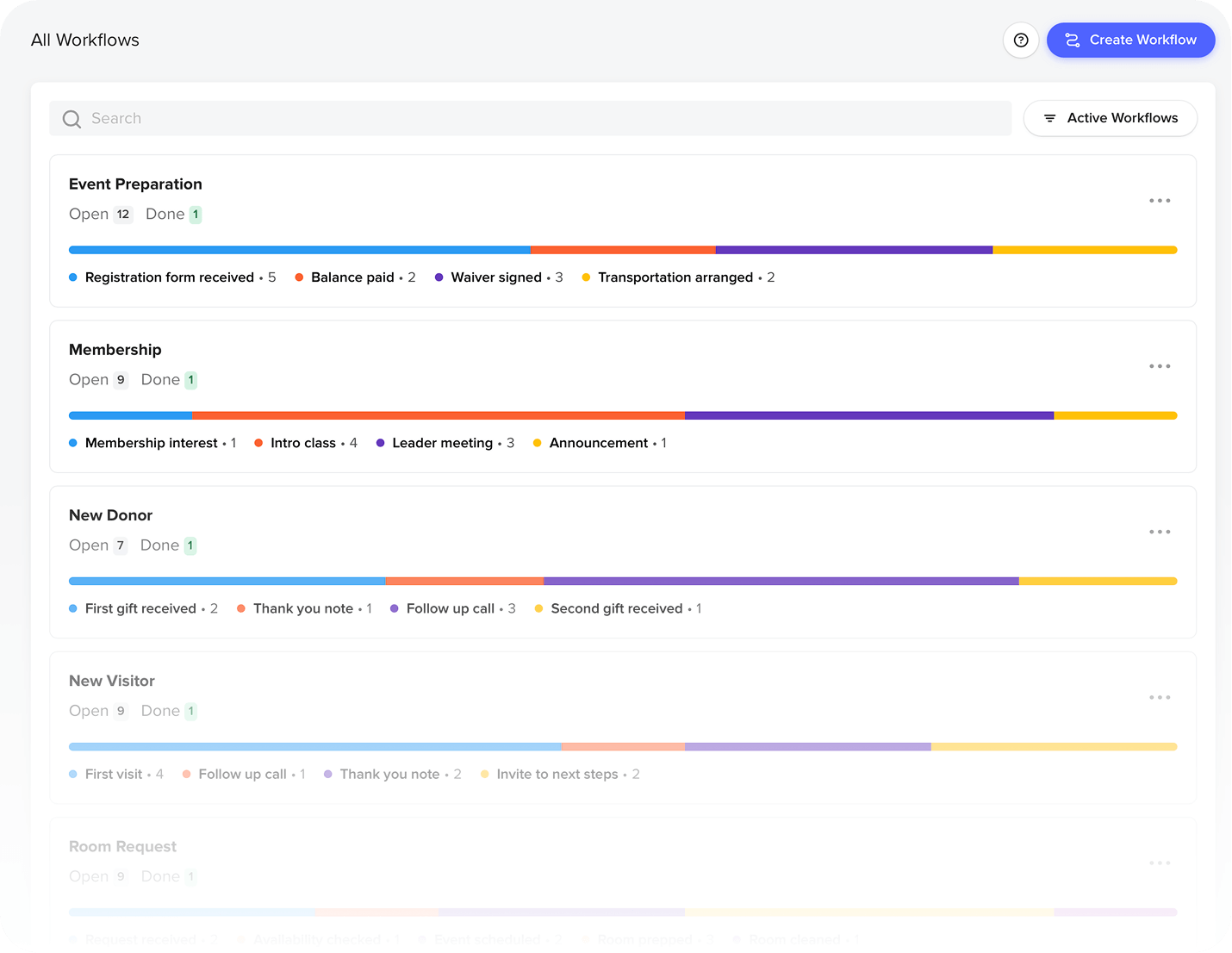
Get an overview of workflows at a glance, with color-coded progress bars and card statuses for instant visibility

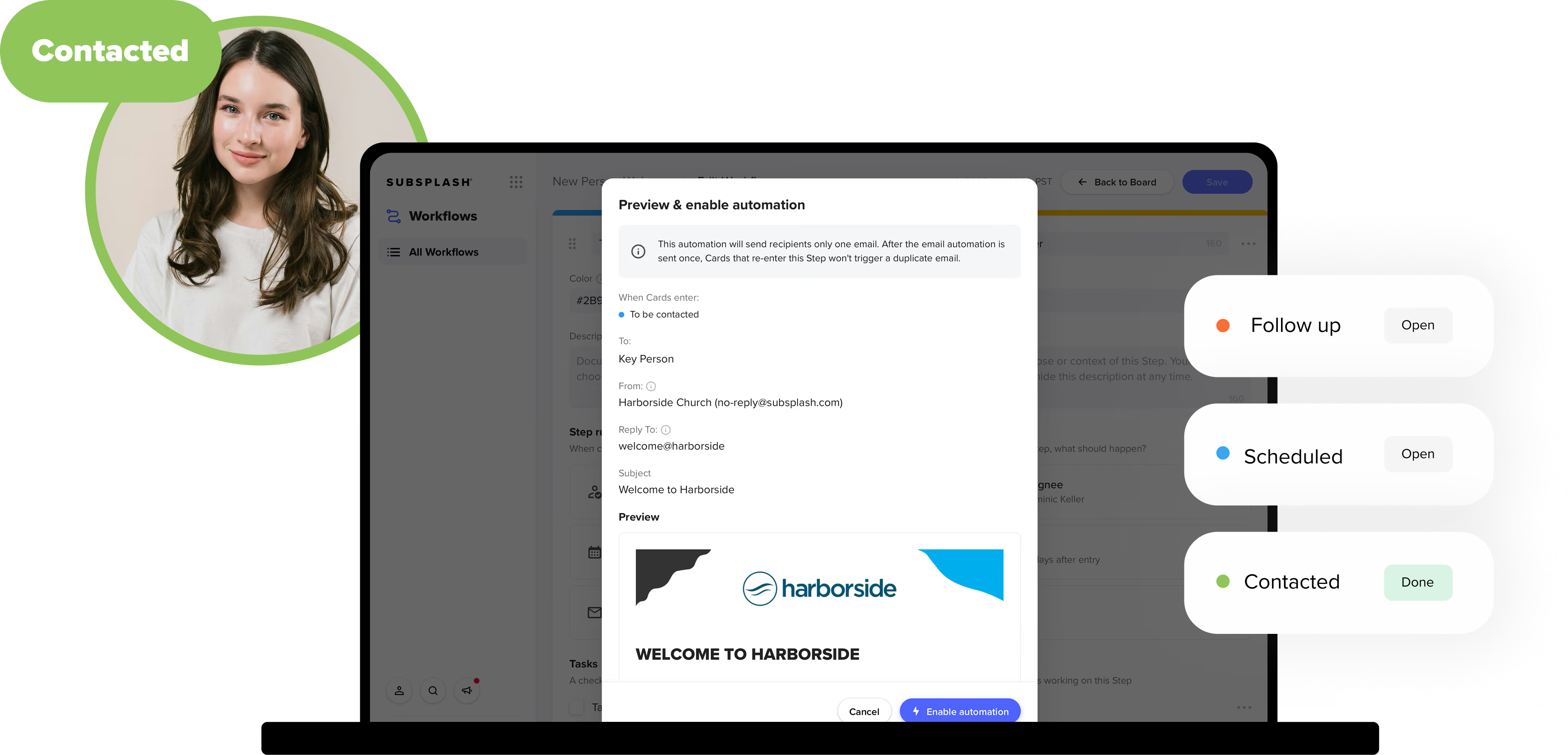
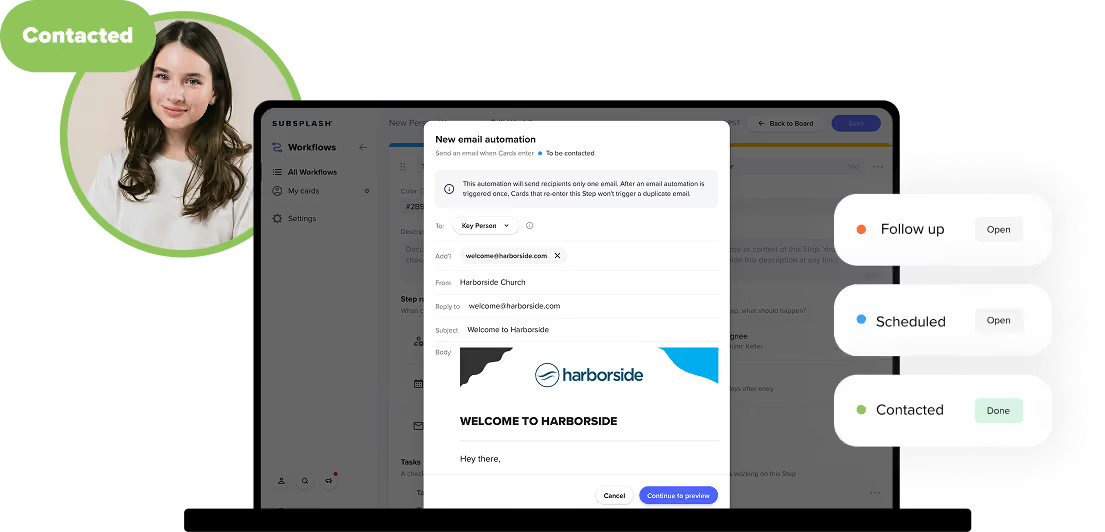
Configure any step to automatically send a personalized email to the key person the moment their card arrives—welcome messages, follow-up reminders, request approvals, and more, all without manual follow-up.

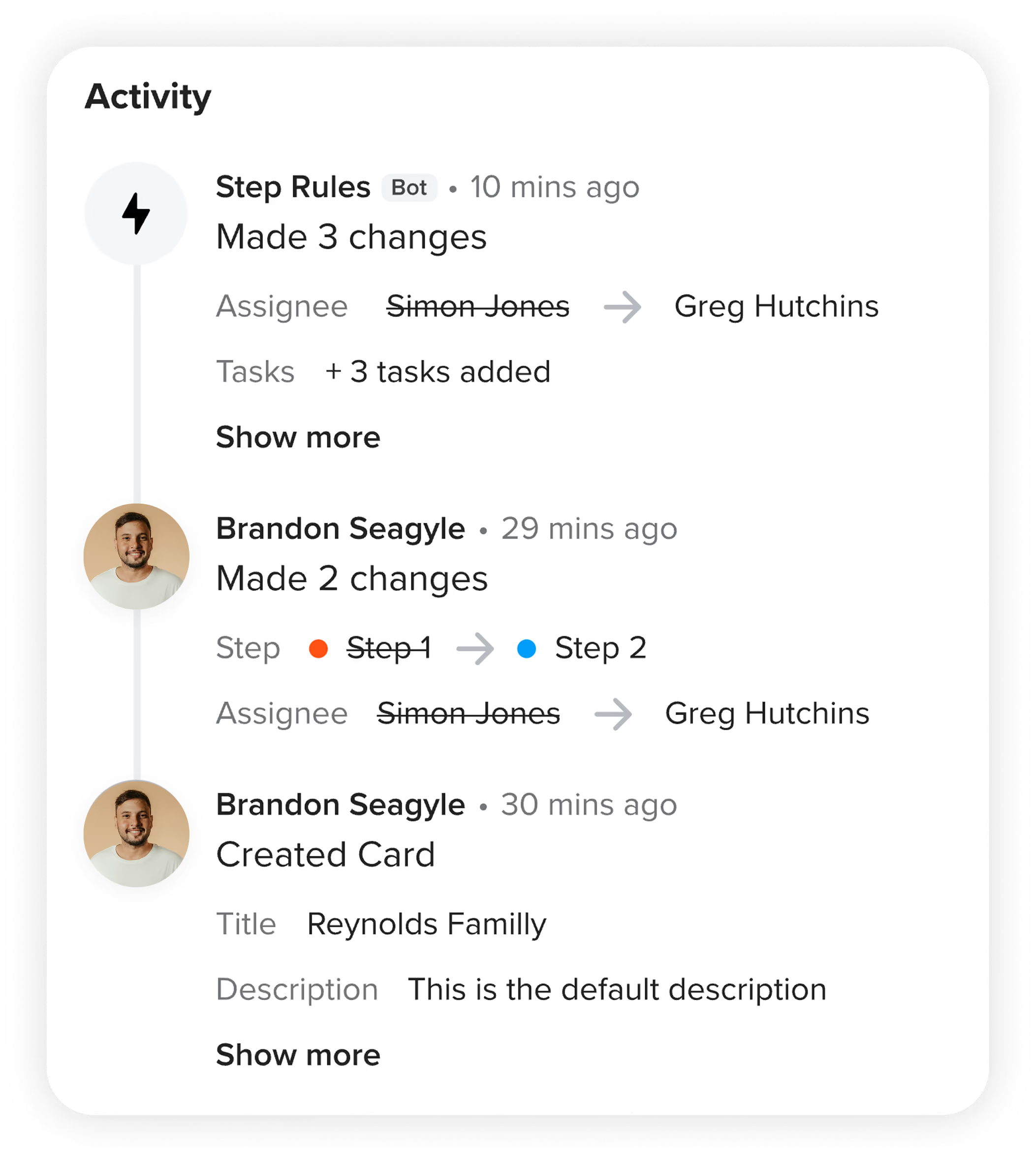
See a full history of everything that's happened on a card—who moved it, what changed, and when—so any team member can get up to speed instantly without having to ask around.

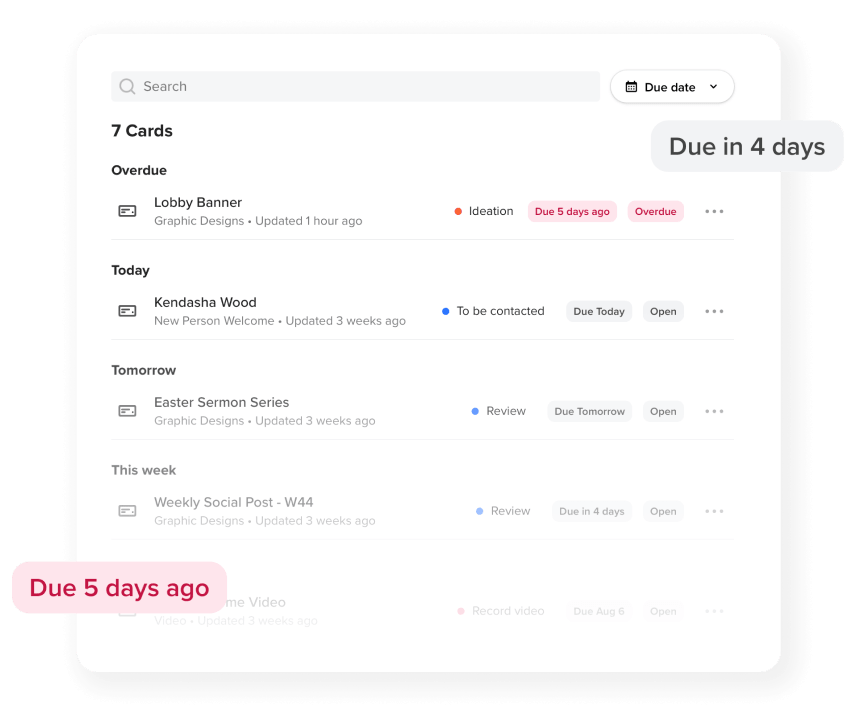
View all your personal card assignments across all workflows, organized by due date.

Drag & drop kanban-style organization with color-coded steps makes it simple to build, manage, and visualize complex processes.
Add detailed instructions to each step with descriptions and checklists
Assign a pastor, staff member, or volunteer to each step to ensure it’s completed.
Make sure processes keep flowing to the next step with due dates and email notifications.
Connect a card to a key person, whether it’s the person who filled out a connection card or form, or the person to keep updated on progress.
Kick off workflows based on form responses automatically, even using one form to create cards in multiple workflows based on how questions are answered.
Get an overview of workflows at a glance, with color-coded progress bars and card statuses for instant visibility
Configure any step to automatically send a personalized email to the key person the moment their card arrives — welcome messages, follow-up reminders, request approvals, and more, all without manual follow-up.
See a full history of everything that's happened on a card — who moved it, what changed, and when—so any team member can get up to speed instantly without having to ask around.
View all your personal card assignments across all workflows, organized by due date.
Repeatable systems. Less admin. Better connections.
This toolkit provides nine practical blueprints and an interactive worksheet to help your team replace patchwork tools with clear, repeatable workflows. Streamline your processes with built-in automations and ensure no person or process falls through the cracks.
Workflows FAQs
What is Workflows?
Workflows by Subsplash is a project and people management tool built into the Subsplash Dashboard. It helps church teams track anyone through any process—new visitor follow-up, volunteer onboarding, membership classes, event planning, and more—using a visual Kanban board with checklists, due dates, email automations, and a direct connection to your church's people database. If your team is managing ministry from spreadsheets or group texts, Workflows is built to replace that.
Why should my church use Workflows?
Most churches track ministry processes across spreadsheets, group texts, manual steps, and memory. People and processes fall through the cracks as a result. Workflows gives your team one place to see every active process, assign responsibility at every step, and make sure nothing stalls. Because it's built directly into the Subsplash Dashboard, it connects to the same people data your team is already using.
How easy is it to use Workflows?
Very easy. You can start from a pre-built template, describe your process to the AI and let it generate a draft, or build from scratch in minutes. Most teams are up and running with their first real workflow in under an hour — and updating or adjusting a process later takes even less time. No training required.
Does Workflows offer templates?
Yes. Workflows includes pre-built templates for common church processes like new visitor follow-up and volunteer onboarding. You can use a template as-is, customize it to fit your church's specific steps, or use it as a starting point and build from there.
Does Workflows support subtasks?
Yes. Each card in Workflows supports a task checklist, so you can break a step into smaller action items, assign owners, and track completion without leaving the card. This makes it easy to coordinate multiple people on a single step while keeping everything visible in one place.
Is there a Kanban view of tasks in Workflows?
Yes. Workflows uses a Kanban board to display cards arranged in columns that represent each step in your process. You can see the status of every card at a glance, spot where things are stalling, and move cards to the next step by dragging and dropping. Color-coded progress indicators make the big picture even clearer.
Can Workflows send automated emails?
Yes. With email automations, you can configure any step to automatically send a personalized email to the right person the moment their card arrives at that step. This is useful for welcome emails, follow-up reminders, volunteer confirmations, and more.The right message goes out at the right time, without anyone having to remember to send it. Each step supports one email automation, and contact information pulls directly from the person's Subsplash profile.
What is the activity timeline in Workflows?
The activity timeline on each card shows a complete history of what's happened—who moved it, what changes were made, and when. This makes it easy for any staff member to get up to speed on a card's history without having to track down a colleague, and gives ministry leaders a clear view of accountability across their team.
What types of church processes can I manage with Workflows?
Workflows handles both people-based processes and project-based work. Common uses include new visitor and guest follow-up, volunteer recruitment and onboarding, membership and baptism classes, event planning and room scheduling, and creative or content request management. Any repeatable process your church runs is a good candidate for a Workflow.
How does Workflows connect to my church's contact data?
Workflows is built into the Subsplash Dashboard, so it connects directly to your church's existing people database. Every card can be linked to a person's profile, giving staff access to their contact information, giving history, and group memberships from within the workflow. Contact information also feeds into email automations, so personalized messages go to the right address automatically.


© 2026 Subsplash