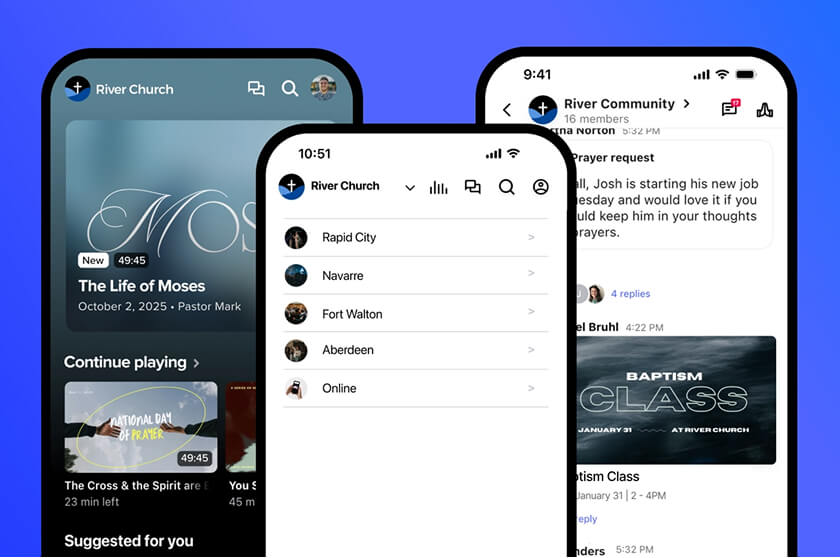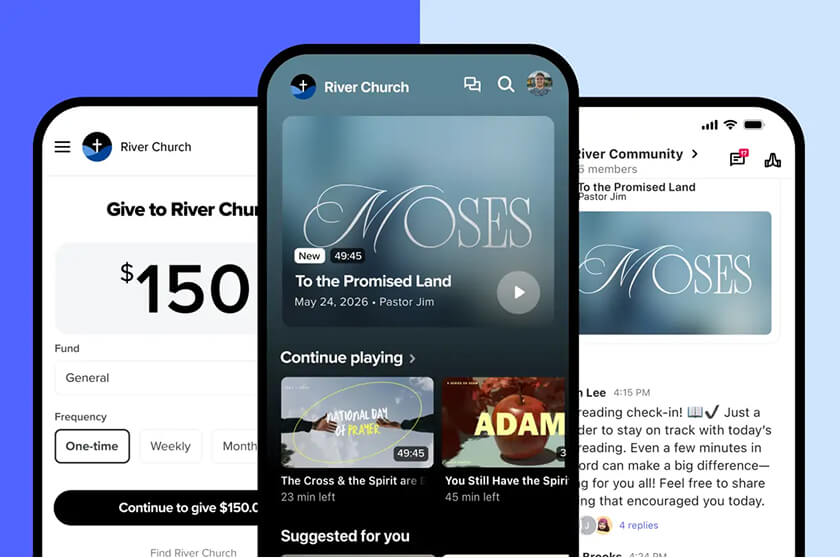



It usually starts on a Monday. Someone on your team spent the weekend vibe coding a church app with an AI tool, and now it’s on their phone. It has your logo, a sermon page, and an events tab. It looks great, and it cost almost nothing to build.
That excitement deserves to be taken seriously. AI tools have made it possible for almost anyone to build digital tools for your ministry. Before your church commits to running its own app, though, you need a clear picture of what happens after launch day. Most of the cost of a church app shows up in the months and years after you build it.
What vibe coding is & why churches are trying it
AI researcher Andrej Karpathy coined the term “vibe coding” in February 2025 to describe building software by prompting an AI and letting it write the code. He described a style of coding where you “forget that the code even exists.” By the end of the year, Collins Dictionary named “vibe coding” its 2025 Word of the Year.
Vibe-coding tools are everywhere now. In the 2025 Stack Overflow Developer Survey, 84% of respondents said they use or plan to use AI tools in their development process. For a church with a tight budget and a tech-savvy volunteer, building your own app with AI can look like an easy win.
Building a church app is the easy part
An AI built prototype only has to work once, on one phone, for one demo. A real church app, however, has to work every Sunday, on hundreds if not thousands of different devices, for everyone who just wants to hear last week’s sermon or find out about upcoming events. It also has to stay secure for your congregation, as well as keep working as Apple, Google, and every service it connects to keep changing.
That ongoing work is where DIY apps get expensive. Here are four areas that catch churches off guard.
1. Apple & Google change requirements every year
Both app stores set annual deadlines that every app must meet to stay current. For example, since April 28, 2026, Apple requires every app uploaded to App Store Connect to be built with Xcode 26 or later using the iOS 26 SDK.
Google follows the same pattern. Starting August 31, 2026, new apps and app updates on Google Play must target Android 16 (API level 36). Existing apps that target Android 14 or lower become unavailable to new users on devices running newer versions of Android.
These deadlines come back every year. Someone has to update the code, rebuild the app, test it, and resubmit it. If the volunteer who built your app moves on, your app risks disappearing from members’ phones.
2. App store approvals have rules that affect churches directly
Getting your app approved on app stores has its own hurdles. Apple’s App Review Guidelines say apps should include features, content, and UI that elevate them beyond “a repackaged website.” An app that only wraps your church website in a frame may get rejected.
Giving is even more specific. Under the same guidelines, apps can’t collect funds for charities and fundraisers inside the app unless the developer is an approved nonprofit or otherwise permitted. Apps that don’t qualify must collect donations outside the app, such as through Safari or SMS.
None of these rules are impossible to meet. However, they do require someone who knows what requirements exist, reads every update, and updates the app to match.
3. AI-generated code often looks right but isn’t secure
AI tools are good at producing code that runs. They’re less reliable at producing code that’s safe. Veracode’s 2025 GenAI Code Security Report tested code from more than 100 large language models and found that AI-generated code introduced risky security flaws in 45% of tests. The report also found that larger, newer models didn’t produce more secure code.
Developers feel this too. In the 2025 Stack Overflow survey, more developers said they distrust the accuracy of AI tools (46%) than trust it (33%). Their biggest frustration, cited by 66%, was “AI solutions that are almost right, but not quite.”
Real apps have already paid the price. In 2025, researchers scanned 1,645 web apps built with the AI app builder Lovable and found that 170 of them let anyone access user information, including names, email addresses, financial information, and secret API keys. Many more documented cases show similar security risks, with data being stolen or mistakenly destroyed.
Now picture that kind of mistake in a church app. Your app may hold your congregants’ private data: names, phone numbers, prayer requests, children’s check-in details, and giving records. A security flaw there affects real families who trusted your church with their information.
4. Your app has to “talk” to everything else
A church app rarely stands alone. It needs to connect to your giving platform, your people database, your live stream, your event registrations, and your push notifications. In short, your app has to talk to everything else—successfuly! Every connection is another piece of code that can break when one of those services changes how it works.
A vibe-coded app can technically make these connections. But keeping all of them working at the same time, every week, even with a full-time developer watching them is much harder.

The real cost of a DIY church app
Before you decide, add up what it takes to own the app over several years. With a DIY or vibe-coded app, your team rebuilds, tests, and resubmits it every time Apple or Google sets a new deadline. Your team also tracks app store guideline changes and fixes any rejections that come back. With a church app platform like Subsplash, the provider handles that work and builds the app to meet store requirements from the start.
Security and accepting donations add more layers. When you build your own app, your team is responsible for auditing the code, responding to new vulnerabilities, and securing any payment processing. A church app platform brings dedicated security and compliance standards, plus giving tools that are already built in and compliant.
Then there’s everything your app connects to. A DIY app leaves your team maintaining each connection to online giving, your people database, and your media on its own. Church app builders keep those tools connected in one place. The biggest difference shows up when the person who built your app leaves or is no longer available.. With a DIY app, their knowledge leaves with them. With professional church app platforms, a support team stays with you.
There are hard costs too. The Apple Developer Program costs $99 per membership year, though nonprofits may qualify for a fee waiver. But the bigger cost is time. Every hour your staff or volunteers spend fixing an app is an hour they aren’t spending on ministry—and are wearing multiple hats they may not feel confident in.
Where vibe coding does make sense for churches
AI coding tools can still serve your ministry well. They’re a great fit for quick prototypes, internal tools your staff uses, or a one-time page for a single event. Use them to sketch an idea and show your leadership team what you’re imagining.
The line to watch is anything public-facing that stores personal data, processes gifts, or needs to stay in the app stores long term. Those tools need a team behind them that maintains them every day.
Why churches choose Subsplash for their church app
If someone on your team has already built a prototype with AI, that work isn’t wasted. It shows what your congregation wants from an app, which pages matter most, and how you want it to feel. That’s a great place to start a conversation about what comes next.
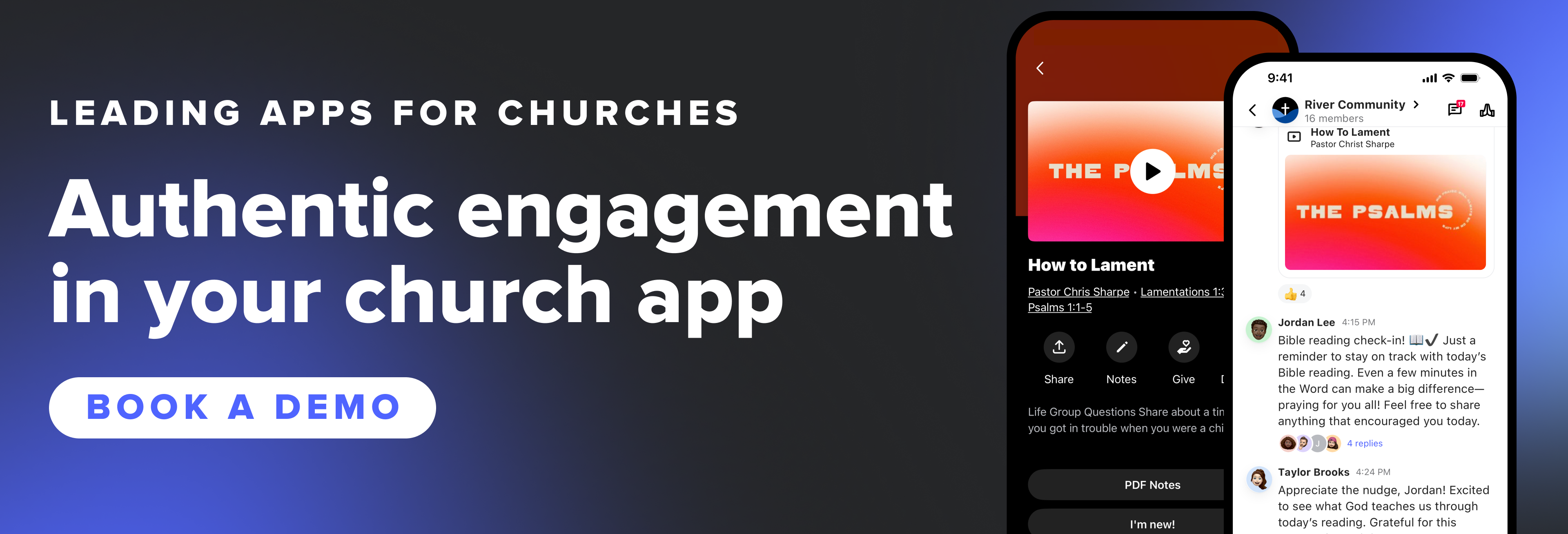
Whether your staff is three people or thirty, the real question is who will keep the app running a year from now. With Subsplash, your team doesn’t have to carry that alone. You get a fully custom church app as well as a dedicated Onboarding Specialist that works with your team to set up the app, add your content, and publish it to all the major app stores.
And when Apple and Google set new requirements and deadlines, our team keeps your app current so it stays on your members’ phones. Subsplash Giving is built into your app and stores cardholder data in PCI Level 1, SOC 1, and SSAE 16 compliant gateways.
Curious what your church app could look like? [.blog-contact-cta]Book a demo [.blog-contact-cta] to see your app come to life and learn how our team keeps it running, so yours can stay focused on ministry.
Frequently asked questions about vibe coding church apps
Can a church build its own app with AI?
Yes. AI tools can build a working church app prototype quickly. Maintaining it is the hard part. Apple and Google update their requirements every year, and someone on your team will need to update, test, and resubmit the app to keep it available.
Is AI-generated code secure enough for a church app?
Not without careful review. AI-generated code frequently introduces risky security flaws. Church apps often store personal information and giving data, so any code needs a thorough security review before launch and ongoing monitoring after.
What does it cost to maintain a church app?
Beyond the $99 annual Apple Developer Program fee (which nonprofits may be able to waive), the biggest cost is people’s time. That includes yearly platform updates, security fixes, store policy changes, and keeping integrations with giving and church management tools working.