
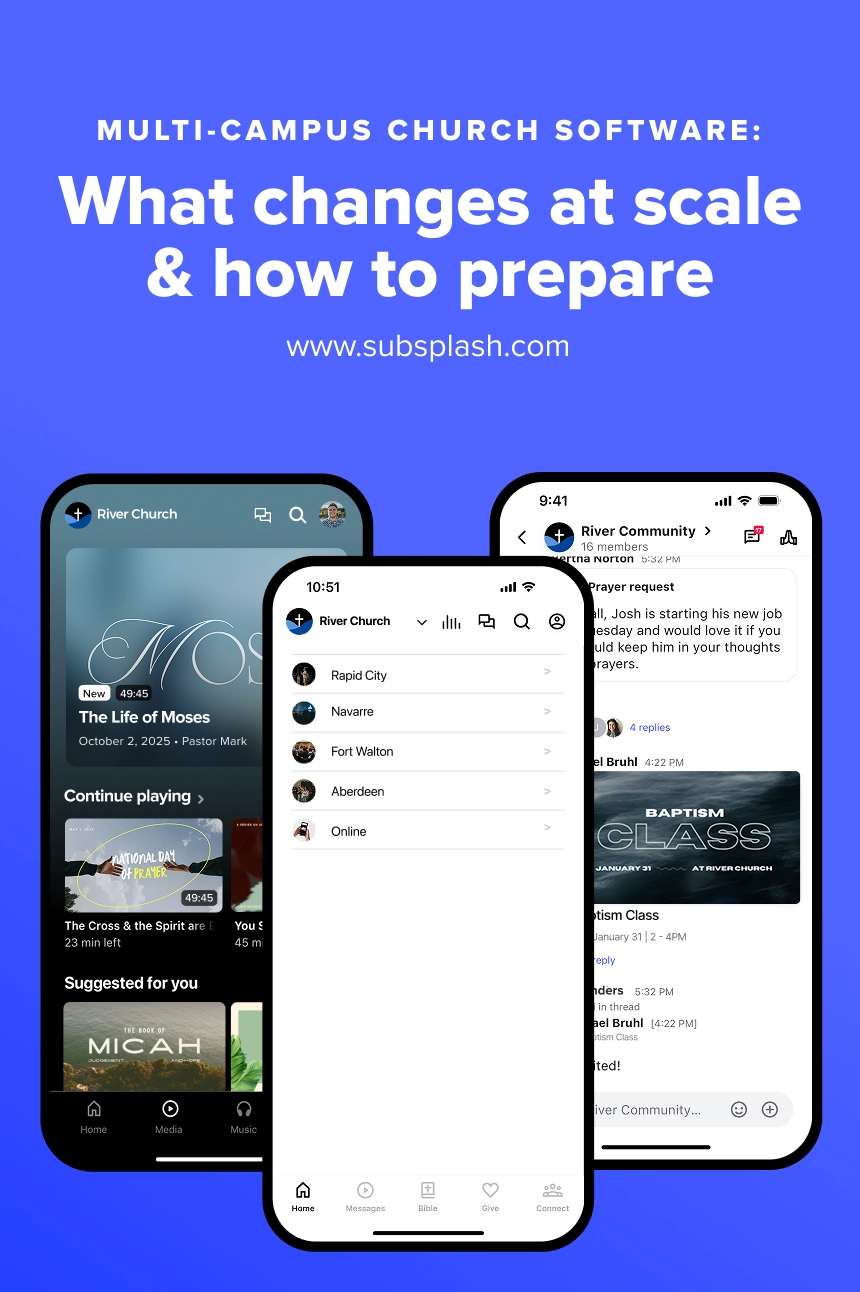



Opening a new campus is an exciting milestone for any growing church! And in the U.S., the number of megachurches continues to grow. The majority of these larger churches have multiple campuses, and there are powerful arguments for why launching a church out of an already successful one is a compelling model (though at Subsplash we love our smaller churches too!).
Operationally, adding another campus changes more than your Sunday service location. Administrative tools and technology often lags behind as churches try to rely on old models that no longer work.
That’s why finding the right multi-site church software is essential to successful day-to-day operations as your church grows. Keeping your staff aligned, your data unified, and your ministry personal as your footprint expands ensures your church is equipped to know, engage, and grow your new community without administrative complexity getting in the way.
Let’s take a look at what multi-campus church software is, gaps to avoid, and a readiness checklist so that as your church grows your church campus management system does too!
The operational gaps most churches hit first when adding a campus
Some churches may treat each satellite campus like a unique church, complete with its own unique pastoral staff and localized congregants, especially if your sites are spread wide enough apart, perhaps even hours away from each other. Other satellite churches, however, may be only twenty minutes from their sister campus in the same city, and congregants feel comfortable hopping between sites, knowing their experience will be relatively the same wherever they go.
However you choose to operate your multi-site church campuses, opening a new site goes far beyond duplicating a Sunday morning service order. It alters how your central administrative team operates day to day, turning simple verbal check-ins into complex logistical workflows across several locations.
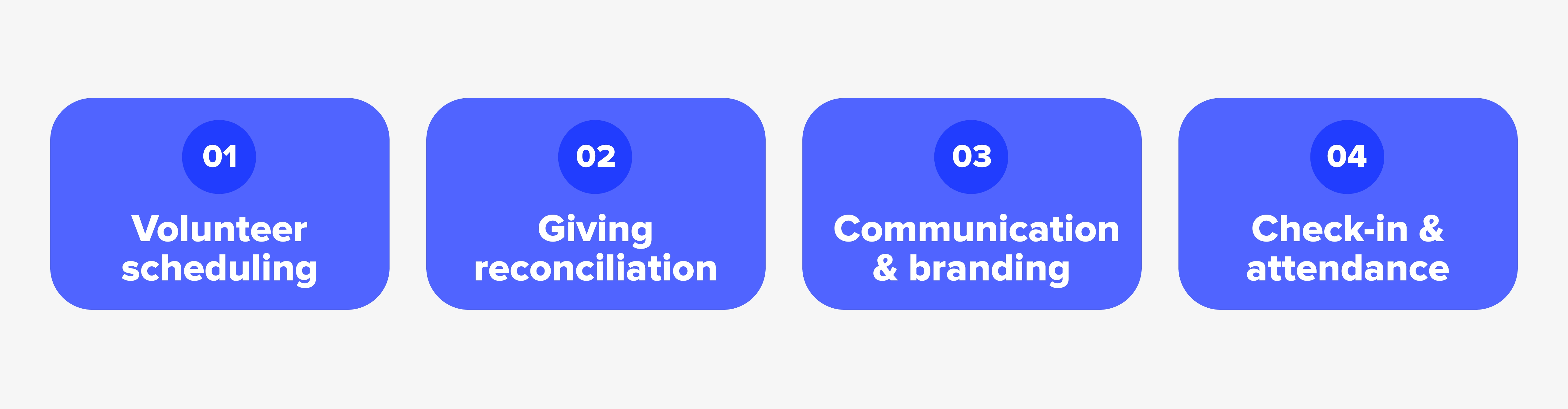
When it comes to administration, here are four areas where the pressure tends to show up first.
1. Volunteer scheduling
As your ministry grows, your volunteer team becomes distributed across multiple sites. You may have people serving at different campuses, different service times, or even multiple locations depending on the week.
That makes it harder to answer simple questions: Who is scheduled? Where? When? Who still needs to be contacted? Who can fill an open spot?
Good church campus management software should make it possible to coordinate church volunteers without treating each campus like a completely separate church. With clear visibility across locations, leaders avoid accidentally double-booking key team members or leaving critical ministry positions completely unfilled.
2. Giving reconciliation
Financial management becomes significantly more intricate when gifts flow in from multiple physical locations and digital channels. Your finance team has to reconcile cash, checks, and digital transactions by specific campus while maintaining accurate organization-wide accounting. That’s a lot to account for!
The right multi-campus church software should make this as seamless as possible while letting you look at giving from both perspectives: what’s happening at each campus and what’s happening across the church as a whole. Tracking tithes by location ensures campus pastors understand local giving trends while giving central leadership clear financial visibility across the entire church.
3. Communication & branding
Keeping your church’s vision and voice consistent across sites requires intentional effort. Central communications teams must ensure that event announcements, sermon series graphics, and ministry updates feel unified. At the same time, local campus leaders need the flexibility to share campus-specific events without overwhelming the entire church body with irrelevant push notifications or emails.
Insisting on using good multi-site church software setup allows you standardize what should be shared and localize what shouldn’t.
4. Check-in & attendance
How many people checked in at each campus? Are families showing up at different locations? Are volunteers serving somewhere other than where they attend? What does attendance look like campus by campus compared with the organization overall?
Being able to quickly answer these questions is where a seamless check-in system with a shared people record becomes especially valuable. Your team shouldn’t have to create a new person profile every time someone interacts with a different campus.
Child safety and attendance tracking demand absolute consistency. Families who visit a different campus on a holiday weekend expect their check-in profiles, allergy notes, and authorized pick-up lists to be autofilled for them. If your software treats each venue as an isolated island, parents face redundant sign-ups, and leaders lose track of actual attendance trends across the organization.

What to look for in multi-campus church software
Selecting software for a growing church requires evaluating how well a system handles multi-site operations without multiplying administrative work. Before choosing a solution, review a complete guide to Church Management Software (ChMS) to understand core database requirements. Additionally, exploring the top 10 church management software for 2026 can help you benchmark features across leading platforms.
Here is a breakdown of essential capabilities to look for when evaluating systems for church campus management:
- Shared Central Database: Prevents duplicate records and maintains a single, unified profile for every member across all physical locations.
- Campus-Specific Permissions: Allows local staff to manage local events and teams while protecting organization-wide system settings.
- Unified Giving & Reporting: Simplifies financial reconciliation by automatically sorting gifts by campus while giving executive leadership global totals.
- Cross-Campus Volunteer Roster: Enables volunteers to serve across different locations without creating multiple user accounts or scheduling collisions.
- Centralized Communication Hub: Delivers targeted messages based on location, small group involvement, or ministry role while keeping branding consistent.
A simple readiness checklist before you launch campus two
Opening a new venue requires operational readiness long before the doors open for the first Sunday service. Use this pre-launch checklist to make sure your systems are prepared to scale:
- Establish standardized administrative processes. Define identical workflows for visitor follow-up, volunteer onboarding, and child check-in across all sites before launching your second location.
- Consolidate your people database. Clean up duplicate contact entries in your current database so that every individual has one central profile.
- Set up campus-level financial accounting. Configure your giving platform to segment funds by location while keeping bank deposits and accounting entries unified.
- Train staff on church campus management protocols. Ensure campus pastors and ministry coordinators know how to enter data, run reports, and manage volunteer schedules using the same central platform.
- Audit your multi-campus church technology. Ensure your hardware, check-in kiosks, mobile apps, and administrative platforms integrate directly into a single system rather than relying on third-party workarounds.
How Subsplash supports multi-campus ministry
Subsplash built a unified platform designed specifically to eliminate tech fragmentation for multi-site churches. Rather than forcing your church to manage separate software accounts or rebuild your tech stack at every stage of growth, Subsplash provides flexible tools that scale alongside your vision as multi-site church software built for sustainable growth.
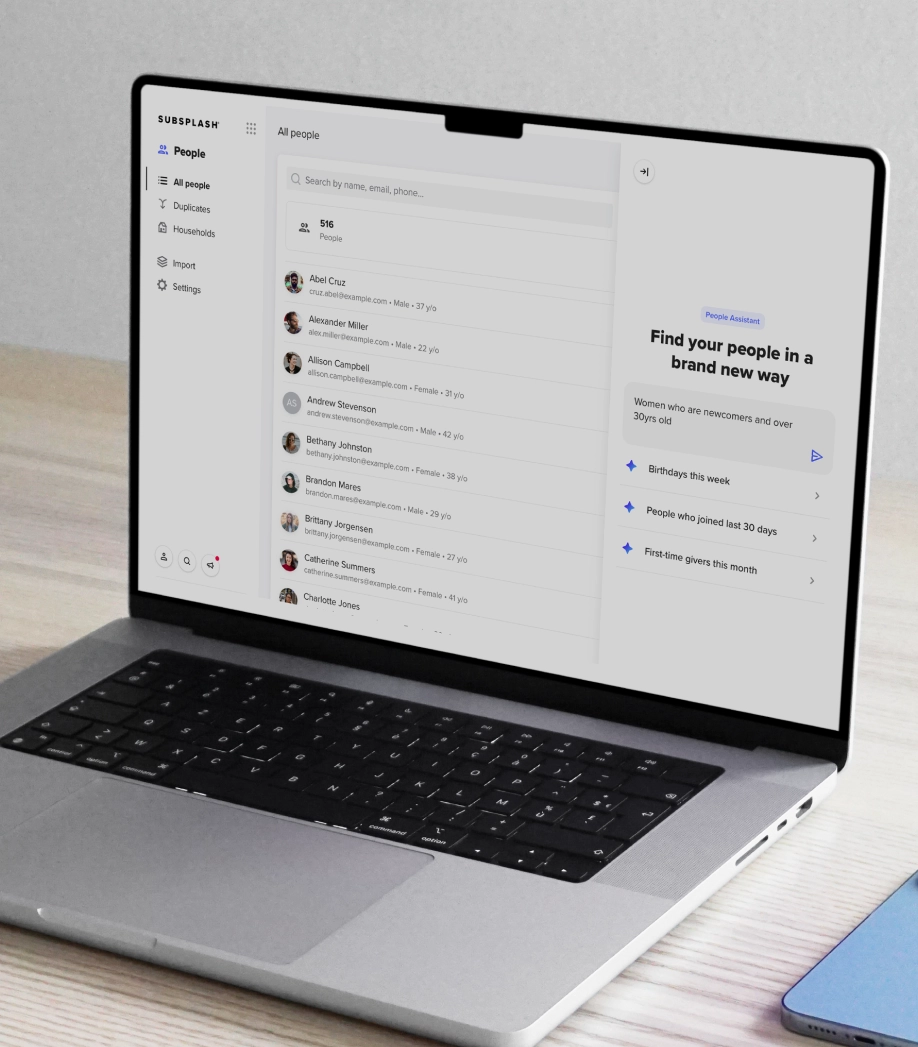
At the core of Subsplash Church Management is a shared people database. Each person has a single record, regardless of how many campuses they attend, serve at, or support financially. When a family checks their children into kids ministry at Campus B, their attendance history updates instantly on their main profile without duplicating data.
Standardizing ministry follow-up is straightforward when you keep every connection on track with Subsplash Workflows. You can design automated guest follow-up sequences or volunteer onboarding pathways once at the central office, then execute them with complete consistency across every site. Local campus leaders receive clear, automated task reminders, ensuring every newcomer receives personal care.
Additionally, Subsplash Giving and check-in tools link directly to that same shared platform. Financial teams get automated campus-level reconciliation reports, while executive leaders maintain a clear overview of overall ministry health. By bringing your app, media, giving, and management tools under one roof, your team eliminates unnecessary software costs and reclaims valuable time for ministry.
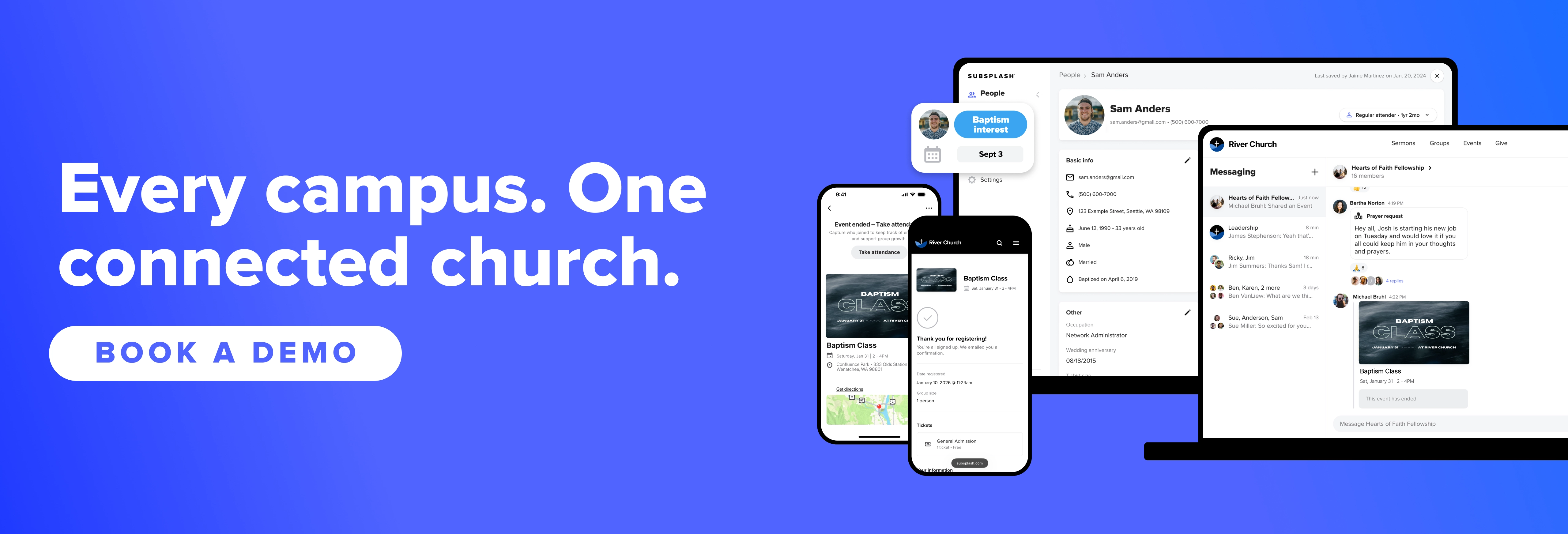
Discover a unified platform built for real church growth
At Subsplash, we’re here to help you move away from fragmented systems and step into a unified platform built for real church growth. To see how these tools can support your mission, connect with our team to schedule a personalized demonstration.
[.blog-contact-cta]Schedule a free demo today[.blog-contact-cta] and discover how your church can utilize the best software for your church!

.webp)