.webp)




.webp)


When someone visits your church—online or in person—you want them to feel welcome, inspired, and ready to take the next step. Whether it’s giving a gift, signing up for a small group, downloading your app, or learning more about your ministries, that next step should be simple.
That’s where Subsplash Tap comes in. With a quick tap of a phone on a Tap Disc, churchgoers can be instantly directed to digital content that deepens engagement—like joining next steps, visiting your app download page, giving online, and more.
But what if you want to offer multiple next steps from a single tap?
That’s where link trees come into play.
Why add a link tree to your Subsplash Tap experience?
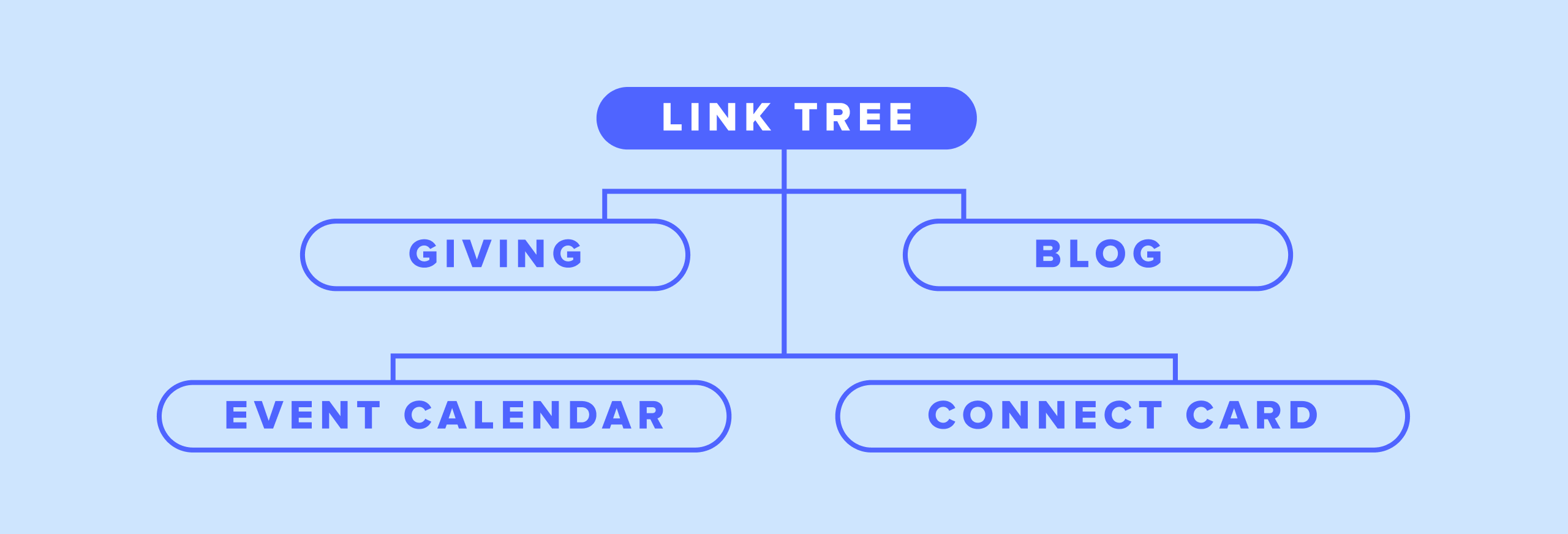
Link trees are single pages with a list of links—perfect for helping people choose where they want to go next. Think of it as a digital menu for your church’s most important calls to action.
By connecting your Subsplash Tap Disc to your website’s link tree, you empower visitors to choose what matters most to them: register for an event, connect with a pastor, give online, or anything else—all from a single tap.
It’s fast, flexible, and eliminates the friction that often stands between a person and their next step.
How to set up a link tree using Subsplash digital bulletins
Your link tree page can be as simple or detailed as you like, but the key is to create Button Blocks that include multiple links that guide people to different pages on your church’s website—like giving, events, or sign-ups.
Once your page is ready, just copy the URL and paste it into a Link Item in your Subsplash Library. If that Link Item is connected to a Subsplash Tap Disc, every tap will direct people to your custom link tree.
For example, you might add several Button Blocks to the page—each leading to a different destination. One tap, many next steps.

Real-world example: “Start Here” for new visitors
Let’s say your church uses a Tap Disc in the lobby with a sign that says “Start Here.” A new visitor taps their phone and sees:
- Plan Your Visit
- Watch This Week’s Message
- Download the App
- Give Online
- Join a Group
- Register for an Event
They’re in control. You’re making it easy. That’s what a great first impression looks like.
Ready to simplify next steps?
If you’re not using Subsplash Tap yet, there’s never been a better time to try it. From first-timers to faithful members, Tap helps your church engage more deeply—without making them work for it. Schedule a free demo today to learn more.
Already using Tap? Check out this quick support article to start adding a link tree to your Tap setup today.
More resources you may find helpful
- Church hospitality in a digital world: How to attract & delight new visitors
- Ember Church & Subsplash Tap: From missed connections to instant engagement
- Subsplash: One Tap to engage them all
- Subsplash Tap is here! Give, connect, engage—simply by tapping your phone


.webp)