


We’ve all felt the “digital noise.” Between work emails, social alerts, and news updates, our lock screens are crowded real estate.
For churches, this creates a unique challenge: How do we stay connected with our community without becoming part of the clutter?
Push notifications are one of the most direct ways to connect with your church community throughout the week. Recent studies show that the average person spends over four hours a day on their phone, with 90% of that time spent within apps! When used correctly, church push notifications aren’t just announcements—they’re digital touchpoints that foster discipleship and promote important communication.
Ready to level up your church comms? Here are the best practices to use for church app push notifications to keep your community engaged and in the loop.
How often should your church send push notifications?
Finding that sweet spot is the difference between a helpful touchpoint and an annoying interruption. If you send too few, your community might forget about your church app. Send too many, and they’ll quickly toggle off notifications—or worse, delete the app entirely.
For most ministries, the ideal frequency is one to three notifications per week. This keeps your church top-of-mind without crowding someone’s lock screen.
Here’s a simple breakdown of what that rhythm could look like in practice (we’ll dive into this more later):
- Mid-week discipleship: Use a Tuesday or Wednesday alert to share a quick encouragement, a Bible reading prompt, or a link to a new video clip from your latest sermon. This helps bridge the gap between church services and encourages daily growth.
- Community connection: Share one update regarding an upcoming event, a volunteer need, or a group update. Targeted notifications for specific groups (like parents or youth) are especially effective here.
- Sunday morning engagement: A simple “We’re live!” alert or a link to the digital bulletin helps people engage with the service, whether they’re sitting in the sanctuary or joining from home.
By keeping your communication clear, concise, and valuable, you ensure your app remains a trusted tool that engages your churchgoers at the right time.
The best time of day to reach your congregation
Timing is everything. A notification sent at 4:00 PM on a Friday likely gets buried under end-of-work tasks.
To capture attention, look for windows of time where people are naturally reaching for their phones:
- Morning (8–10 AM): Great for daily devotionals or “verse of the day” prompts as people start their routines.
- Evening (7–9 PM): This is the highest engagement window for re-engagement. Users are generally more relaxed and willing to click through to a video or long-form article.
- Avoid the “dead zone”: Data shows that between 4:00 PM and 5:00 PM consistently has the lowest click-through rates across all industries.
The goal is to meet your congregation where they already are. By aligning your message with these natural rhythms, you ensure that your church app push notifications feel like a welcome and standout moment in their day rather than another item on a noisy to-do list.
5 Tips for writing high-impact push notifications
Writing for the lock screen is a unique art form. Unlike an email where you have a subject line and a paragraph to capture interest, a push notification gives you only a split second to make an impression before a user swipes it away. Every character counts.
Here are five best practices to help you craft great push notifications that move people toward engagement and discipleship.
1. Keep it short
You have limited space before your message gets cut off. This “character limit” is the total amount of letters, spaces, and punctuation marks that can be included in your church app push notifications.
To give you an idea, here are recent character limits for push notifications:
- Android: Notification titles are limited to approximately 65 characters, but the body text can be up to 240 characters. Android often allows users to expand the notification to read more.
- iOS: To prevent your message from being cut off, aim for 150 characters or less for the total message. Keep titles under 40 characters (roughly five to eight words) to convey your message quickly.
Writing for the lock screen requires a front-loading strategy. Instead of starting with a warm, winding introduction, lead with the action or the benefit.
- Instead of: “We are so excited to invite you to our annual fall festival which is happening this Saturday at 4 PM. We hope to see you and your family there for a great time!”
- Try: “Fall Festival this Saturday! 🍂 Join us @ 4 PM for food, fun & community.”
Why this works:
- Immediate clarity: The reader knows exactly what is happening (Fall Festival) and when (Saturday) in the first four words.
- Visual cues: Using an emoji—like a leaf or a church building—not only adds personality but helps the notification stand out in a list of plain-text alerts.
- Direct call to action: “Join us” is a clear invitation that tells the user what to do next.
Pro tip: Avoid using “church-speak” or overly formal language. Keep your tone personal, but not chummy. Use contractions like “we’re” or “don’t” to make the message feel like it’s coming from a partner and guide, rather than a corporate office.
2. Segment your audience
Not every message is for everyone. If you send a notification about a middle school pizza party to your entire congregation, you aren’t just reaching the wrong people—you’re training them to ignore your alerts. When users receive content that doesn’t apply to them, they’re much more likely to toggle off notifications entirely.
Tools like Groups & Messaging on the Subsplash Platform, allow you to send targeted notifications to specific segments of your church. This ensures the right people get the right message at the right time.
How to segment your audience for better engagement:
- Volunteers: Send a quick nudge to the worship team about rehearsal changes or thank your greeters for a great Sunday morning.
- Parents: Share specific “take-home” discipleship questions for kids or reminders about summer camp registration.
- Small groups: Enable leaders to send encouragement or prayer requests directly to their specific circles.
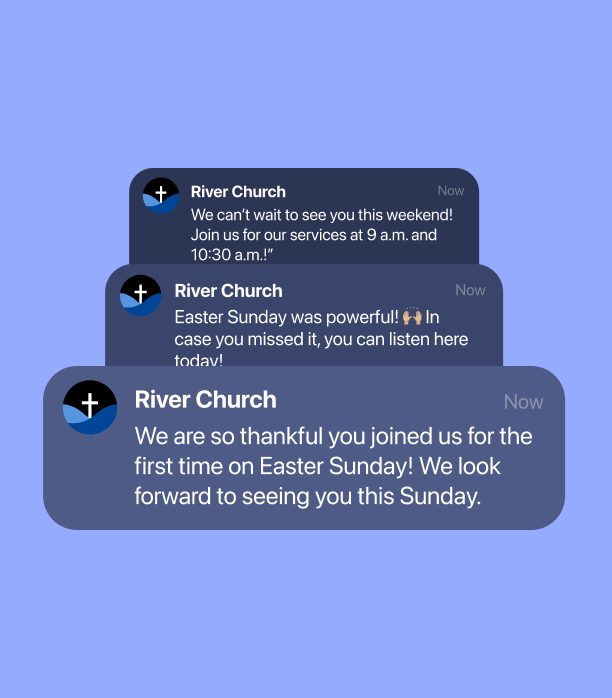
- New guests: Send a localized welcome message to those who have recently joined your community.
- First-time visitors: Simply let them know how great it was to see them at church, or invite them to the next upcoming event.
The result: When your congregation knows that a buzz from your church app is actually relevant to them, they’re far more likely to click through. This focused approach dramatically reduces opt-out rates.
Pro tip: Don’t be afraid to keep your groups narrow. The more specific the group, the more personal the message feels—and personal messages almost always lead to higher engagement.
3. Focus on value, not just logistics
It’s easy to treat church push notifications like a digital bulletin board—using them only for service reminders, event cancellations, or “don’t forget” logistics. While these are necessary, they are also the most likely to be ignored if they aren’t balanced with high-value content.
To truly engage your people, your church app push notifications should serve as mid-week digital discipleship tools. When you provide exclusive, valuable content directly in the app, you give your congregation a reason to keep their notifications on.
How to shift from logistics to value:
- Turn sermons into daily bread: Don’t let your Sunday message end when the service does. Utilize AI tools to grab a 60-second highlight or a quote from your sermon and send it out on Tuesday morning. This keeps the message fresh and helps your community apply the word throughout the week.
- Encourage generosity naturally: Share a quick story of impact—like a photo from a recent mission trip or a thank you from a local food bank. Link directly to your giving page to make it easy for people to partner with and fuel your mission.
- Curate for spiritual growth: Send out a link to a specific worship playlist, or a link to a new blog post that dives deeper into your current sermon series.
- Offer app-first exclusives: Give your app users a first look at a new ministry initiative or a special video devotional that isn’t available on social media.
Why this works: When a church push notification provides immediate spiritual value, it stops being an interruption and starts being a gift. By focusing on partnership, you’re using tech to build real relationships and real impact.
Pro tip: Use push notifications to emotionally support your congregants throughout the week:
- Instead of: “New devotional is live.”
- Try: “Feeling overwhelmed today? Our new devotional is live with 3 ways to find peace in the chaos.”
4. Know your purpose
Before you hit send on a push notification, it’s vital to ask one question: Why am I sending this?
Every alert that lands on a user’s screen should have a singular, defined objective. If the purpose is muddy, the engagement will be, too.
By categorizing your notifications, you can ensure your communication stays balanced and avoids becoming a stream of to-do lists for your congregation.
Common purposes for church push notifications:
- The invitation: These are designed for outreach.
- “Who are you bringing to the Fall Festival? 🍂 Tap to share a digital invite with a friend.”
- The discipleship nudge: These provide immediate spiritual value.
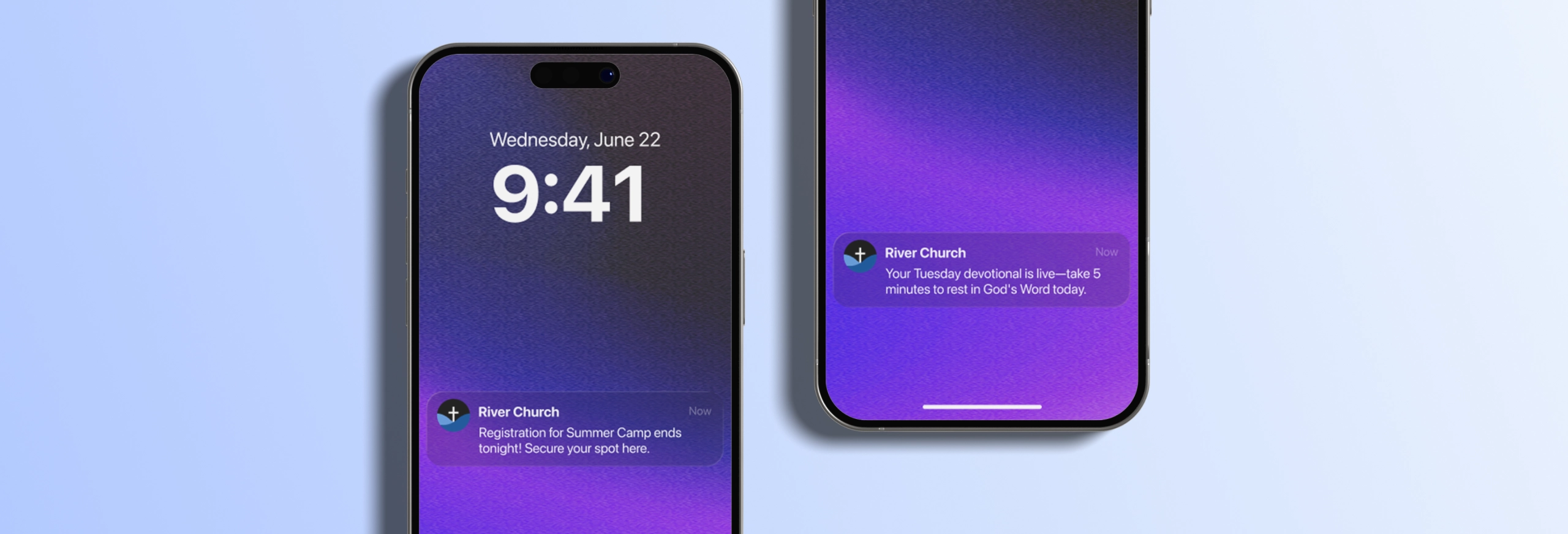
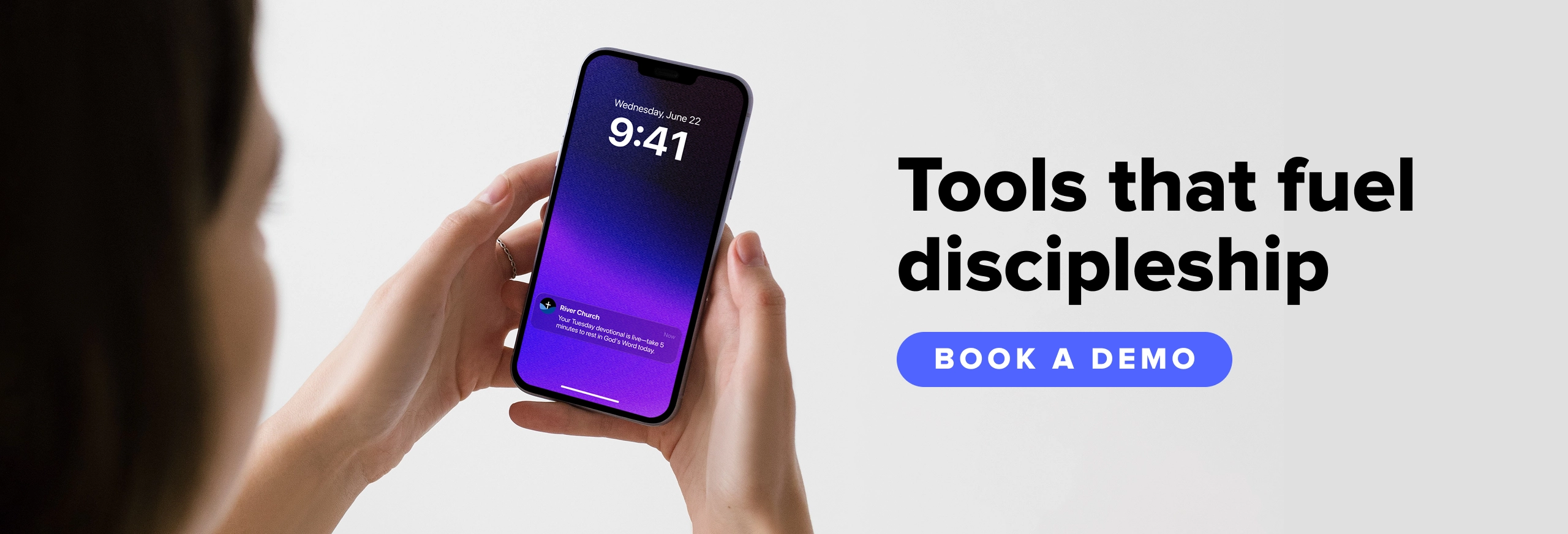
- “Your Tuesday devotional is live—take 5 min to rest in God’s Word today.”
- The logistical reminder: These are the essential alerts.
- “Service starts in 15 minutes! Join us in person or watch the livestream right here.”
- The moment of encouragement: Sometimes, the best notification is the one that asks for nothing. A simple verse of the day or a “we’re praying for you” builds trust and shows pastoral care—SEO: 10 best church app providers for 2023.
- “‘Jesus Christ is the same yesterday and today and forever.’ Hebrews 13:8 ⚓ In a changing world, He is our anchor.”
- The event call to action: These drive specific participation.
- “Registration for VBS ends tonight! Secure your spot here.”
Why purpose matters: When you know the why, the what becomes easier to write. Defining the purpose helps you choose your words, and audience, wisely.
Pro tip: Audit your notifications at the end of the month. If 90% of your alerts were logistical reminders and 0% were for discipleship, it’s time to shift your strategy to better know, engage, and grow your church.
5. Turn to AI for help
Most church leaders today aren’t just pastors or directors—they’re also social media managers, tech support, and event coordinators. When you’re “wearing many hats,” and your team members are juggling multiple roles, church push notifications often fall to the bottom of the to-do list.
That’s where AI can help save hours of work and give your team much-needed time back!
To help you navigate this territory with excellence and integrity, here are two ways AI can specifically help you manage your church communications:
- Pulpit AI: Your Sunday sermon becomes 20+ pieces of additional discipleship content—push notifications, devotionals, small group guides—all in your voice and theology. Upload your video and Pulpit AI handles the rest!
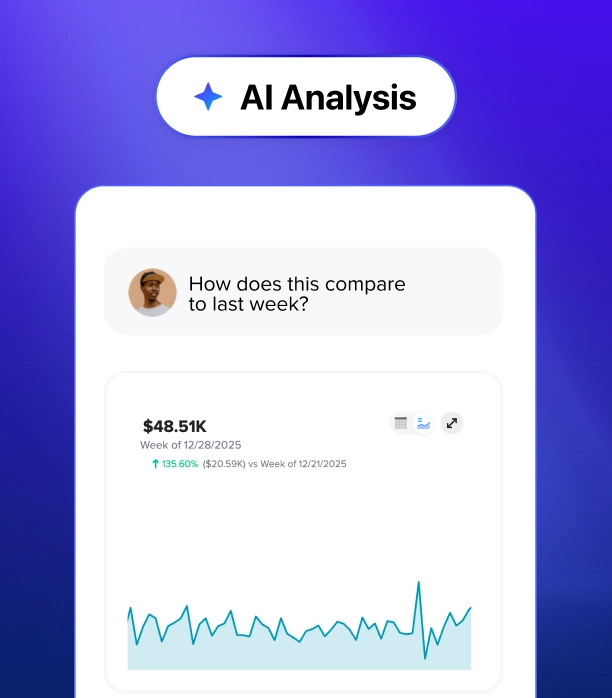
- Trends AI: See exactly how your push notifications are performing, no spreadsheets or guesswork. Ask simple questions like “Which notifications drove the most app opens last month?” and use those answers to sharpen every message you send.
Pro tip: AI should never replace the heart of your ministry, but it can certainly assist the heavy lifting of your administration. Walk through these five must-have conversations to ensure your use of technology remains consistent with your church’s unique calling.
Ready to build a smarter strategy? Download your free Church AI Policy Toolkit to help your team set healthy boundaries while maximizing the opportunities of these new tools.
Push disciples in the right direction
Mastering push notifications is about more than just sending alerts—it’s about opening a consistent, meaningful door for discipleship throughout the week.
When you move beyond simple logistics and focus on delivering real value, your church app becomes a vital companion to your community's spiritual journey. By being intentional with your timing, clear with your copy, and leveraging the latest tools to work smarter, you ensure that every buzz on a lock screen is an opportunity for connection rather than an interruption.
So, what does this mean for your ministry? The goal remains the same: to know, engage, and grow your church.
At Subsplash, we’re committed to partnering with you as you adopt new tools for ministry. We believe that when your tools are simplified and your mission is clear, the impact of your ministry is unstoppable!
[.blog-contact-cta]Schedule a free demo today[.blog-contact-cta] and discover how to reach your church every day of the week on the Subsplash Platform.