


For churches, Sundays are the most exciting day of the week, often bringing lots of new faces through the doors. And every weekend brings a fresh wave of connection cards, prayer requests, and volunteer sign-ups from visitors and members. What follows next is that church admins hold the important job of connecting with people even after they’ve left the church building.
But a love for authentic connection can quickly turn into stress on Monday mornings. When your staff has to type out every email multiple times a week by hand, search for missing connection cards, track down who’s in charge of what, and call church leaders repeatedly to confirm details, routine administration quickly turns into a bottleneck. And busier ministry seasons leave well-meaning staff struggling to manage schedules and connect with so many new faces.
When new visitors aren’t taken care of in the right communication channels, important details get missed. Guests wait days for a simple follow-up email or a friendly phone call. And in today’s modern world where people heavily rely on digital communications, follow-up is everything.
Keep your church connected with email automation
For many churches, one of the best methods to follow up with a guest is through email. But instead of relying on old systems that have major cracks in the foundation, like starting each email from scratch on Monday mornings (or beyond), you can turn to new tools built specifically for churches and ministries! Enter Subsplash Workflows.
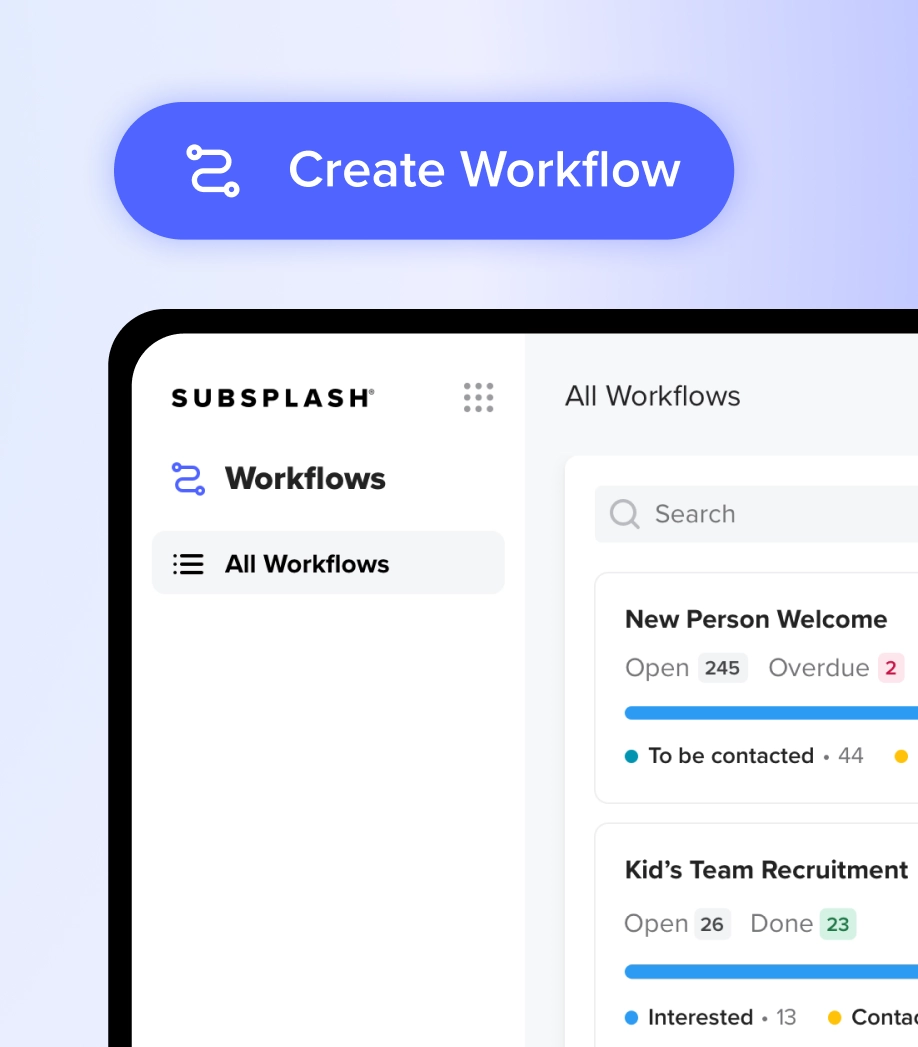
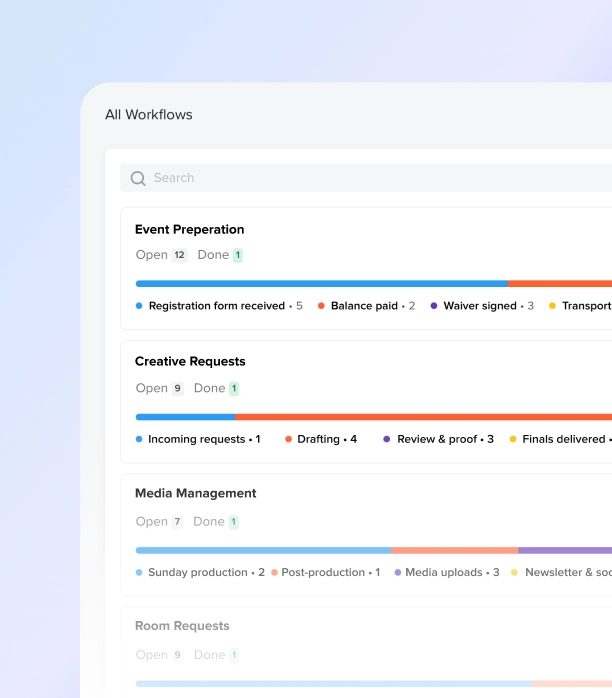
When it comes to church organization and email automation this fall, Workflows is your best friend. It organizes your ministry tasks into clear visual drag-and-top boards where every person or project has a card, a track, and an assignee.
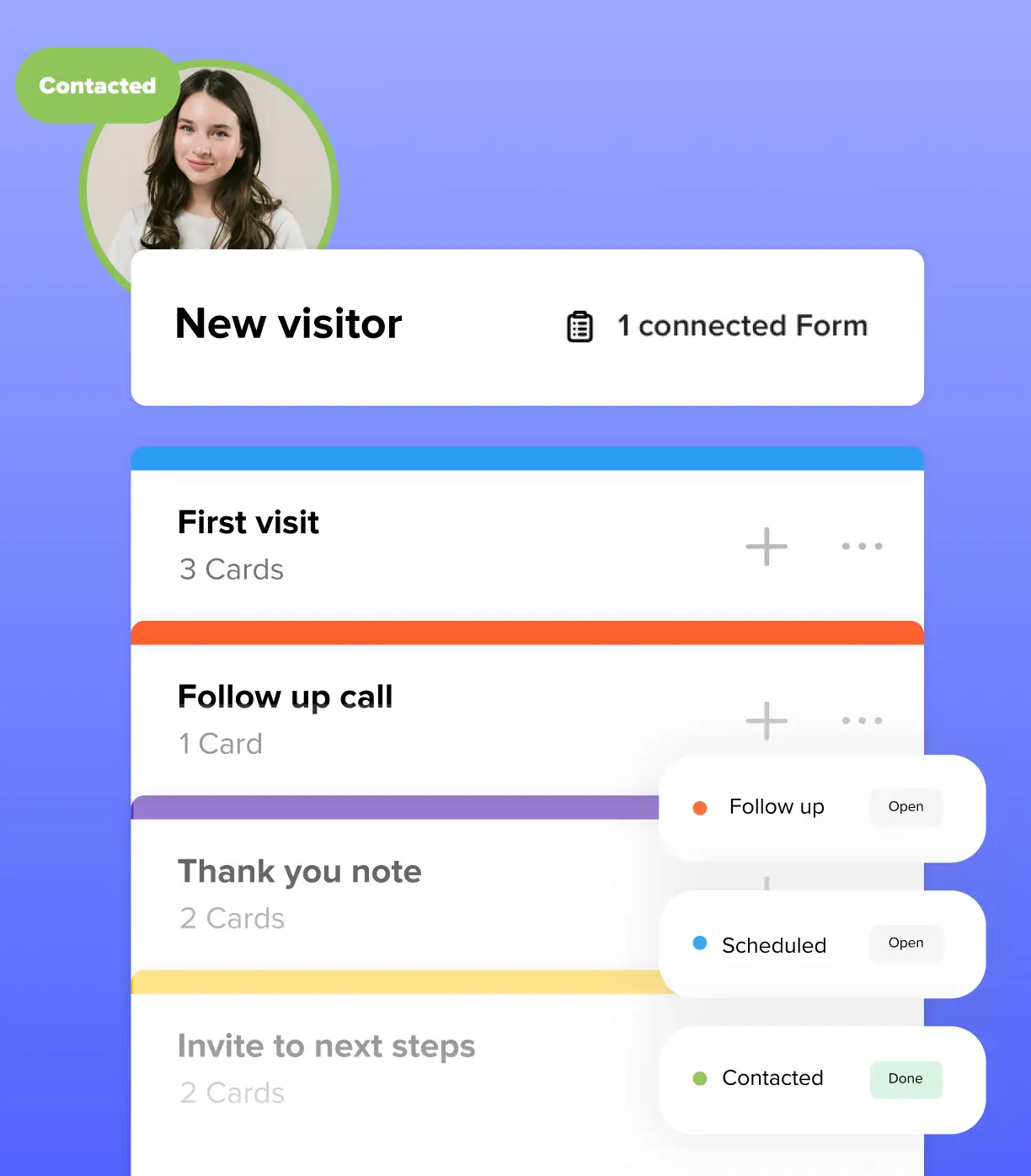
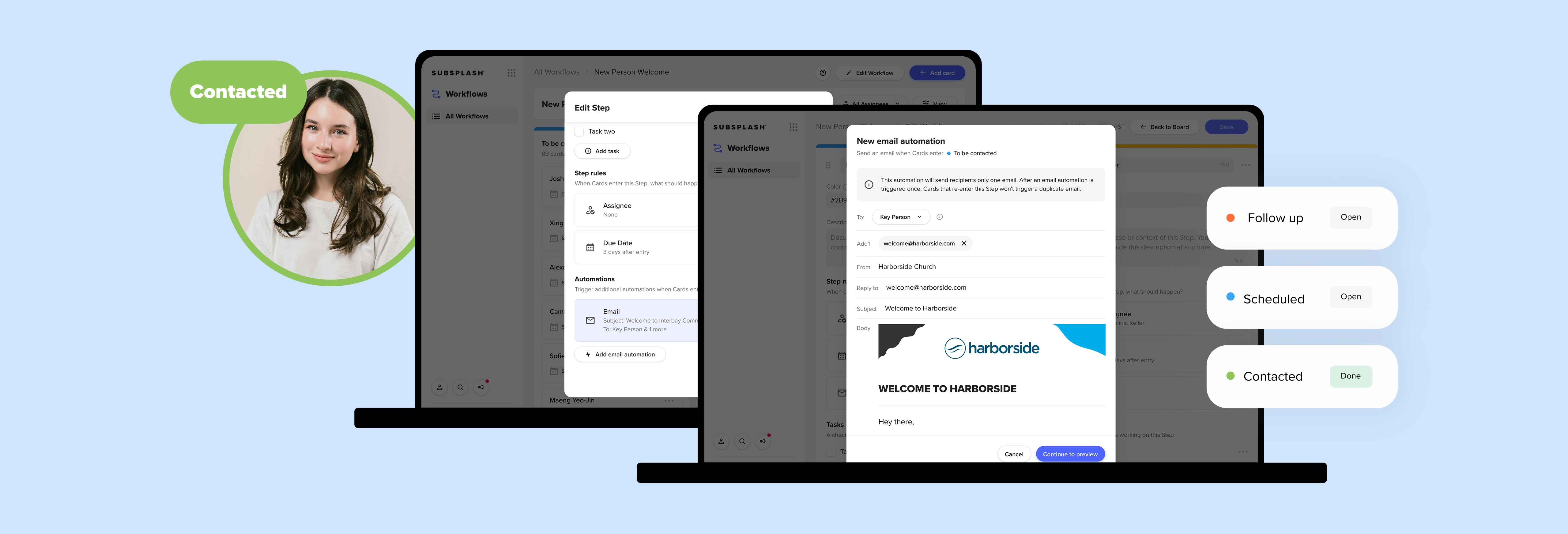
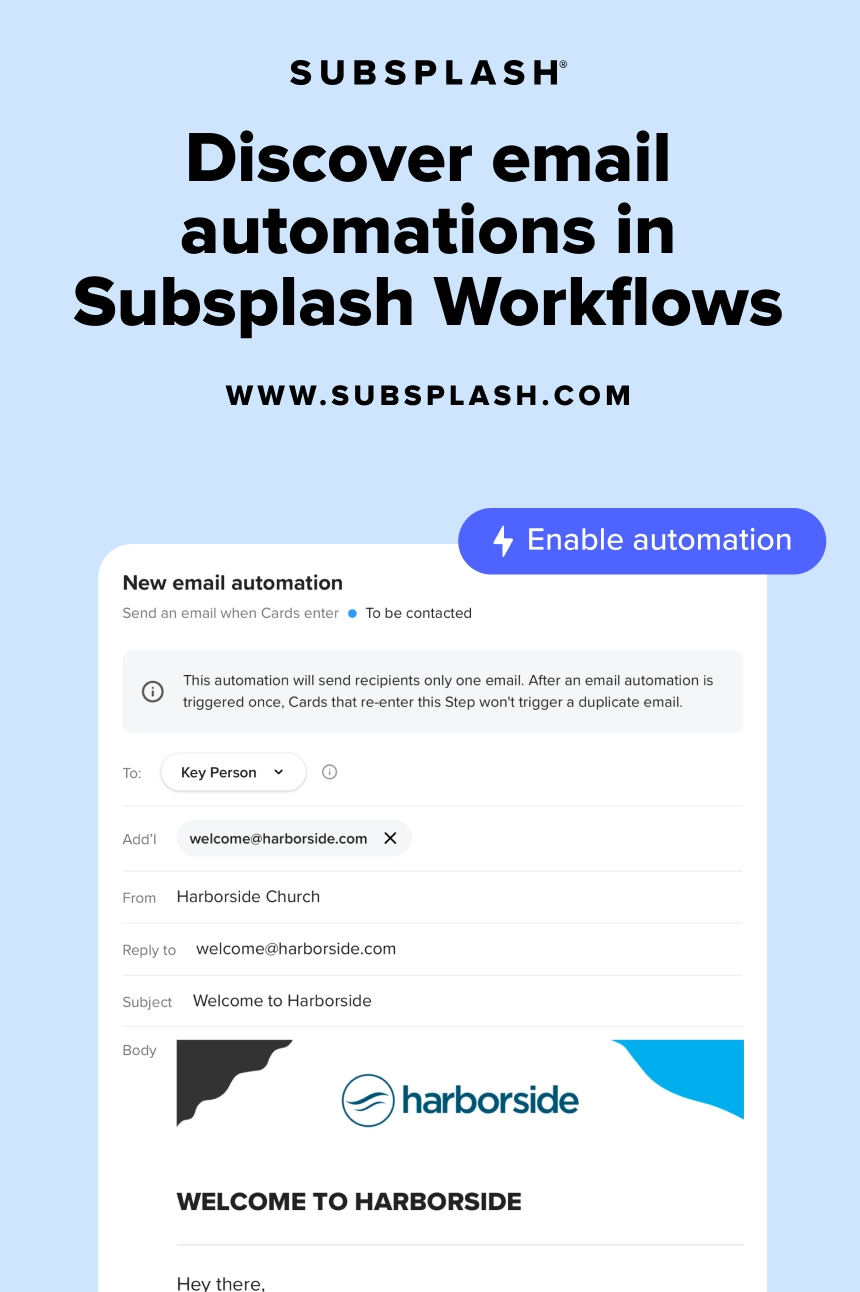
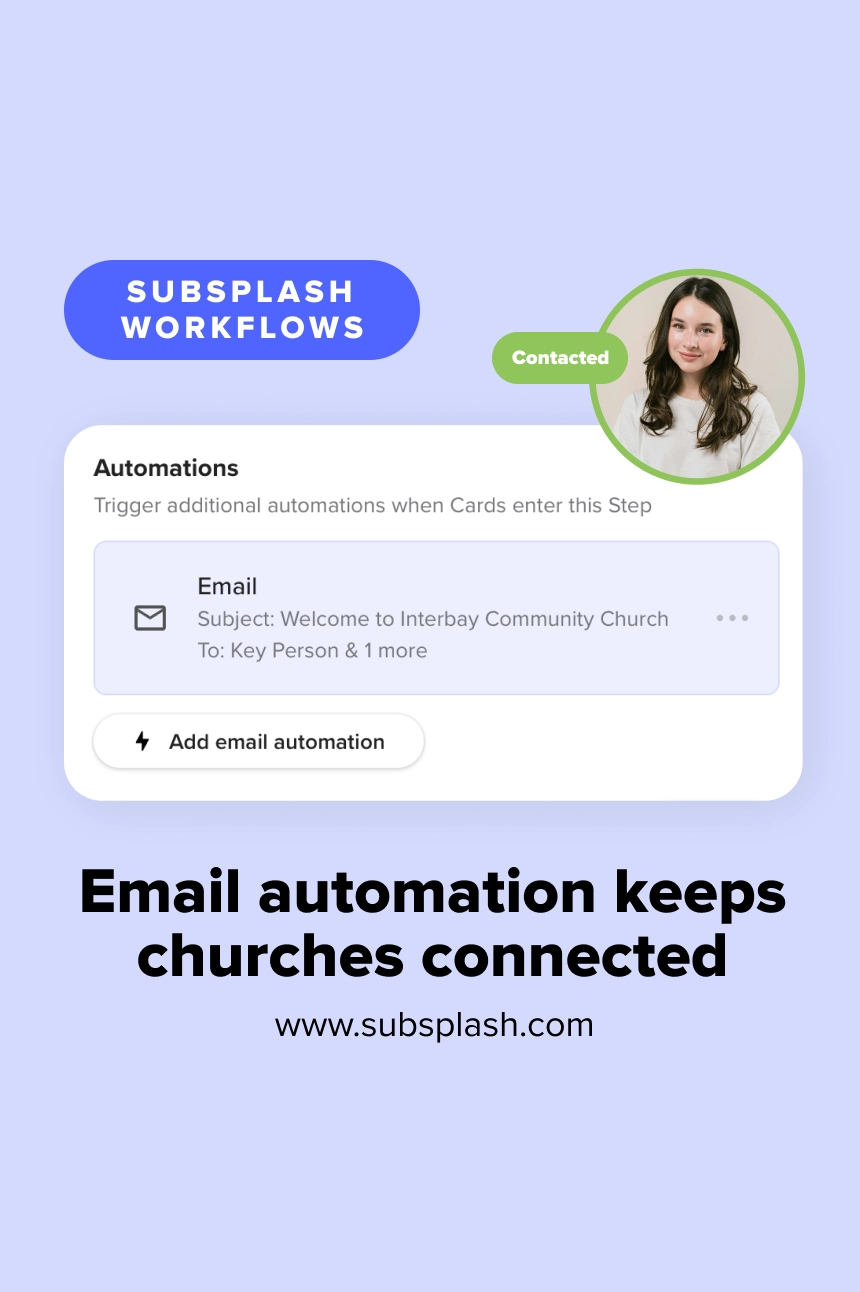
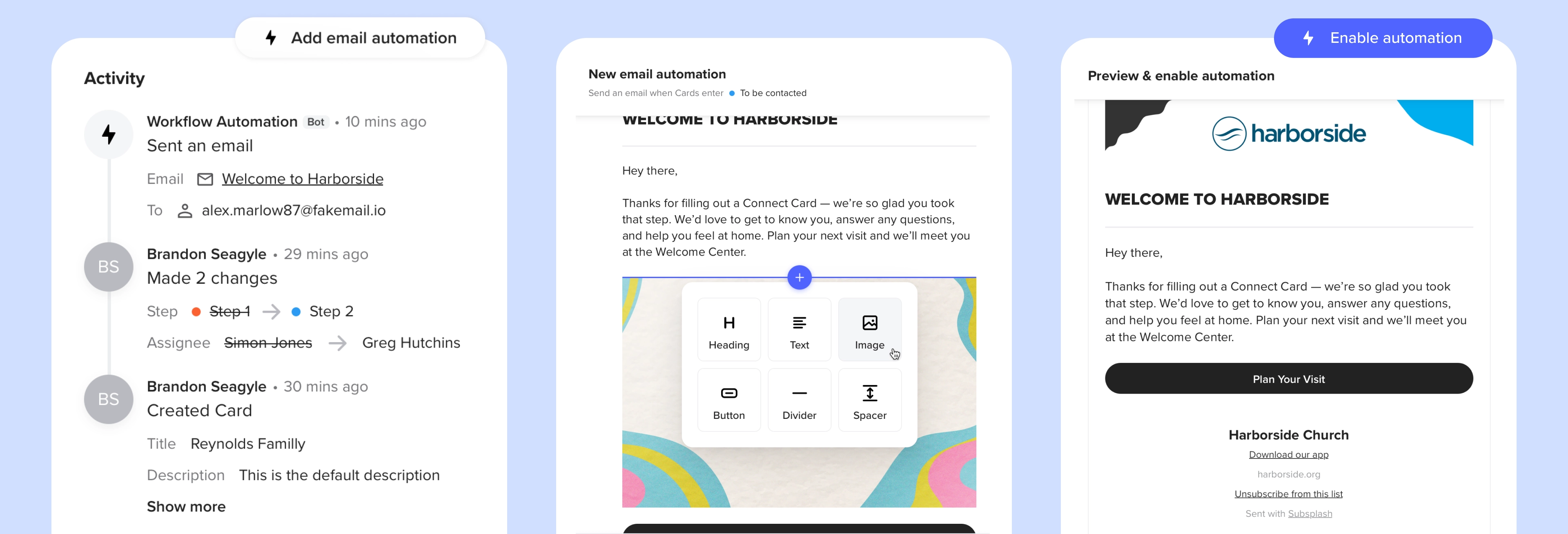
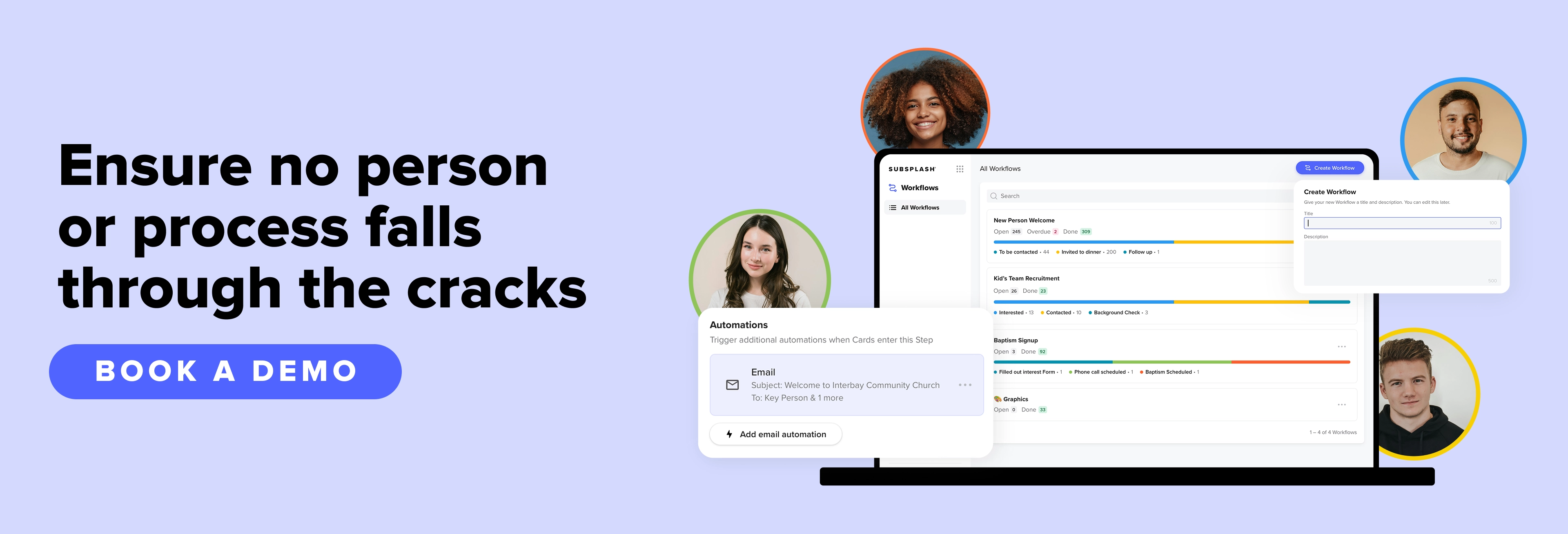
With email automation, your new guest fills out a connection card that automatically triggers an email. When a card enters a designated step—whether a team member drags it over or a digital form submission places it there automatically—an email that you’ve created and approved is automatically triggered. That means they’re placed into a customizable visitor workflow where they are immediately contacted by an email built for their demographic and interests.
On your end, you can create customizable tracks for different groups of people, such as those who mark that they’re interested in baptisms or women’s ministry, and assign a staff member or volunteer to follow-up. And with the new AI feature, you can prompt AI to create a customizable track for you in seconds!
Everyday ministry processes you can automate
Subsplash Workflows can be customized to your needs and used in all sorts of creative ways. Church teams can use automated emails across a wide range of daily operations to keep communication clear and consistent. Here are some ideas below!
Welcoming new visitors
Church admins and volunteers can lose track of connection cards or simply be swamped with work and not have the time to reach out to every guest. Many churches have never created an entire system built around specifically tracking visitors (vs. their members) because they didn’t even know it was possible—until now.
But with Subsplash Workflows, your visitors are tracked from day one, uniquely to their needs and interests. Each visitor feels seen, valued, and welcomed into your community. They’re on a workflow track designating what they’re interested in, what communications they receive, who follows up with them, and what they’re interested in.
Additionally, your admin will be saved hours of work and can engage with a unique and creative system that empowers them in visitor engagement. By utilizing a system created specifically for tracking people, they’ll be a part of a communications workflow that works for them in real time rather than against them throughout the week.
Guiding prospective volunteers
Volunteer onboarding is one of the highest-risk, most inconsistently managed processes in any church. When it lives in email threads and shared docs, steps get skipped. The most commonly skipped step also happens to be the most consequential, the background check.
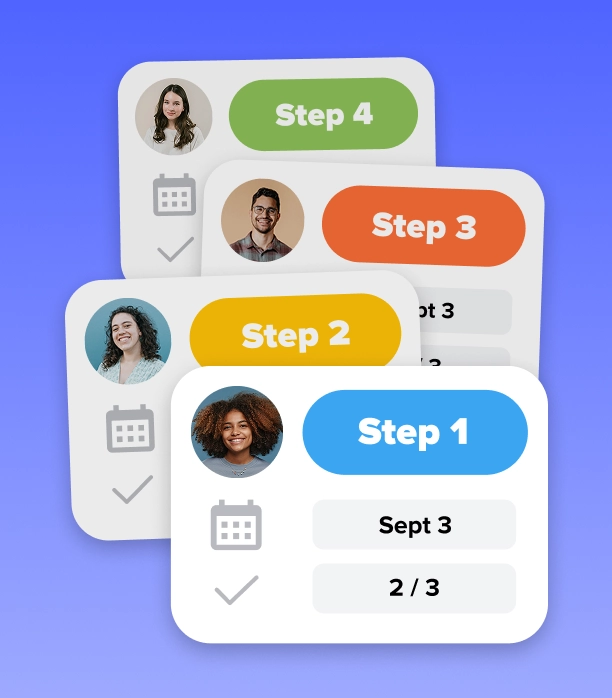
A Workflows-based recruitment pipeline standardizes the process across every ministry department. Every applicant moves through the same steps in the same order, and nothing advances until each task is complete.
Recruiting volunteers involves several moving parts, from initial interest to training days. By relying on Subsplash Workflows to manage all the details, you ensure your volunteers are consistently communicated and tracked in ways that work best for them—and for you!
Check out this list of the people-based workflows for more inspiration!
Connect visitors with small groups this back-to-church season
Did you know that you can streamline your workflows for the back-to-church season this fall? For visitors pouring into your church, they’re looking for authentic connections, and the best place to find them is in small groups.
To empower your visitors, our recent Workflows webinar covers practical ways to manage visitor follow-up without paper cards or spreadsheets. Subsplash team members Austin Rojan and David Royall shared how a digital connect card can automatically send welcome emails, assign staff tasks, and guide guests into a small group.
Watch the replay to see how AI creates custom pathways in minutes, saving admin time so your team can focus on ministry. Plus, download the free “Church Workflows Toolkit” to start building repeatable systems.
Reclaiming time for personal connection
Automating routine email follow-up isn’t about replacing personal pastoral care—it’s about making space for it. When your administrative communication runs reliably in the background, your staff reclaims hours of valuable time each week.
Instead of writing the same introductory emails over and over, your ministry leaders can focus on meeting people for coffee, praying with families, and investing directly into your community. You ensure your people are tracked, communicated with properly based on their unique likes and interests, prayed over, and cared for—from day one.
If your team is ready to trade scattered spreadsheets for clear, automated ministry steps, [.blog-contact-cta]connect with our team today[.blog-contact-cta] to see how Subsplash Workflows can support your ministry!