

.webp)





Registration doesn’t happen in just one place
Churches are running more events than ever. Camps, retreats, classes, outreach dinners, and volunteer trainings all compete for a spot on the calendar, and each one brings its own registration chaos.
Some guests sign up online days ahead of time. Others walk in with a check in hand and expect to get on the list. A parent calls Thursday afternoon to add their kids. A guest shows up Sunday morning and asks, “Can I still register?”
The admin running that event needs every one of those people on the same list, with accurate contact information and a clear record of who’s paid. Until now, the tools haven’t kept up with how registration actually happens.
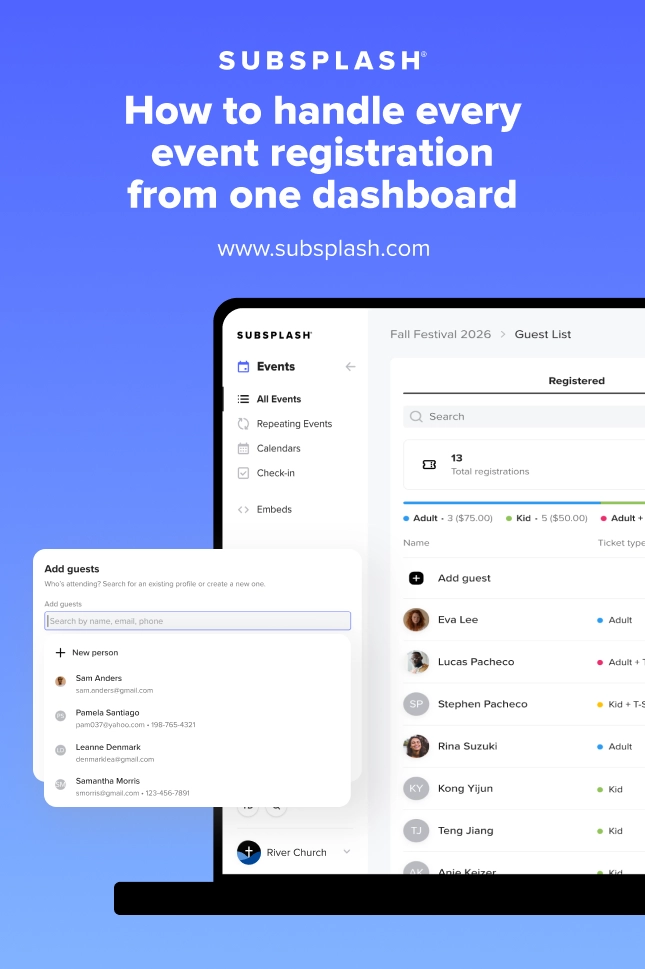
One list for every registration
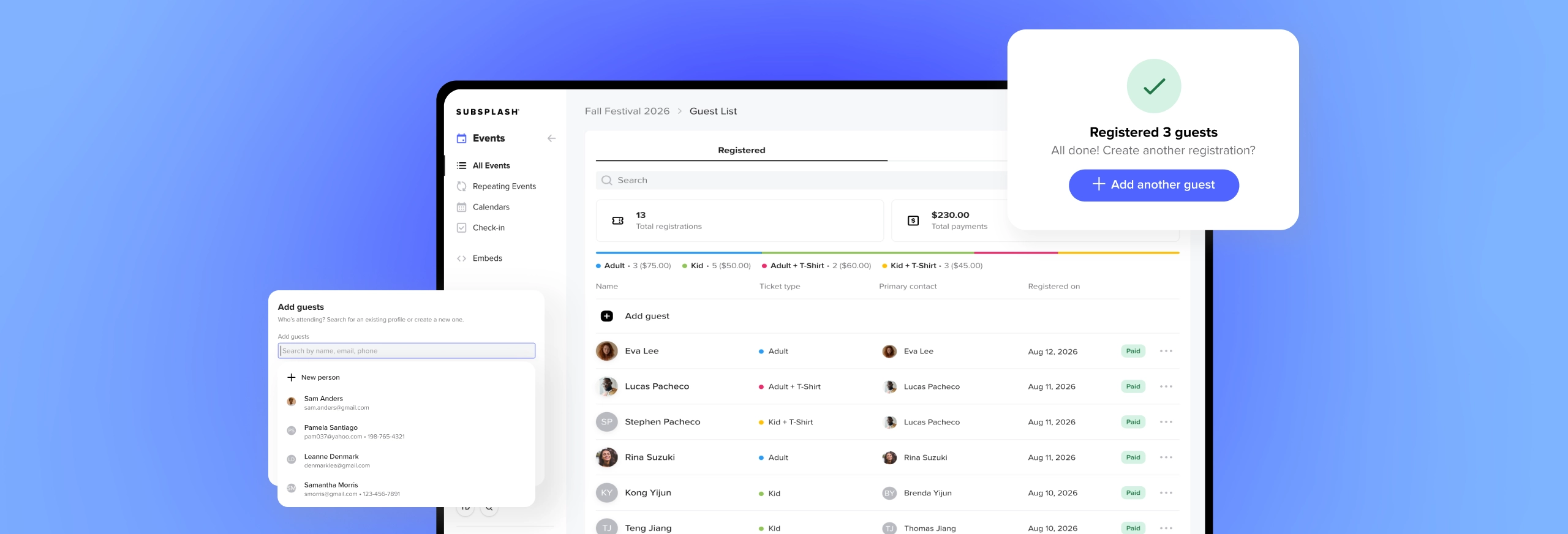
Registering guests from your dashboard solves this by putting every registration in the same place. Whether someone signed up online two weeks ago or you’re adding them at the check-in table right now, the record goes into the same guest list with the same data.
That fixes the fragmentation that’s plagued walk-up and phone registrations for years. Online sign-ups used to live in one system while walk-ups ended up on a clipboard or in a spreadsheet. Worse, an admin registering someone through the public form with their own email would create a ghost profile that sent follow-up emails to the wrong person.
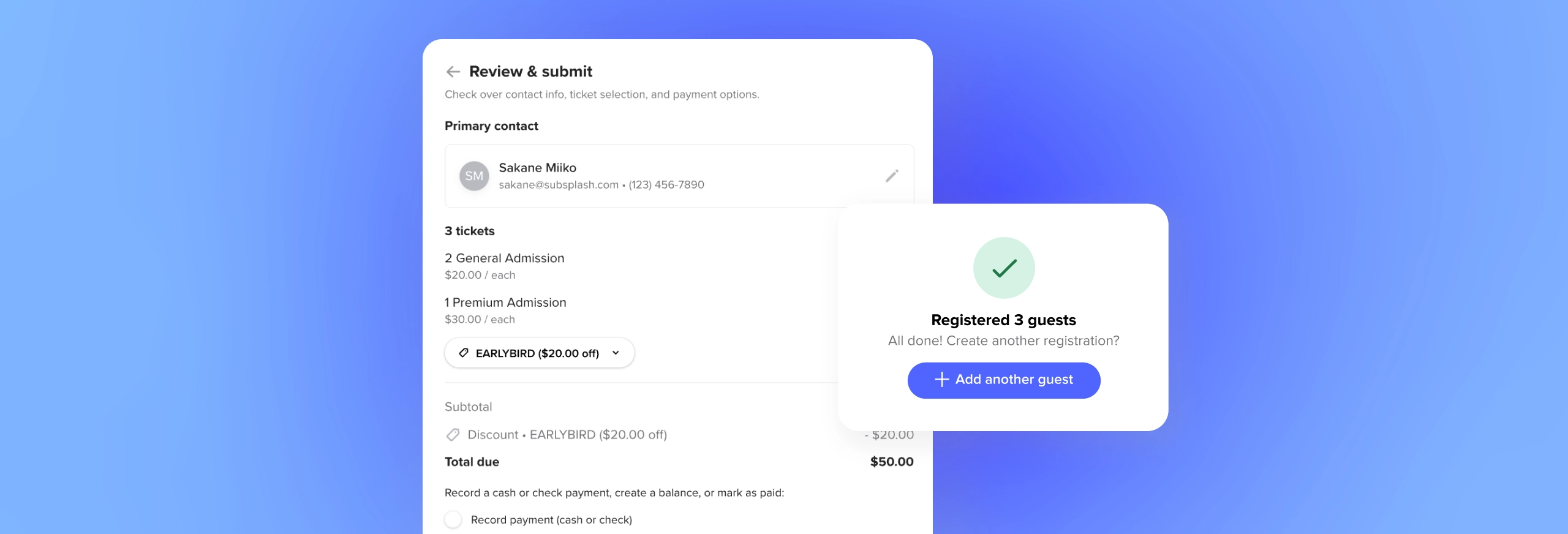
You also get three payment options when you register a guest:
- Mark an offline payment as received for cash, check, or another method
- Select “pay later” to send a balance payment link to the guest’s email
- Waive the payment entirely
Cash and check payments get recorded on the spot, and guests who need to pay by card receive a link that accepts Apple Pay, Google Pay, and their saved payment methods.
Tools that keep the line moving
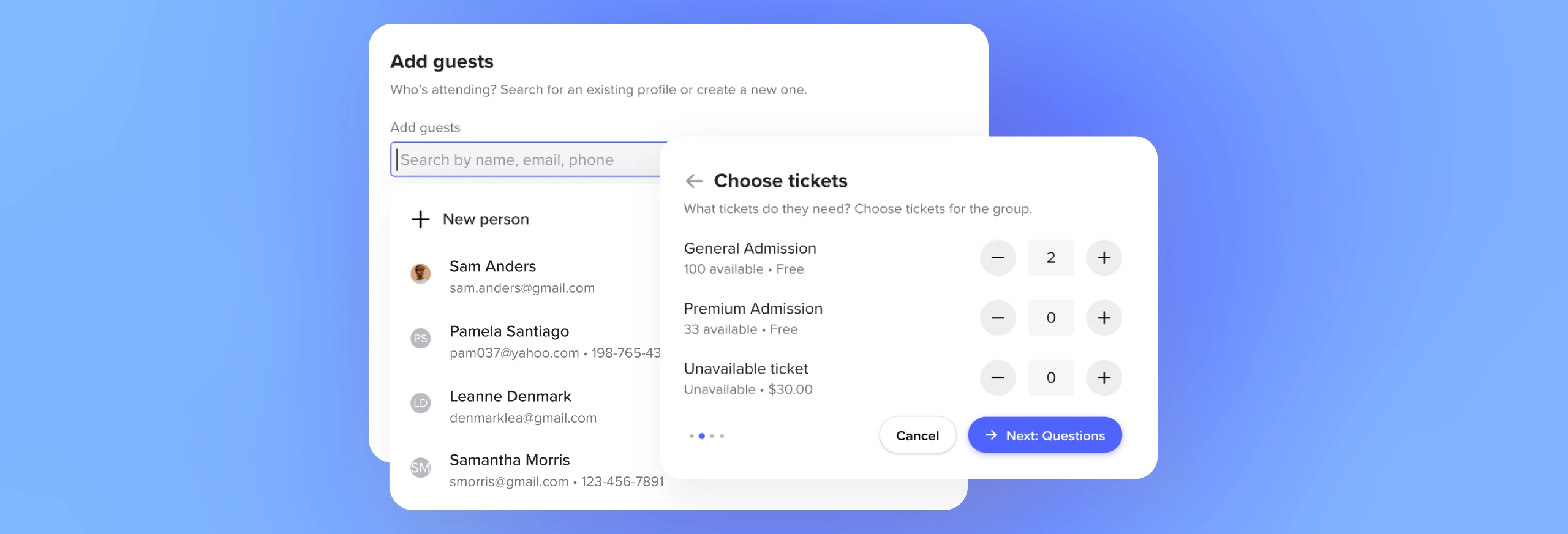
Registering guests at a busy check-in table is a different job than managing registrations from your desk. Registering guests from one dashboard is built for the pace of that scenario.
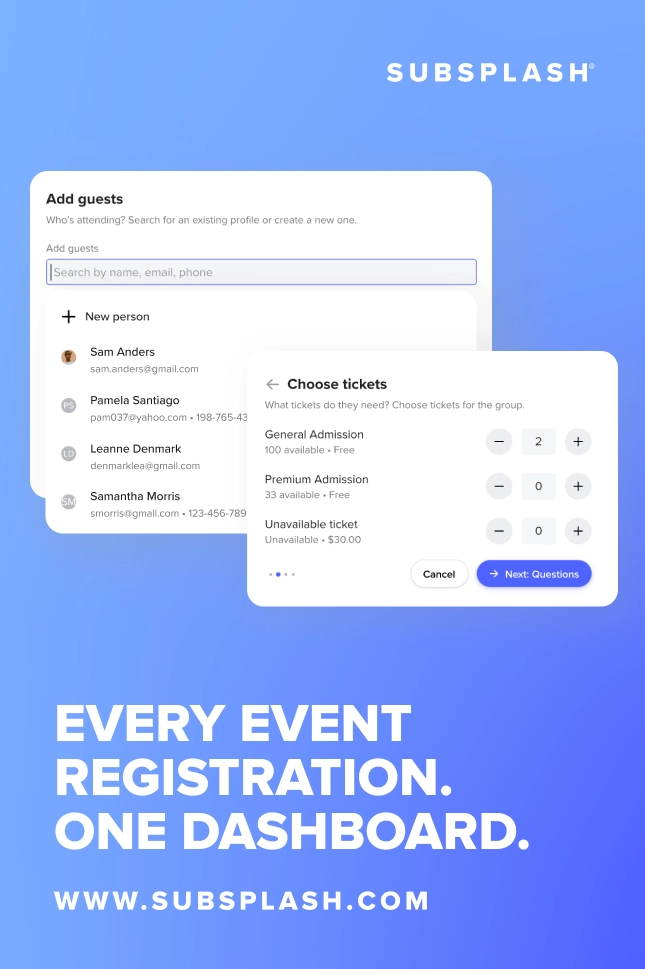
Admins get superpowers to uncover hidden tickets and sold-out events to accommodate last-minute arrivals, and registration caps can be overridden when leadership says to add someone anyway. If a guest’s profile is missing a phone number or email, the admin can edit those fields inline without leaving the registration modal. Payments with abnormal balances get flagged for easy tracking, and payment waivers apply in a single step.
The Events Manager role, already live in Subsplash, makes this even more practical. A front-desk volunteer can register guests, manage the guest list, and capture payments without seeing giving data, member details, or other admin functions. You can staff your registration booth without handing out full admin access.
Everything stays connected
If your church already uses Subsplash for giving, messaging, and member management, quickly being able to register guests fits in real time right in. When you register a guest from the dashboard, their record links to their real profile rather than a shared office account or a duplicate.
Their event attendance, giving history, and communication preferences all live in one place, which matters most once the event ends. You don’t need to export a spreadsheet and cross-reference it against your member database.
Send a follow-up message to everyone who attended, check whether a first-time guest has given before, or see which events a member has registered for over the past year. It’s all there for you.
How to get started
Admin Guest Registration works with any event, existing or new. If you already have events set up with tickets, questions, and online registration, the registration modal works alongside that flow. You’re not replacing anything; you’re adding a new way to register the people who need special assistance or won’t sign up online.
To try it out, open any event in your SubsplashDashboard and look for the option to register a guest. Walk through the modal once and you’ll see how it works. If you want your volunteers to use it, assign them the Events Manager role, and they’ll have everything they need and nothing they don’t.
Not using Subsplash One yet? [.blog-contact-cta]Click here [.blog-contact-cta] to learn how to get started!

.webp)
