






Imagine this: A new visitor walks through your doors for the first time. They love the worship, connect with the message, and meet friendly people. They want to learn more about your church and take the next steps... but then—they’re left wondering what to do next. There’s no clear path forward, and the excitement to get involved is lost.
Unfortunately, this scenario plays out at many churches every Sunday. Without clear next steps, even the most enthusiastic visitors may miss out on getting involved in your church–or worse, they may not return at all. That’s why next steps classes (also known as church growth tracks, church membership classes, or discovery classes) are so essential to church growth.
Next steps church classes are crucial to the life of a church. They help guests go from curious observer to committed participant—but only if they’re announced, easy to register for, attend, and followed up with.
And that’s exactly where the Subsplash Platform shines. Here are 17 ways the Subsplash Platform helps churches streamline their “next steps” process, from initial promotion to long-term integration.
17 unique ways to grow your church’s next steps class
Promote awareness & drive initial interest
1. Text messaging
Communicating clearly and often with your potential attendees and registrants is crucial for your next steps class’ success. Whether you’re sending an invite, a link to register, a reminder, or notifications, text messaging rules when it comes to instant communication–perfect for your next step church class.
Build, schedule, and send text messages about your next step church class right from your church membership software. When used with in-app group messaging, scheduled and automated emails, group announcements, and push notifications, you’ll be sure to reach your people with the information they need.
2. Prominent next steps homepage & app buttons
If information for your church next steps class is difficult to find, most people will decide it’s not worth the effort to attend. Using your church website builder, you can create a visually appealing “New? Start here!” or “Next Steps” section directly on the homepage. Similarly, you can also create a permanent “Next Steps” button in your church app’s main navigation.
On the next landing page, share a welcome video from your pastor, FAQs, upcoming dates, and a link to the event calendar and registration. By making your next steps class easy to find, you ensure your class is accessible and convenient.
3. Digital connect cards
When someone attends your Sunday service for the first time, they need a little encouragement and clear guidance to get plugged into your church. By offering a digital connection card, they can checkmark whether they are interested in receiving information about your next steps class—so your team can connect with them on how to participate.
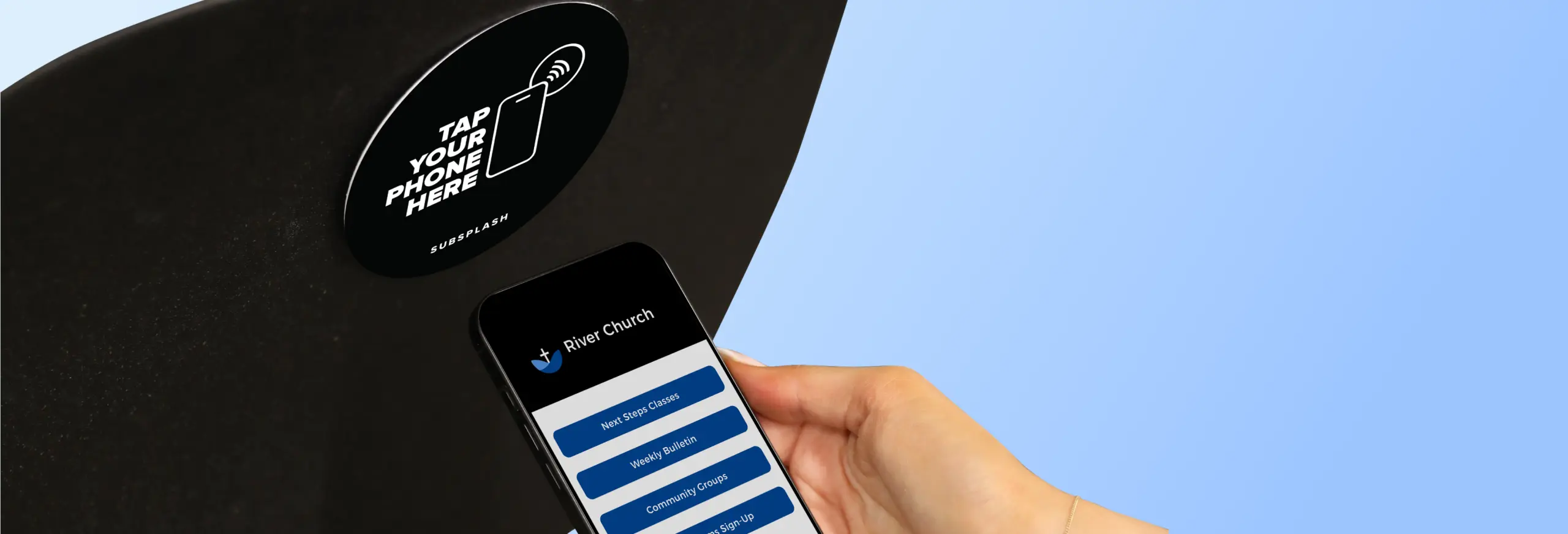
Want to make it even simpler? By utilizing amazing tools such as Subsplash Tap, visitors during your Sunday service can tap a Subsplash Tap Disc directly in front of them at any time during the service. With just the tap of a phone, they can go directly to your registration page for your next steps class. It’s that simple!
4. Next steps church class banner
On your website, add a bold, eye-catching banner to the top of your website’s pages that links directly to the Events registration page for your next steps class. Whether someone is following along during the service or checking your church online later that day, they can register instantly from their phone or computer.
This kind of visibility is key for busy families and first-time guests. No need to remember details or dig through a website later—just click and sign up in the moment when interest is high and the invitation is clear.
Simplify registration & pre-event communication
5. Unified registration forms
With Subsplash Events, create one simple, mobile-friendly registration form on your website and church app for your upcoming church next steps class. Because it’s part of the Subsplash One ecosystem, the form automatically populates registrant profiles and tags, cutting admin work significantly.
6. Automated emails & text reminders
Once someone registers for your class, automatically send them a confirmation email. You can also schedule automated emails or text reminders to go out a week and a day before your next steps classes to maximize attendance.
This kind of pre-event communications can drastically increase actual attendance. It also allows for seamless follow-up ahead of time without a lot of busy work during the actual events.
7. Gather key information upfront
Add custom questions—like ministries of interest or general questions about your attendees—directly into your event form. Customize the registration form and ask questions like, “What areas of the church are you most interested in?” With these insights, event leaders can tailor content, advice, and follow-up in a way that feels personal and relevant.
8. Integrated childcare registration
Families are more likely to attend if childcare is available and planned for ahead of time. On the next steps class event form, allow parents to register their children for childcare. This helps to ensure that parents can make it to your next step church class without being inconvenienced or distracted.

Create a delightful event day experience
9. Effortless check-in
Use Subsplash Check-in on a tablet at the door for rapid check-in. Volunteers can look up names in your ChMS, or attendees can self-check-in with a QR code. This automatically marks their attendance, saving volunteers from manual tracking, reducing friction, and improving accuracy.
10. Valuable photos & info
What do your visitors and attendees need to know about your church to be motivated to join? A next steps class offers your church leadership the opportunity to be transparent and authentic. Showing slides, photos of your church’s history and leadership, and providing your mission statement is extremely helpful for newcomers.
Additionally, offer information about your values and beliefs, opportunities to serve, and host a Q&A time so they can have all the information they need to make a decision about how to best get involved and contribute to your church.
11. Welcome bag or gift
Regardless of your church visitor’s experience up to this point, your next steps class will make a huge impression and help them determine how invested they want to be in your church. It’s important to go the extra mile to make them feel special and valued.
Offering a welcome bag, church merch, a coupon to your cafe, or some other thoughtful gift will help your visitors feel extra welcome at your event—and in your church.
Drive follow-up & deeper integration
12. Automate a post-event thank-you message
Every attendee will need to receive pertinent information after your event. Schedule an automated email that says “Thank you for attending!” after your next step church class, and also includes the information they were shown during the class.
This reinforces their decision to attend your class and keeps the connection momentum going—without adding manual work to your plate. It can also provide valuable information, such as links to information on your church history, volunteer opportunities, next steps, event photos, social media links, and more.
13. Provide personalized follow-up
At every stage of church engagement, follow-up matters. It’s important to plan how your church will follow up with each individual after your next steps class. Let your next steps attendees know who their contact person is and how that person can be reached. This allows them to feel more confident and comfortable reaching out with prayer requests, questions, and other inquiries they may have during the week.
Additionally, best hospitality practices at church include a personalized follow-up from your church leaders or pastors, such as a phone call, email, and text message, to let them know how much you care.
14. Create a “Next Steps Alumni” group
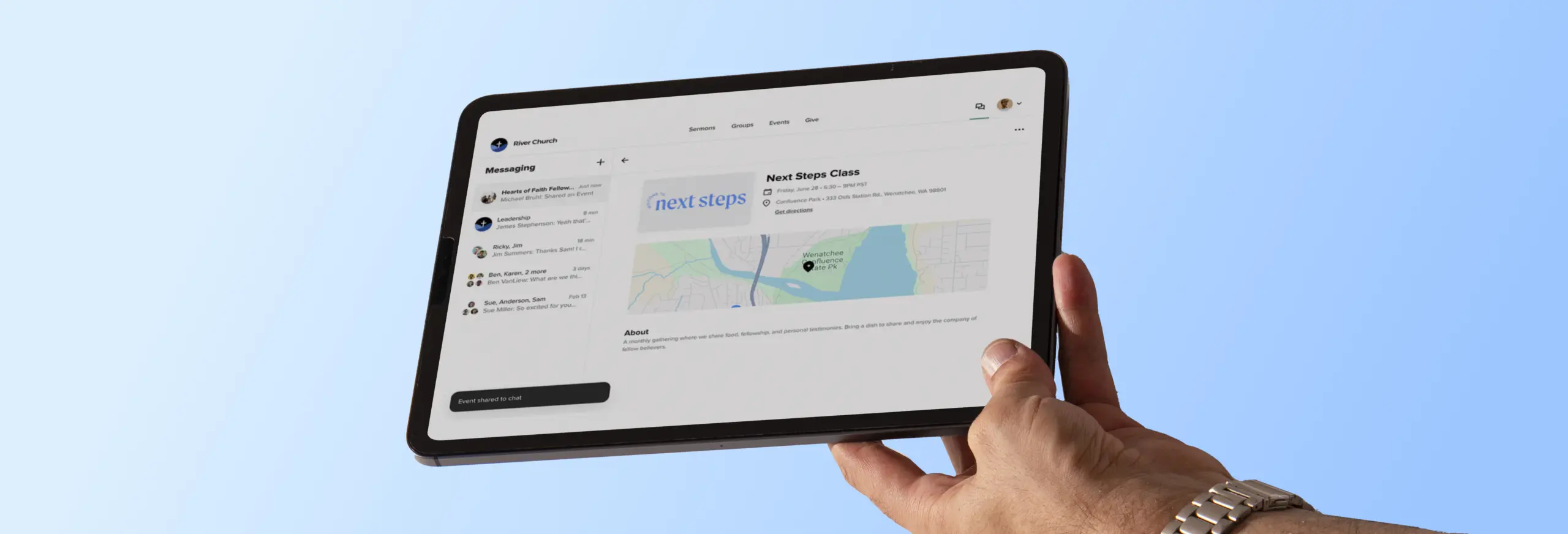
Use Subsplash Messaging to create a dedicated communication channel for everyone who has completed your next steps class. This becomes a powerful tool for announcing the next step in your discipleship pathway, like a membership class, serving opportunities, and connection events—without participants having to ask about what comes next.
Empower administrators & leaders
15. Centralized profile management
When a new visitor registers for next steps via the Website or App, a profile is automatically created for them in the Church Management Software (ChMS), eliminating duplicate data entry and building your people database without the extra manpower. This organizational simplicity saves time and ensures you’re building a clean database where everyone’s engagement history is in one place.
16. Clear volunteer coordination
Subsplash ChMS not only manages who’s attending, but who’s serving—letting admins assign volunteer roles, track availability, and message the team. Your church can manage the entire next steps volunteer team within the ChMS.
Schedule volunteers, track their availability, and communicate with them all through the integrated Messaging channels. Volunteers can respond, view schedules, and get reminders all through the app—giving your next steps class the best chance at success.
17. Track discipleship pathways
Want to see real growth? Use the data in the ChMS to track an individual's journey. You can see if someone went from your next steps class to joining a group, volunteering, or participating in a membership class. You’ll gain insight into retention and disciple multiplication—in real time.
Next, the possibilities are immense. Church leaders can run reports to see how many alumni become small group participants or serving volunteers. It gives visibility into long-term disciple-making impact.
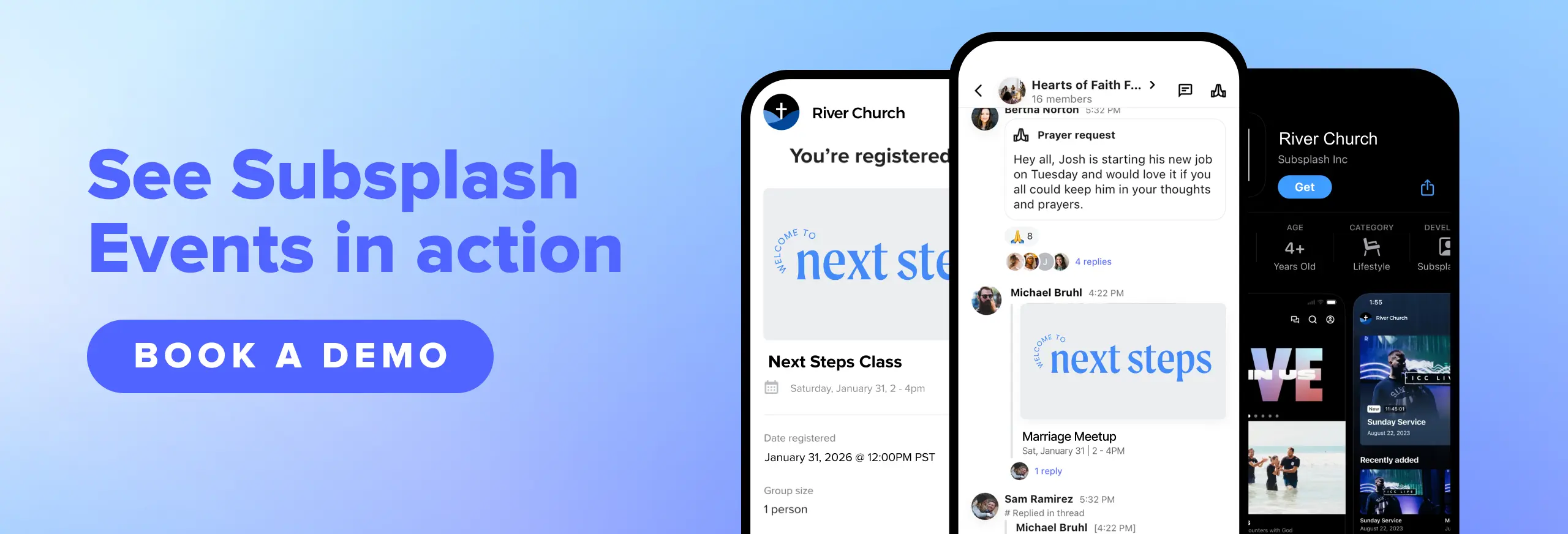
Next steps classes made simple—and effective
Next steps church classes are crucial to the life of your church—but many visitors often have no idea how to get plugged in, and churches struggle to keep it simple. Some visitors may want to jump in right away, while others may take months to years to get involved. But no matter how they get there, your next steps classes should seamlessly help your visitors plug into the life of your church.
It’s time to simplify, streamline, and supercharge your next steps classes with Subsplash tools. If you’ve ever wondered how to make them easier to promote, manage, and follow up on, the Subsplash Platform removes the friction at every stage.
From promoting the event and capturing sign-ups to providing seamless check-in and follow-up, Subsplash equips your team to move people from first-time visitors to fully engaged members of your church community.
[.blog-contact-cta]Discover for yourself[.blog-contact-cta] how Subsplash can help your church reach, engage, and disciple more people.
More resources you may find helpful
- 11 effective ways to attract young families to church
- Kids church check in—How to keep kids safe & parents happy
- Little disciples, big faith: 20 exciting & fun children's ministry ideas
- How to encourage someone to come back to church: Practical strategies for pastors
- New features for small groups: Group Finder & Request to Join!
.webp)
.webp)

%20features%20for%20a%20thriving%20church.webp)
.webp)
.webp)